Mill functions
8-8
N
Example
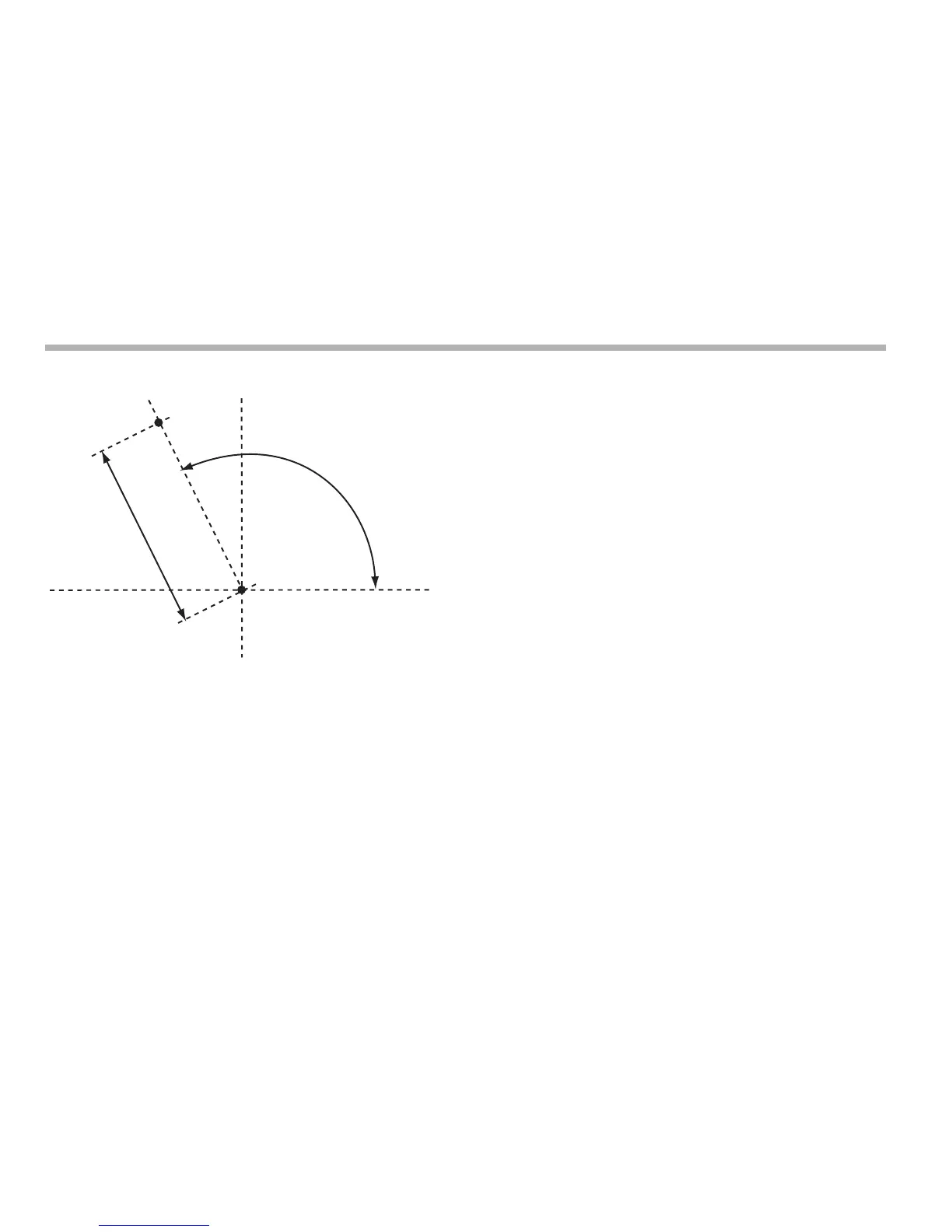
Using the Polar coordinates function
1. Press [F1] or [F2] to turn the function on.
The axis label displays for two of the axes show ‘P’ and ‘a’.
2. Press the left or right navigation key to cycle through the
three Plane settings ‘X’,‘Y’, ‘X’,‘z’ or ‘Y’,‘z’.
3. Press [ent] to accept the setting.
The axis that is not involved in the Polar Coordinates function
displays as normal.



 To Next Page