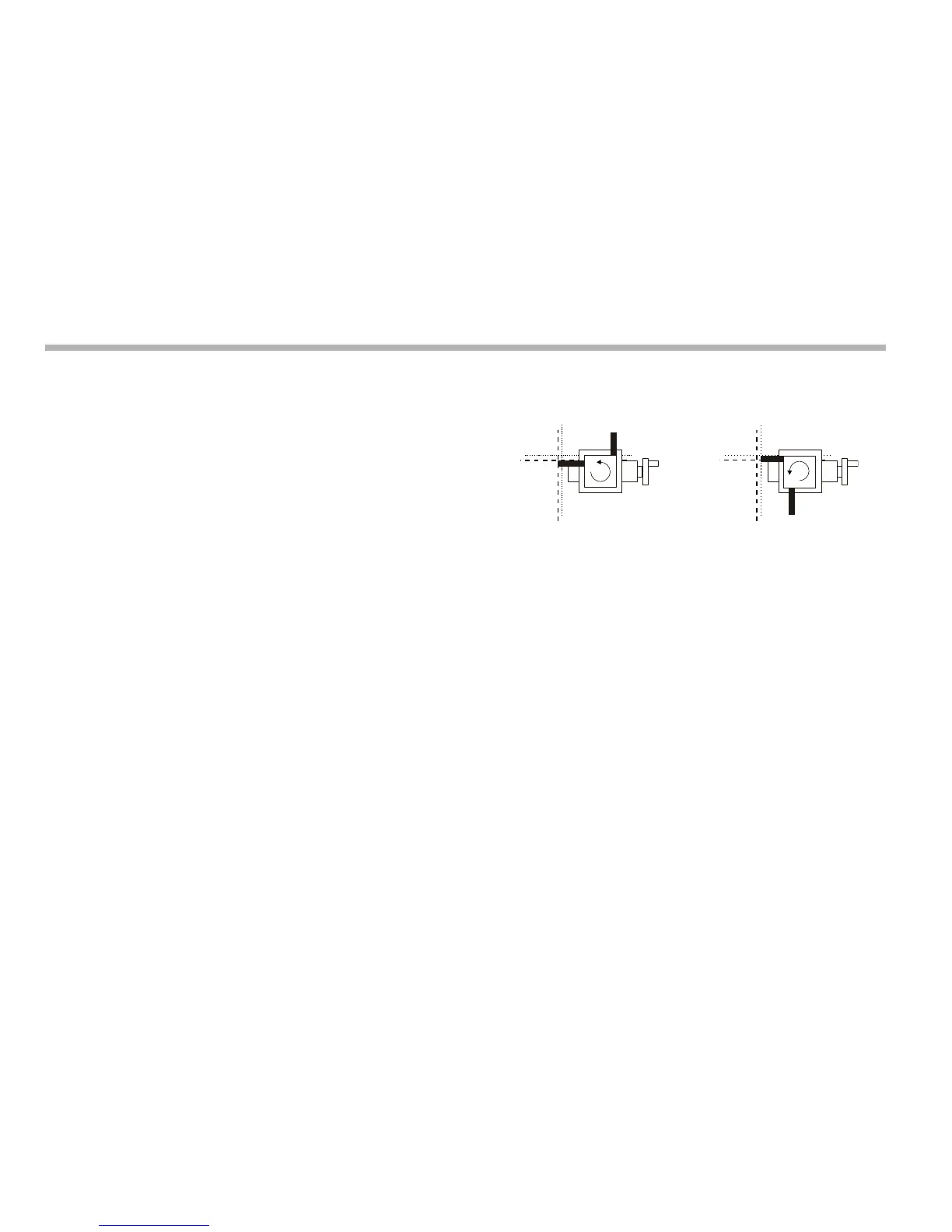
Lathe functions
9-2
N
Using the taper function
1. Touch the tool to one end of the taper.
2. Press the Select Keys next to the ‘X’ and ‘z’, to set the
datum.
3. Press [F1] or [F2] to turn the function on.
4. Touch the tool to one end of the taper.
The axis display marked ‘a’ shows the taper angle.
5. Press [F1] or [F2] to turn the function off.
Tool offsets
With this function you can program the C80 with Tool Offsets
for as many as 99 different tools, to save having to reset the
datum every time you change tools.
You should set the C80 to Incremental Mode before using Tool
Offsets. By doing this, you can return the machine to its
absolute datum, by switching back to Absolute Mode.
This function is designed primarily for use in Lathe Mode, but
you can also use it in Generic Mode.
You can only set offsets for the first two axes, which on a lathe
are the X and Z axes. In the examples opposite, the X axis is set
to the diameter of the part, and the Z axis is zeroed at the face.
The Tool 1 Offset is special, because it is tied to the Machine
Datum, as explained below.
Tool set mode
You press [F2] to access this mode, and use it to set the offsets
for each tool.
To turn off Tool Set Mode, press [F2].
Setting the Tool 1 Offset in this mode affects the Machine
Datum. Similarly, a change to the Machine Datum changes the
Tool 1 Offset. We therefore recommend that you set the C80 to
Incremental Mode before using this function.
Setting each tool offset in this mode is independent of all the
others, so a change to the Machine Datum or to the Tool 1
Offset does not affect the other tool offsets.



 To Next Page