Lathe functions
9-1
N
Lathe functions
This chapter describes the special functions available in Lathe
mode.
Lathe functions are available when you have configured the C80
for either Lathe or Generic operation.
The conventional way to set up a lathe is:
X Axis – cross travel
Z Axis – longitudinal travel
Z’ Axis – compound travel.
If you set the Machine Type to Generic, then the axes are
labelled:
Axis 1 – X
Axis 2 – Y
Axis 3 – Z
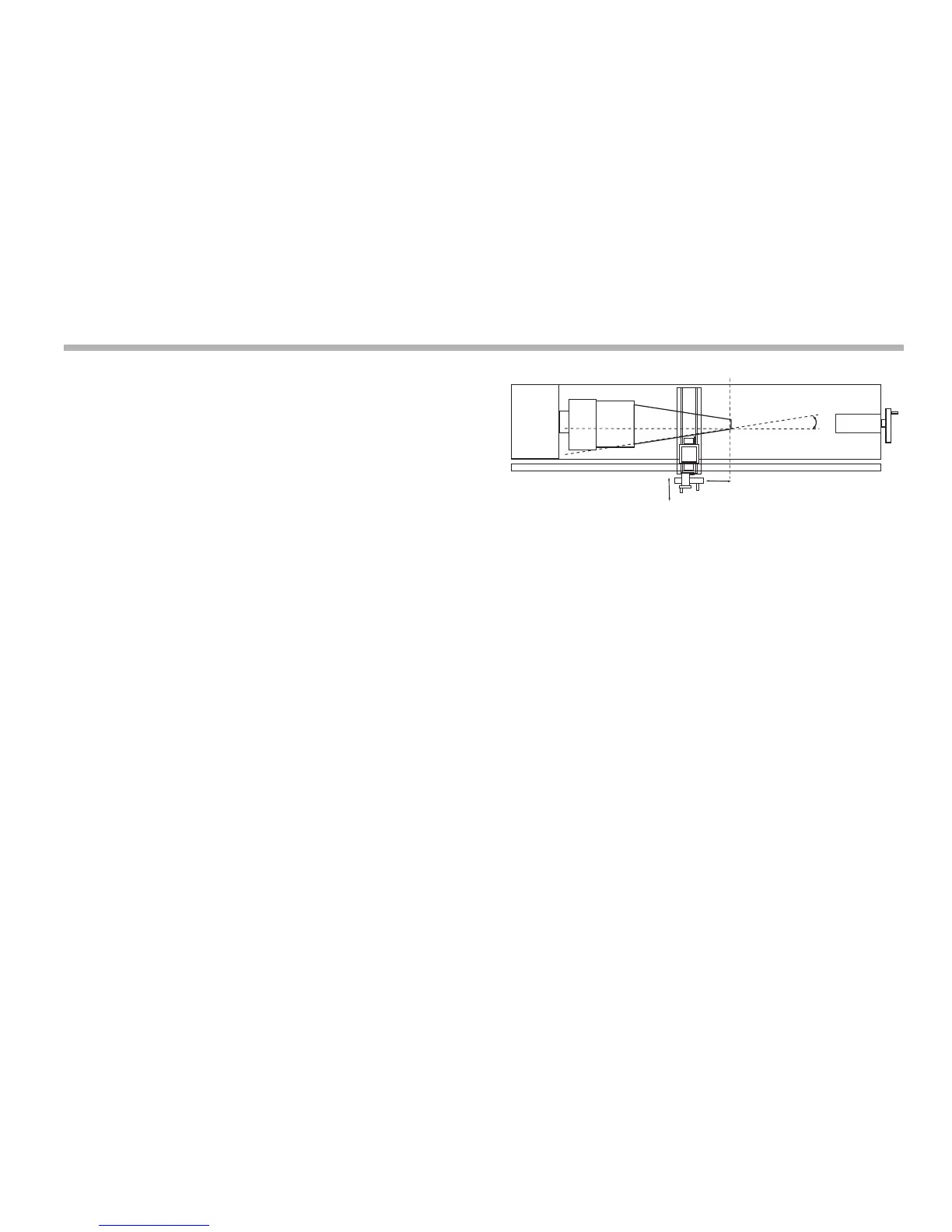
Taper
You use this function to turn or measure a turned, tapered part.
One of the axes displays the Taper angle. This is the angle
between the present machine position and the datum, in the X,Z
plane.
We recommend that you use this function in Incremental Mode,
as it involves changing the datum.
The axes that do not show the Taper angle display as normal.
Setting the parameters
You select which axis is to display the Taper angle in Setup
Mode.
To enter Setup Mode:
1. Leave any Special Function that is running.
2. Press [set up].
The centre display shows ‘set Up’.
3. Press the up or down navigation key to choose ‘taper’.
4. Press the Select Key next to the ‘X’, ‘Y’ or ‘z’ to choose
which axis shows ‘taper On’.
5. Press the up or down navigation key to choose ‘store’.
6. Press [ent] to store the change.



 To Next Page