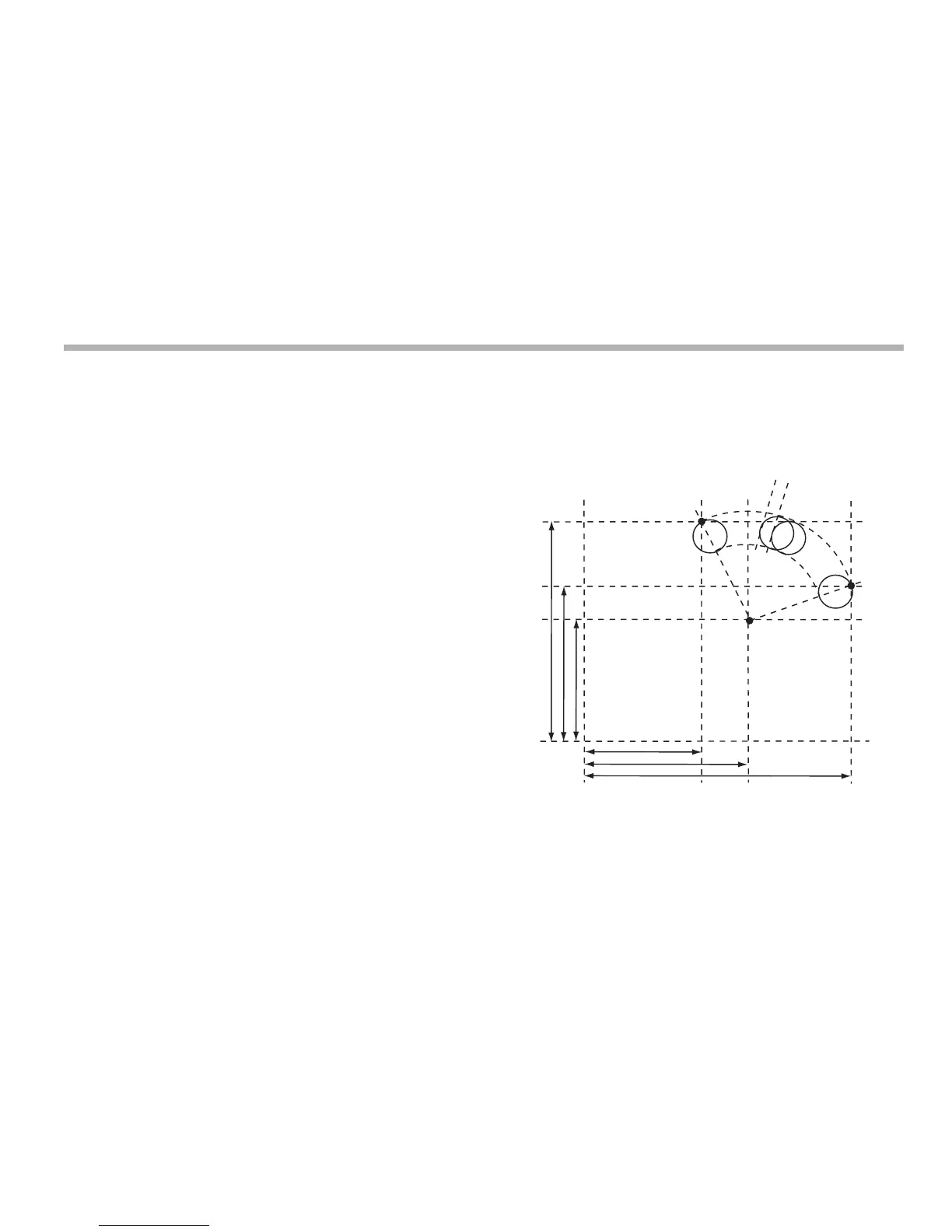
Arc contouring
8-3
N
Once you have pressed [ent] to complete an entry, you can
press the navigation keys to move backwards and forwards one
step at a time.
To turn the function off, finish making any entry, then press the
function key again.
The axis that is not involved in the Bolt Hole Circle function
reads as normal.
Arc contouring
You cannot use arc contouring and bolt hole circle functions at
the same time.
This function calculates the locations of the points along the line
of the arc, given the following parameters:
The maximum number of points is 100 and the angle must be
less than 180 degrees.
1. Plane (X,Y; X,Z or Y,Z)
2. Arc Centre location
3. Arc Radius
4. Starting Point
5. Ending Point
6. Tool Diameter
7. Internal or External Cut (machined to the inside or the
outside of the arc)
8. Maximum Cut (the smaller the cut, the more points
calculated)
Example



 To Next Page