Jobs
10-3
N
After a short time delay, all the following Sub-Datum numbers
are incremented by one, and the display shows the current
machine position.
4. Set the new Sub-Datum as described in Setting a sub-
datum on page 10-2.
Deleting a sub-datum
1. Go to the Sub-Datum that you want to delete.
2. Press [del].
The display shows ‘del sub’.
3. Press the Select Key next to the ‘s’.
Pressing any other key cancels the operation.
After a short time delay all the following Sub-Datum numbers
are decremented by one, and the display shows the next Sub
Datum.
Jobs
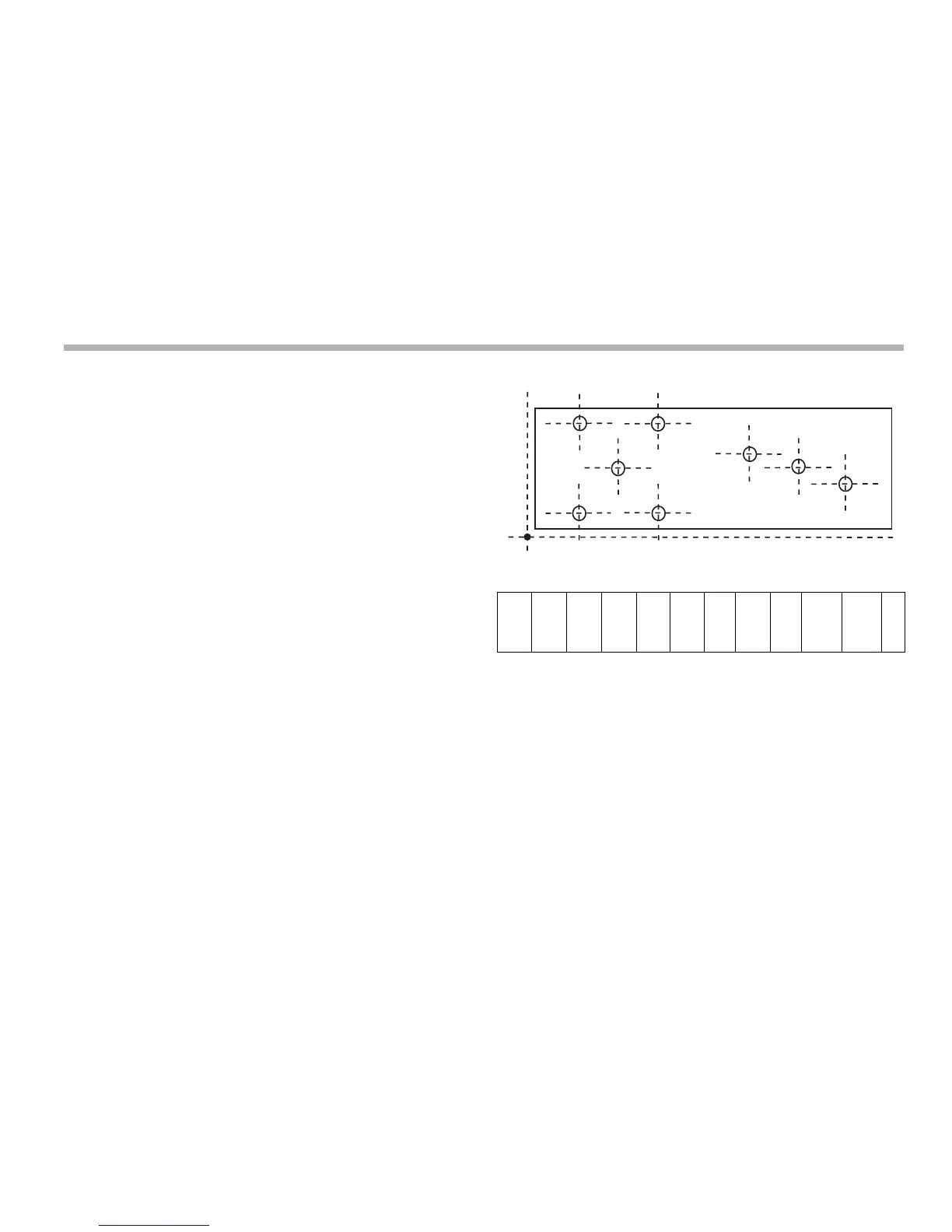
You use this function to divide the stored Sub-Datums into
groups so that you can identify a number of individual Jobs.
When you insert Job markers all the following Sub-Datum
numbers are incremented to account for the presence of the
markers in memory. This is because of the way in which the
Sub-Datum Memory is used.
Example
Inserting a job marker
1. Go to the point where you want to insert the new Job
marker.
2. Press [ins].
The display shows:
‘ins sub’
‘ins job’.
3. Press the Select Key next to the ‘j’.
Pressing any other key cancels the operation.
Start
Job
1
SD2 SD3 SD4 SD5 SD6 End
Job
Start
Job
2
SD9 SD10 SD11 ...



 To Next Page