Troubleshooting
11-1
N
Troubleshooting
This chapter describes some of the errors that might occur, and ways that you might be able to solve them.
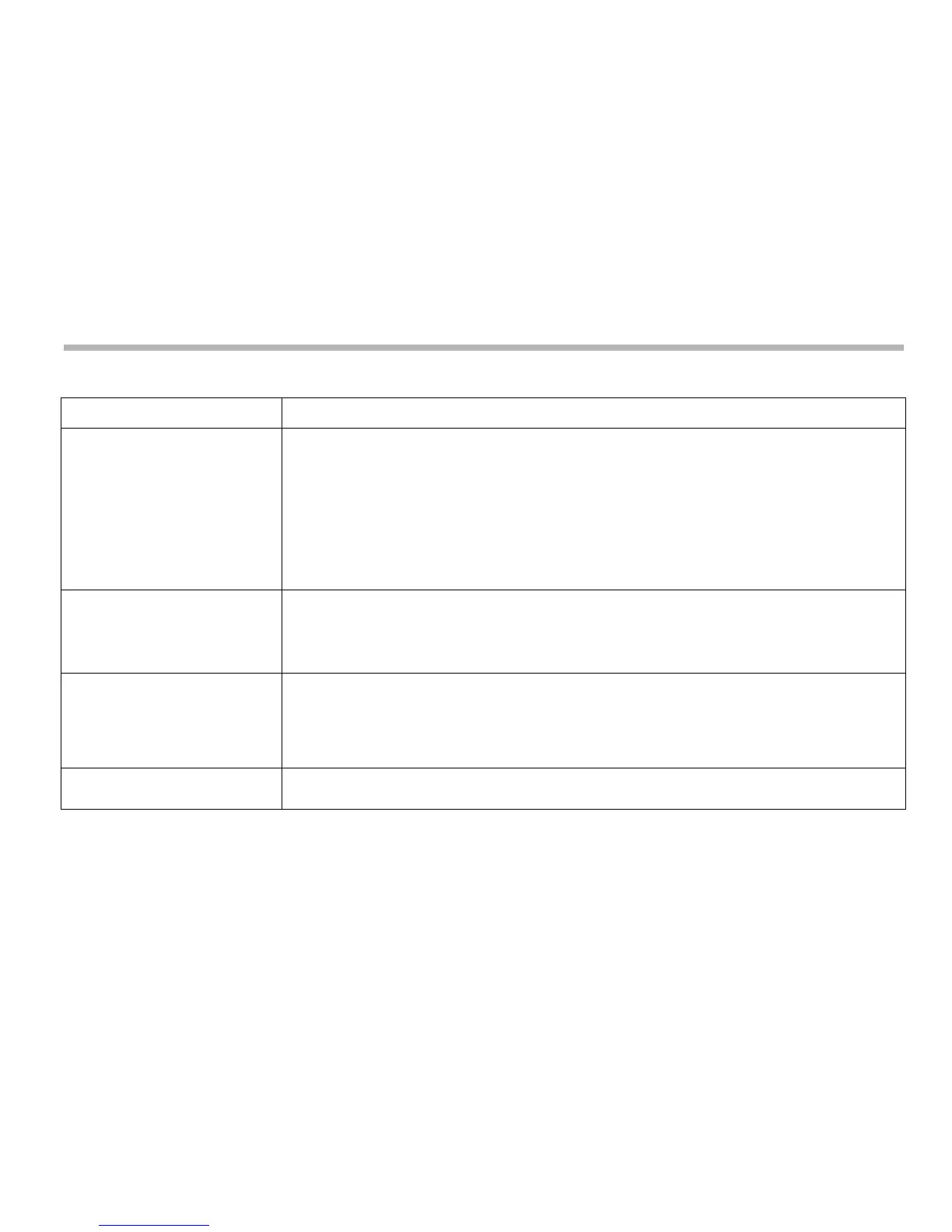
Symptom Solution
The display is blank. • The C80 may be in Sleep Mode. Press the Sleep Mode key.
• Check that the power supply is correctly connected to a working mains outlet.
• Check that the power supply cables are not damaged.
• Check that the power supply voltage is 15Vdc ±10%.
• Disconnect all encoder cables. A defective encoder can prevent the C80 from working.
• Check the power supply indicator on the rear of the C80 display to ensure that it is
illuminated.
The display works, but resets
from time to time without any
keys being pressed.
Either the supply voltage is too low, or the power supply or mains supply has an intermittent
fault.
• Check that the power supply voltage is 15Vdc ±10%.
• Check that all the connections are secure.
The display works, but gives
erratic readings, the last digit
jitters or the measurements
jump to new figures
unexpectedly.
There may be a poor earth (ground) connection. Both the C80, and the machine on which it is
installed, must have proper earth (ground) connections (see Cable connections on page 2-1).
There may be a problem with the encoder.
The unit does not respond to
any key presses.
Disconnect the C80 from its power supply, wait 15 seconds and then reconnect.



 To Next Page