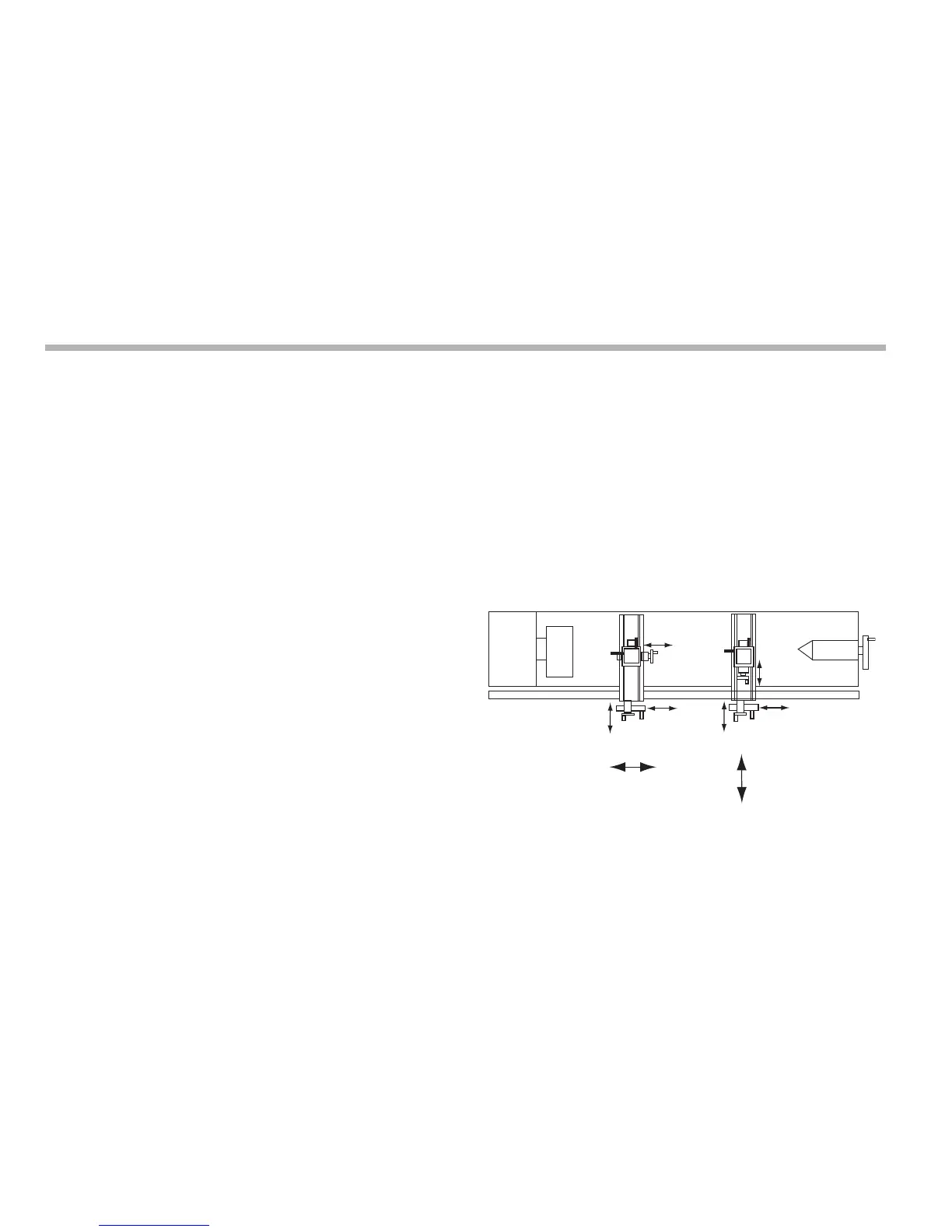
Lathe functions
9-4
N
Using the tool offsets
1. Press [F2
+
] to turn on the Tool Usage Mode.
2. Press the left or right navigation key to select the tool.
The function display shows the tool number ‘01’, ‘02’ etc.,
to ‘99’.
3. Press [F2
+
] to turn off the Tool Usage Mode.
Editing tool offsets for worn or replacement
tools
1. Press [F2
+
] to turn on the Tool Usage Mode.
2. Press the left or right navigation key to select a known good
tool.
3. Set the axis datum as described in steps 3 to 7 for Setting
the tool offsets on page 9-3.
All the offsets are now aligned with the correct Machine
Datum.
4. Press [F2
+
] to turn off the Tool Usage Mode.
5. Press [F2] to turn on the Tool Set Mode.
6. Set the offsets for each tool as described in steps 10 to 17
for Setting the tool offsets on page 9-3.
7. Press [F2] to turn off the Tool Set Mode.
If you make a mistake while entering a number, you can press
[ce] to clear the entry one character at a time.
To turn the function off, finish making any entry, then press the
function key again.
Summing
You use this function to add the movement of the Z’ axis to the
movement of either the X axis or the Z axis.
The Summing function is useful when the compound is set to
align with either of those two axes. If the compound is set at an
angle, see Vectoring on page 9-5.



 To Next Page