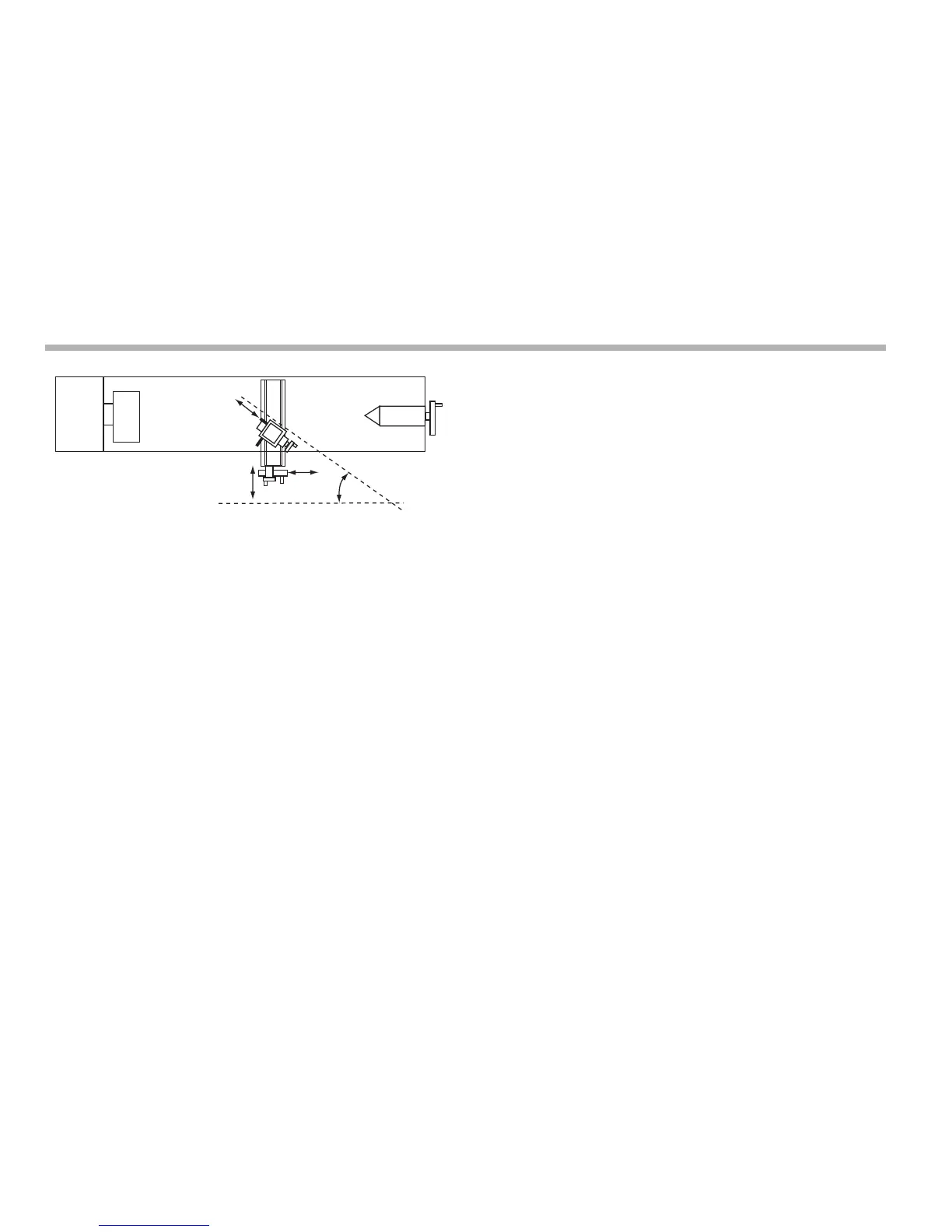
Lathe functions
9-6
N
Using the vectoring function
1. Press [F1] or [F2] to turn the function on.
The ‘X’ display shows Angle, and the centre display shows
the Vectoring Angle.
2. Enter a new value if required.
For example: Press [3] [5] [ent] to enter a vectoring angle of
35 degrees.
The X display shows the combined X axis movement.
The Z display shows the combined Z axis movement.
The Z’ display shows the Z’ axis as normal.
Press [F1] or [F2] to turn the function off.
You can zero or preset any of the axes in the usual way. The
Vectoring displays alter to take account of the new value.
If you make a mistake while entering a number, you can press
[ce] to clear the entry one character at a time.
To turn the function off, finish making any entry, then press the
function key again.



 To Next Page