R3.1_v1.2
6/76
Modem Web Interface
User Manual MDM3X00
4 Modem Web Interface
4.1 Connecting the Modem to Your Computer
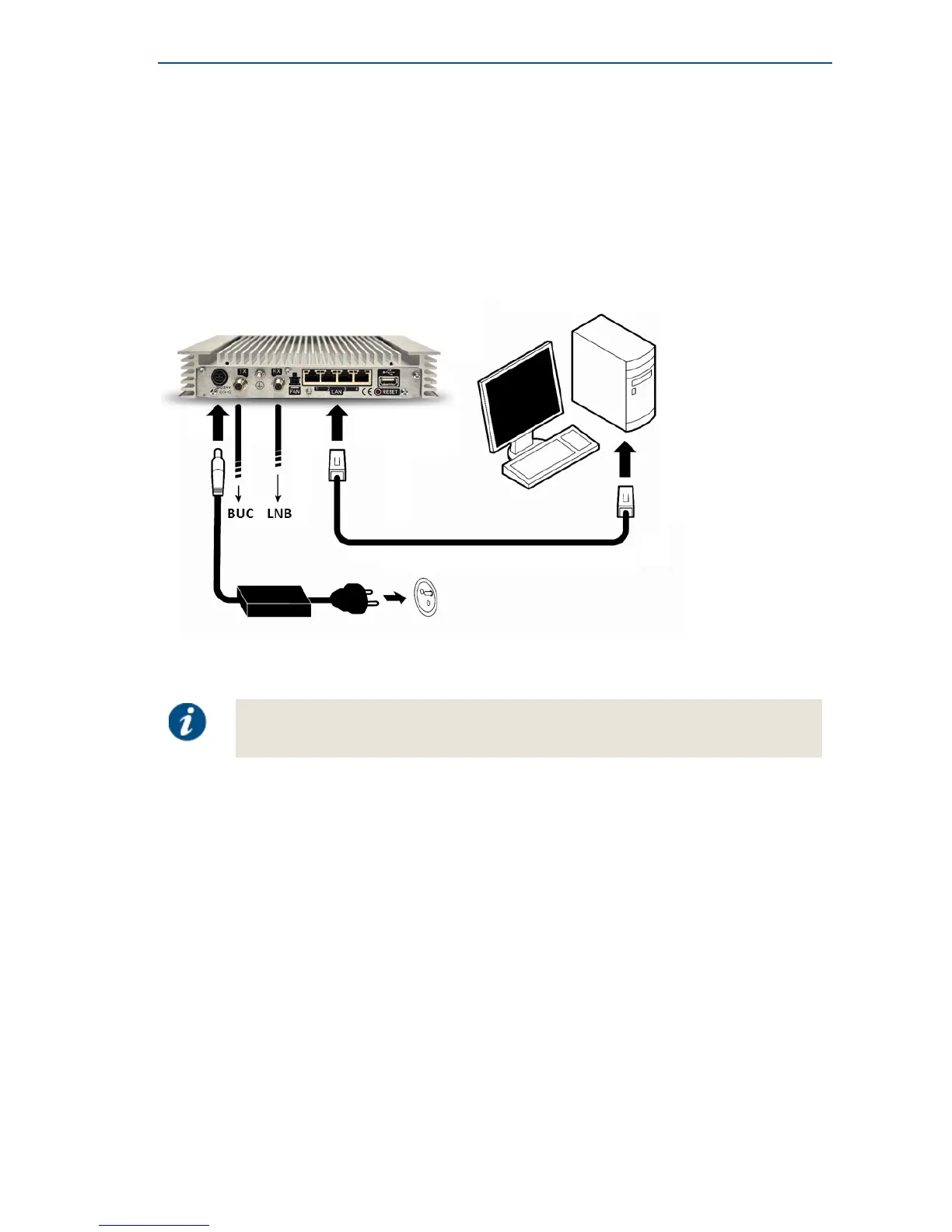
• Plug the network cable in the modem's and your computer's Ethernet ports.
• Connect the power adapter provided in the box gently to the modem and a wall outlet.
The result should resemble like the figure below:
Check if your computer is set to DHCP.
This way the computer can receive an IP address from the modem.
To check and/or change your IP settings, please refer to the help pages of the
Operating System on your computer.



 To Next Page