R3.1_v1.2
22/76
Modem Web Interface
User Manual MDM3X00
4.6.4.2 Automatic Pointing
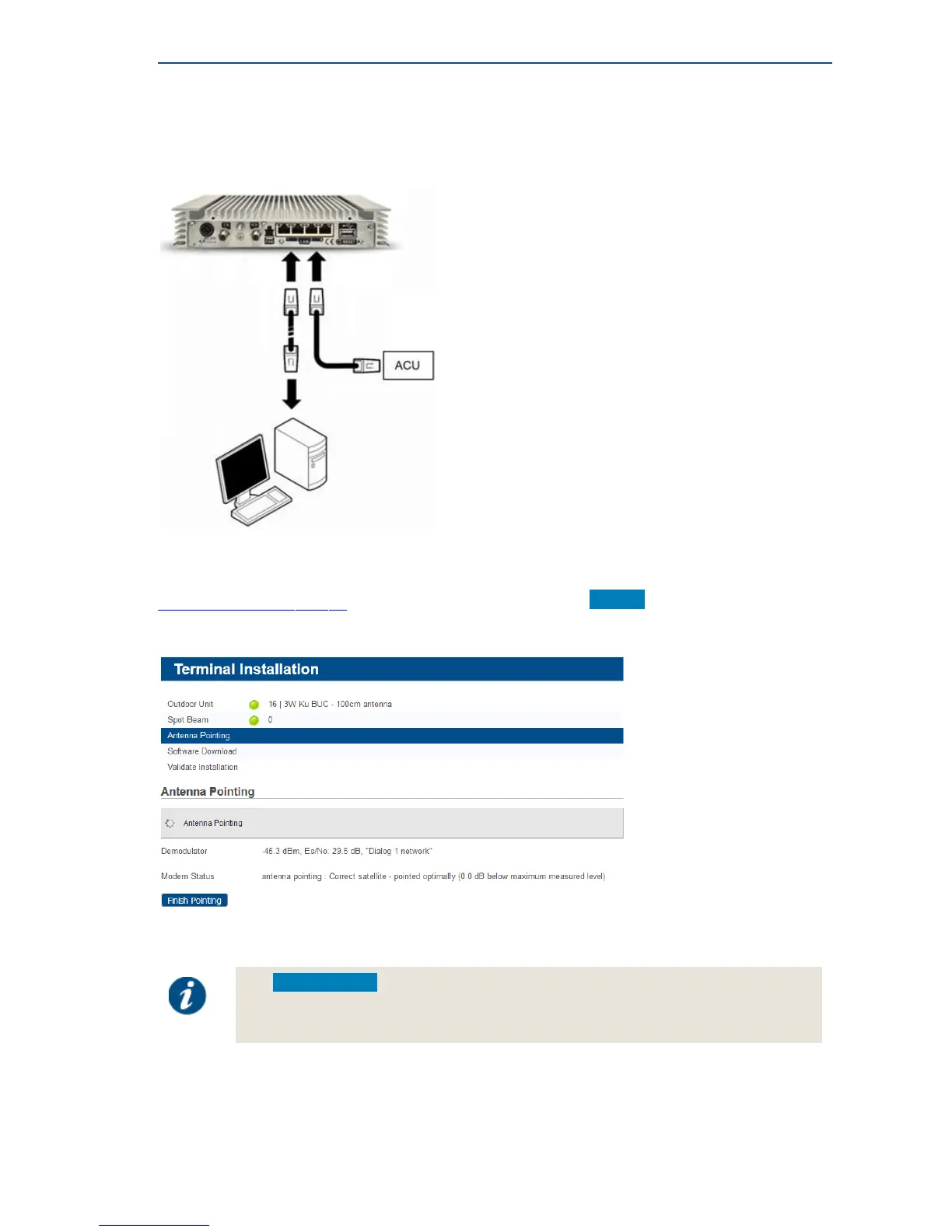
This pointing method uses an Antenna Control Unit (ACU) which is connected to the modem via
Ethernet.
Antenna pointing information is then exchanged using OpenAMIP (Open Antenna to Modem
Interface Protocol).
Automatic pointing is enabled via the Antenna Controlling submenu. Please refer to
AntennaControllingonpage37 for more details. It is advised to click Restart after enabling automatic
pointing.
Pointing starts automatically if the communication between modem and ACU is ok.
Pointing is finished automatically after the ACU has signaled to the modem that it has found the
correct satellite.
Use Finish Pointing if the automatic pointing fails and if you want to interrupt the
automatic pointing procedure. This allows to verify the automatic pointing settings or
to troubleshoot the issue.



 To Next Page