R3.1_v1.2
64/76
Expert Mode
User Manual MDM3X00
5.2.1 Configuration
5.2.1.1 Edit the Satellite Interface Configuration
Editing the satellite interface configuration can be disabled by your Network Operator in normal
mode.
In Expert mode, editing is always possible.
Please refer to section EdittheSatelliteInterfaceConfigurationonpage35
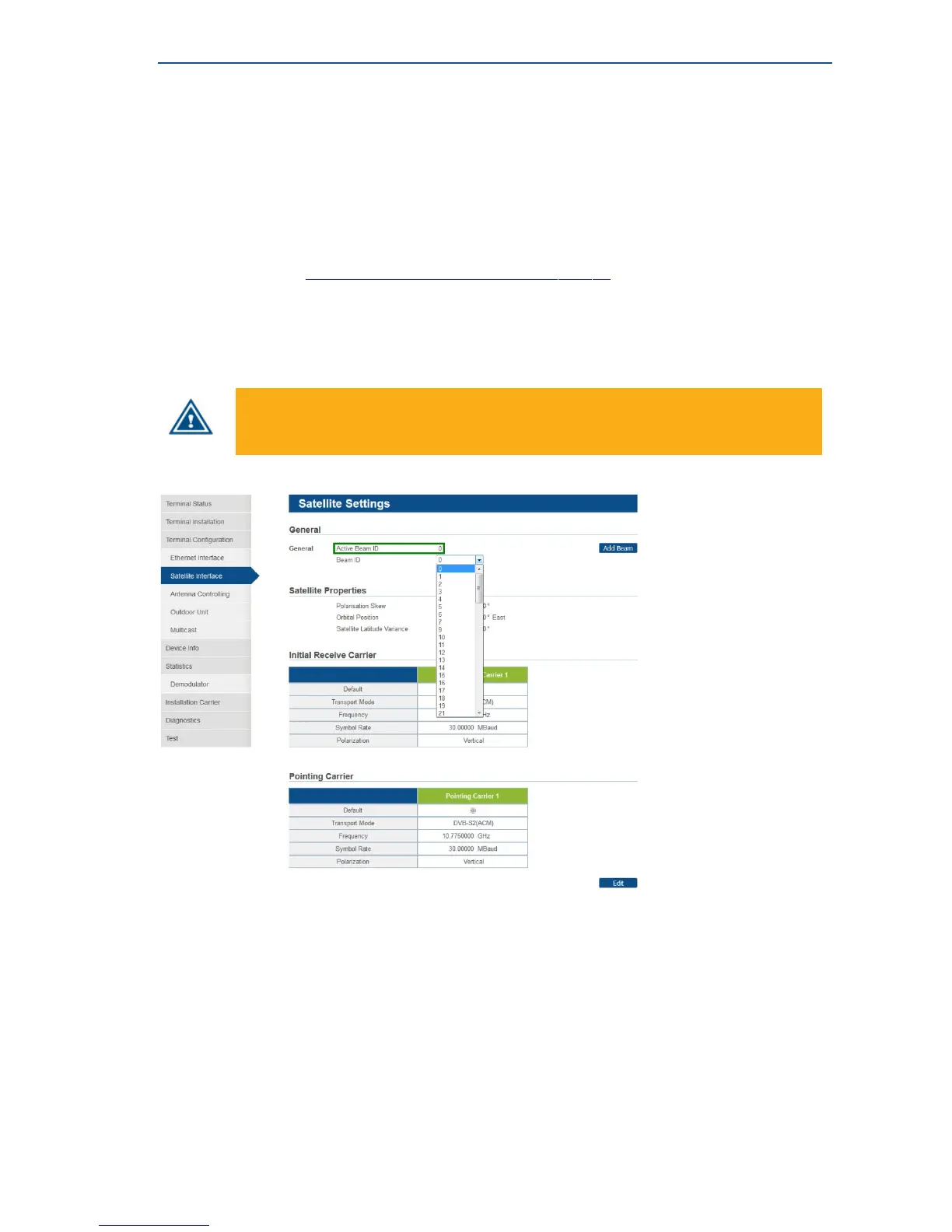
5.2.1.2 Satellite Configuration - Select a Beam
If multiple beam identifiers are preconfigured or signaled to the terminal, you can use this feature to
check or edit another beam identifier than the currently used one.
Make sure your terminal is in the coverage area of the selected beam.
» The currently selected beam identifier, this is the active beam, is indicated at the top of the page.
» Select another beam identifier from the dropdown list. As a result, the settings of the selected
beam are displayed (the active beam remains the same).



 To Next Page