R3.1_v1.2
53/76
Modem Web Interface
User Manual MDM3X00
4.9 Diagnostics
4.9.1 Diagnostic Report
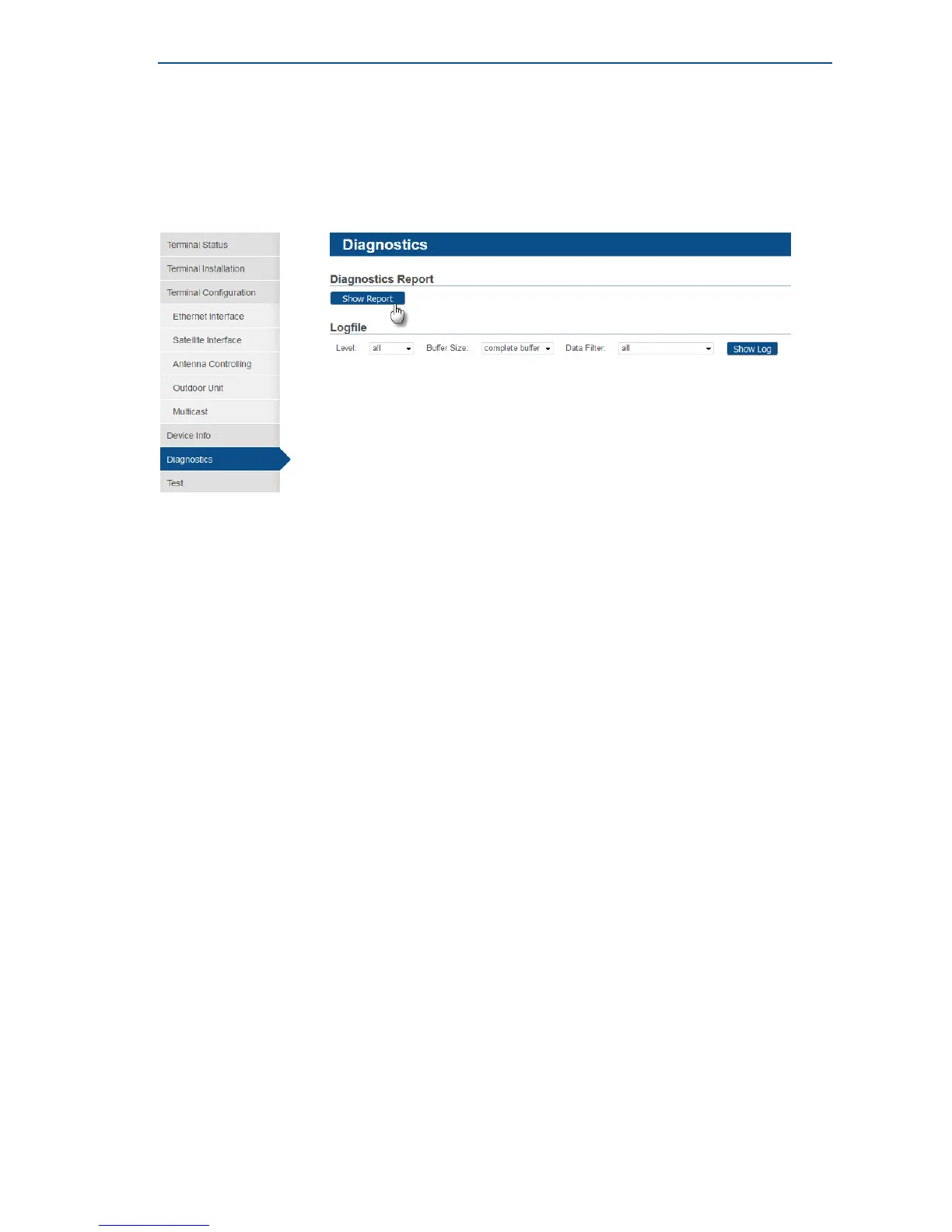
A Diagnostic Report can be created by simply clicking the Show Report button.
The Diagnostic Report consists of the elements described in following sections:
The Short Diagnostic Report
The short Diagnostic Report exists out of following information:
• Terminal Identification
• Terminal Status
• Terminal Configuration
The Extended Terminal Diagnostic Report
The Extended Terminal Diagnostic Report has the following structure:
• Terminal Firmware + FPGA version
• Terminal general status report
• Internal modem driver states
• Layer 2 counters of modem driver
• Terminal initial configuration
• Terminal operational configuration
• Running processes
• Ethernet link status
• Memory usage info
• Network configuration
– IP interface Addresses
– Multicast Addresses
– Ethernet ARP Cache
– Policy-Based Routing
– Network Link
– IP routing
– IP tables
– IP-6 tables
– ARP Tables
• Tellitec-client configuration
• DHCP leases
• Terminal Log File



 To Next Page