R3.1_v1.2
26/76
Modem Web Interface
User Manual MDM3X00
4.6.6.2 Entering your Location
The validation of your installation is based on the geographical location of your terminal.
There are 2 options to enter this information:
• Option 1: enter your address.
• Option 2: enter your location's latitude and longitude.
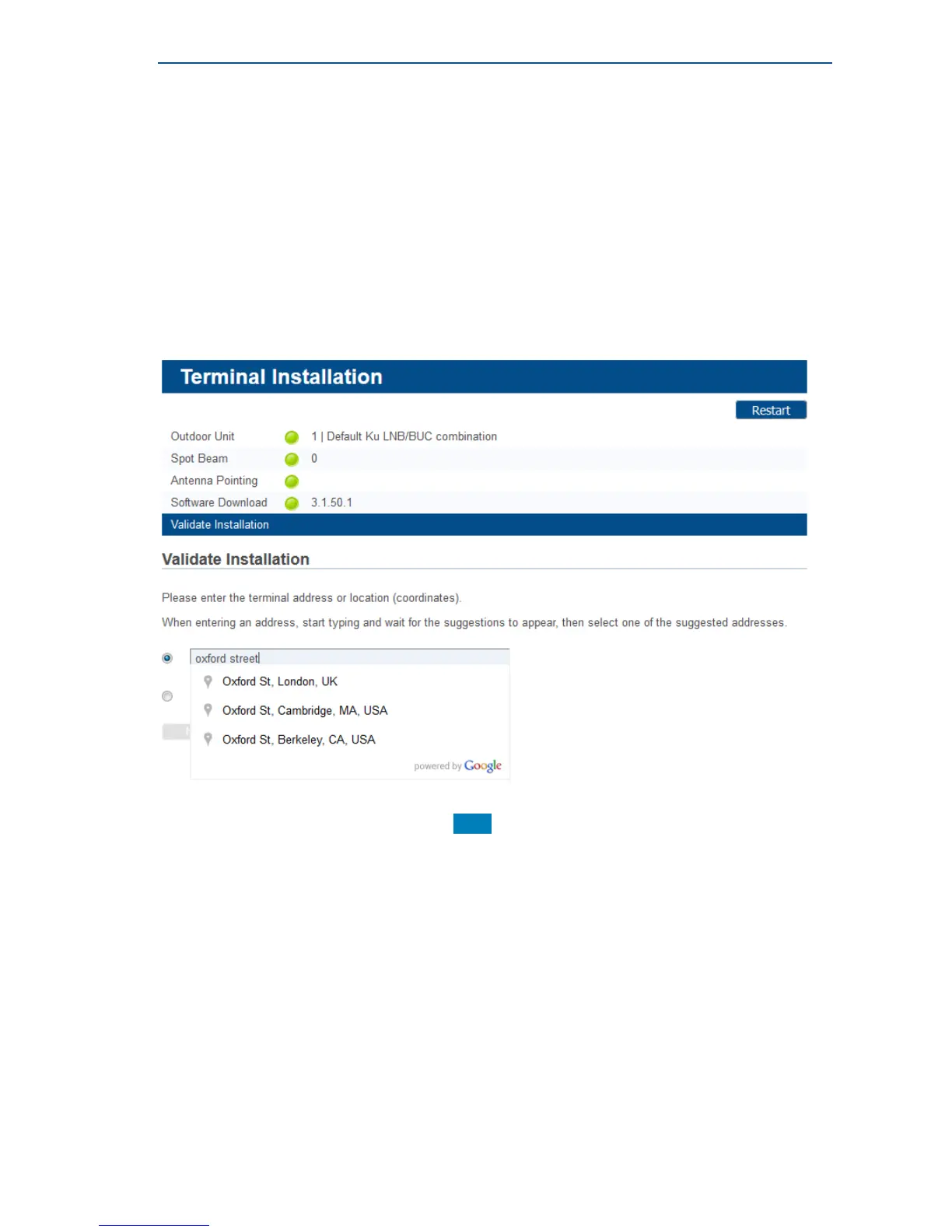
Option 1: Enter your Address
» Enter the address where the terminal is located. At a minimum, your city and country are
required.
» A list of one or more matching locations is displayed.
Select your address from the list and click Next to view your location on a map.
If your address is not listed or no results are displayed, refer to the Troubleshooting Guide
available on the CD-ROM provided with your modem.



 To Next Page