R3.1_v1.2
73/76
Expert Mode
User Manual MDM3X00
5.2.3.2 Installation Carrier Control
Parameter Description
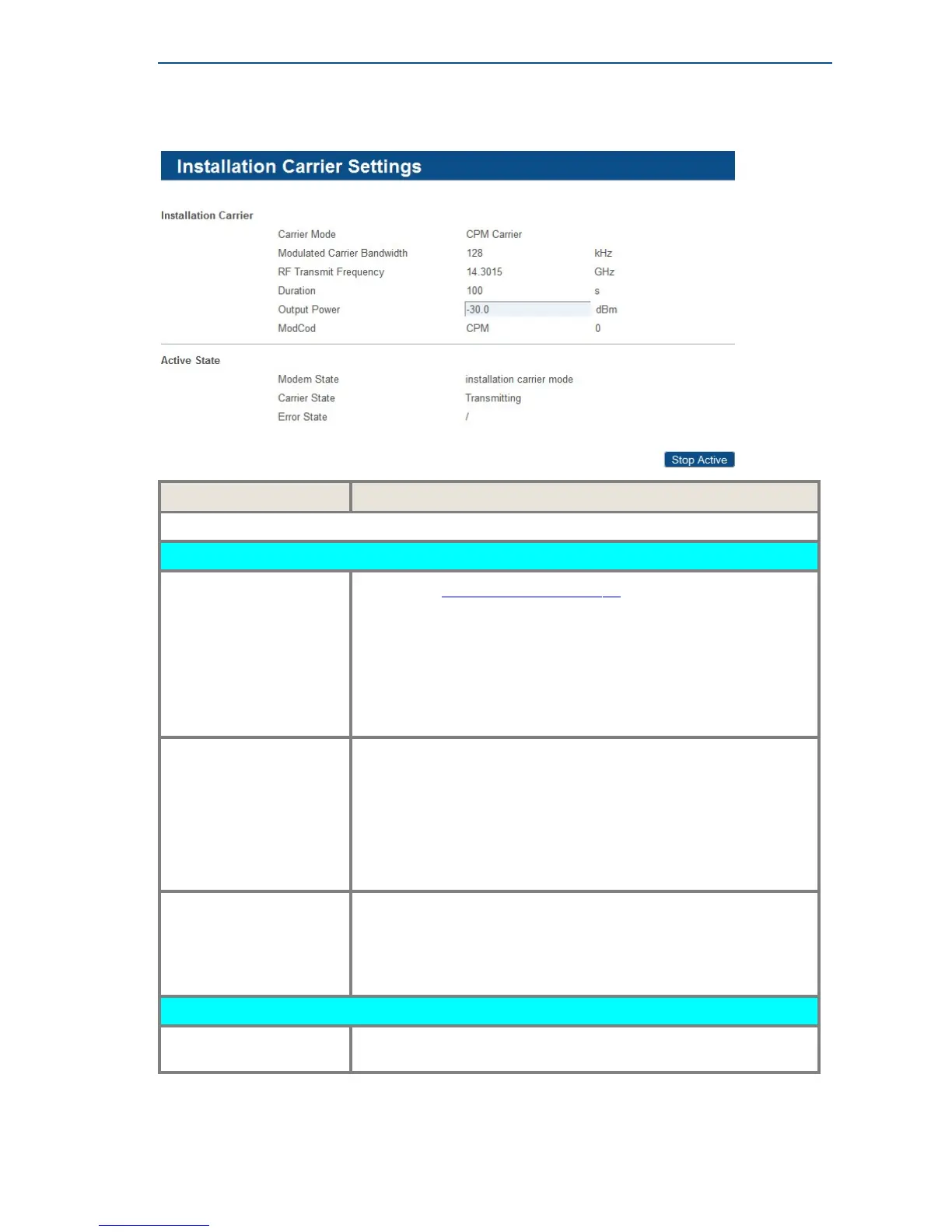
Installation Carrier Settings: Confirmation of values entered in previous screen.
Active State
Modem State See section SatelliteOverviewonpage13 for more details on the
modem state.
The test is only possible in case the modem state is:
• Synchronized
• Network Login
• Operational
Installation Carrier Status This indicates the status of the test:
• Transmitting.
• Transmit Possible, Not Active.
• Transmit Not Possible, Not In Correct State; this means the
Modem State does not allow to start the test
(See Modem State above).
Error state
• If the test is not possible due to an incorrect modem state, the
corresponding modem error state will be displayed.
• If the test is started while transmit is not possible, or the test fails
for another reason, the message “Error 999 - Installation carrier
setup failed” will be displayed.
Control Buttons
Stop Active Click this button to stop the test manually. This will stop the test
before the end of the configured test time duration.



 To Next Page