Copyright © 2012 NEXCOM International Co., Ltd. All rights reserved
39
Chapter 3: System Setup
NEX 605 User Manual
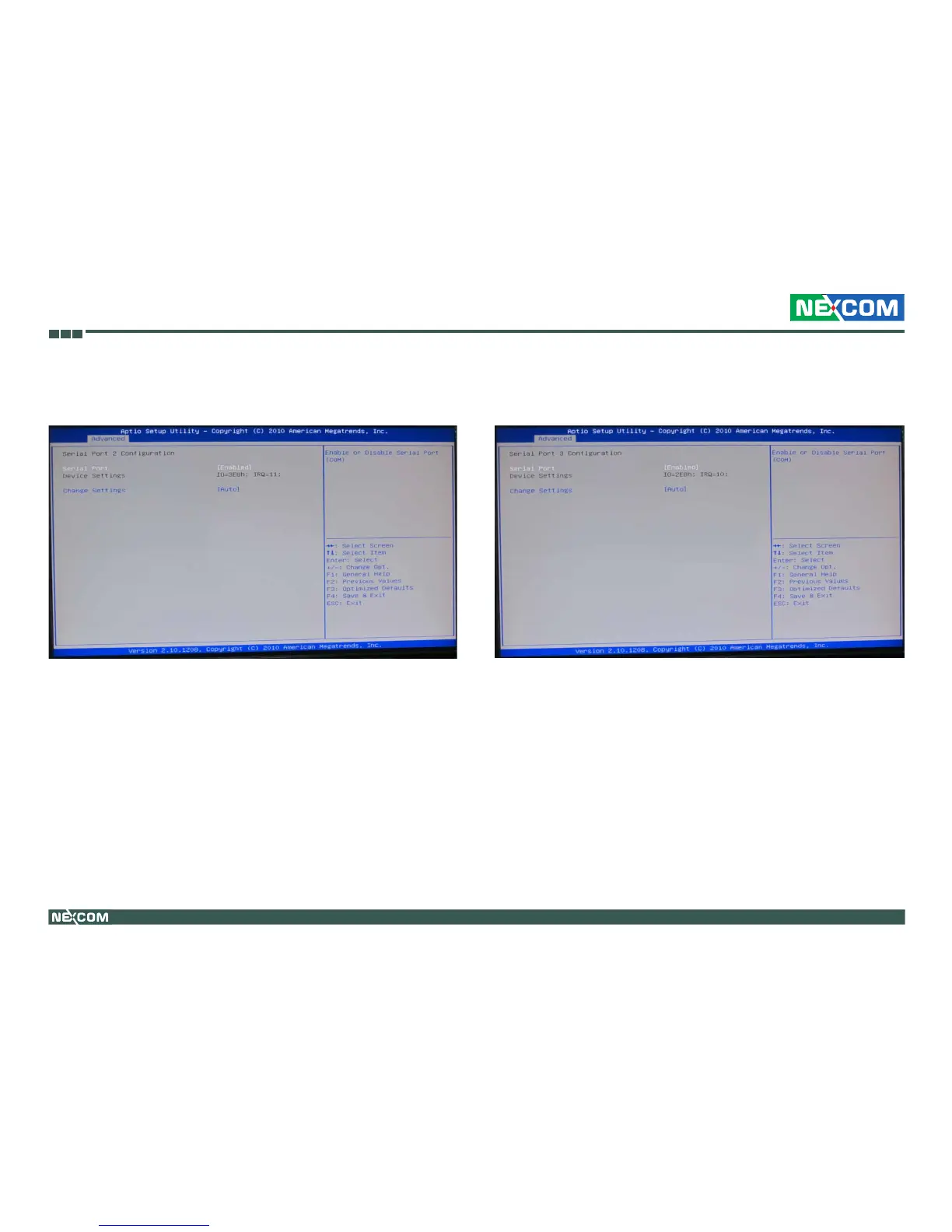
Serial Port 2 Conguration
This section is used to configure serial port 2.
Serial Port
Enables or disables the serial port.
Change Settings
Selects an optimal setting for the Super IO device.
Serial Port 3 Conguration
This section is used to configure serial port 3.
Serial Port
Enables or disables the serial port.
Change Settings
Selects an optimal setting for the Super IO device.


 To Next Page