Copyright © 2012 NEXCOM International Co., Ltd. All rights reserved
40
Chapter 3: System Setup
NEX 605 User Manual
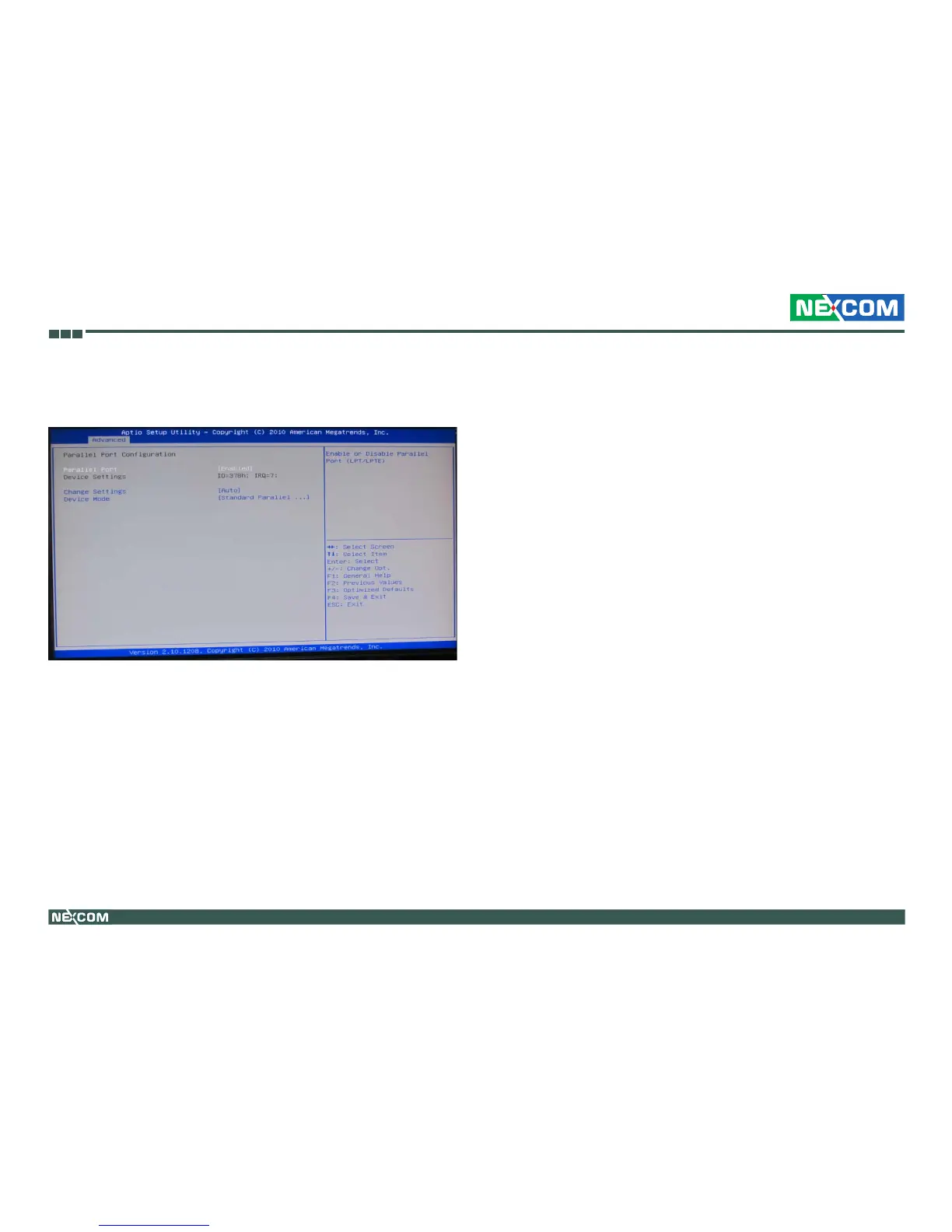
Parallel Port Conguration
This section is used to configure the parallel port.
Parallel Port
Enables or disables parallel port (LPT/LPTE).
Change Settings
Selects an optimal setting for the Super IO device.
Device Mode
Configures the device mode. The options are Standard Parallel Port Mode,
EPP Mode, ECP Mode, EPP Mode & ECP Mode.


 To Next Page