10.1 MENU FUNCTION
10.2 MENU: BLACKOUT
GB
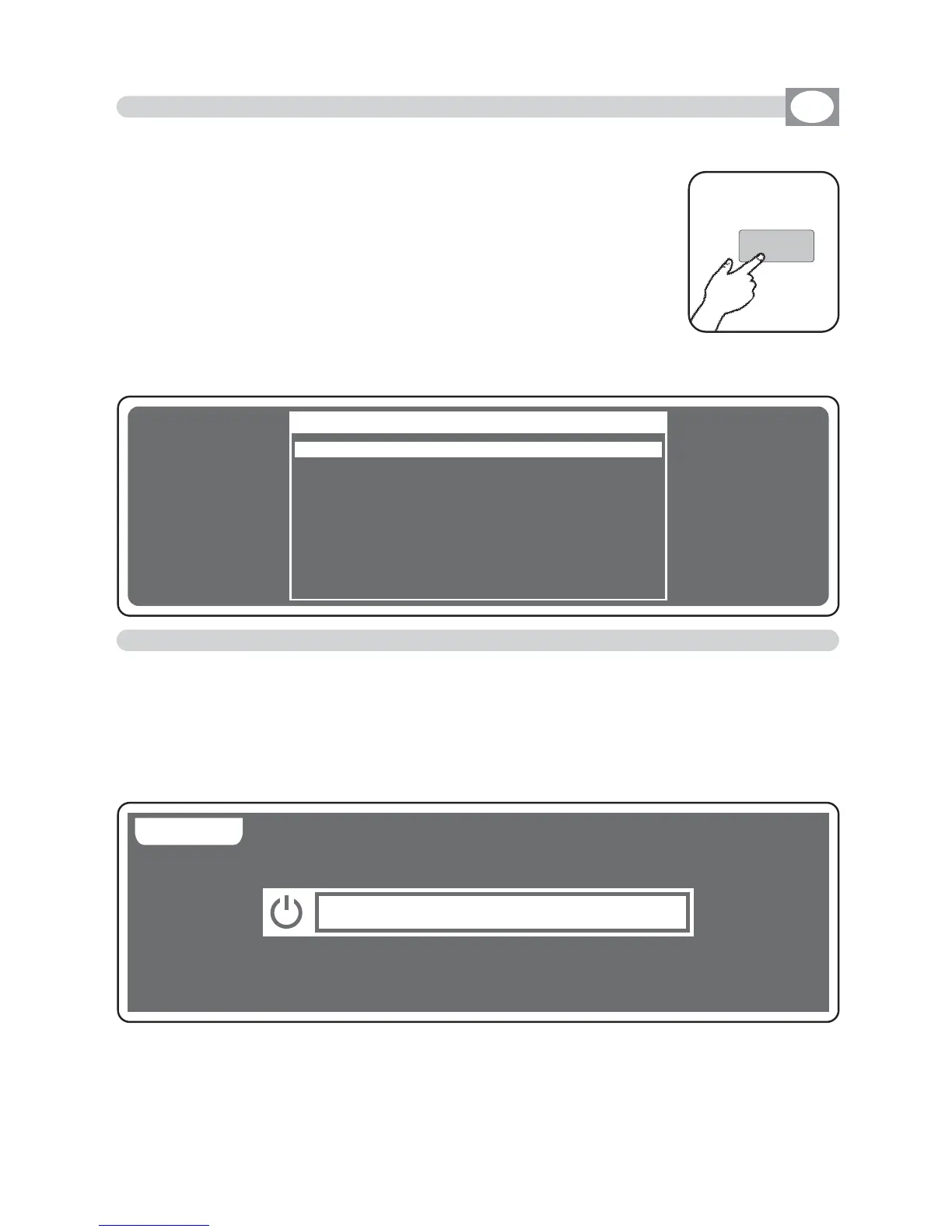
Press
Menu
key to activate
MENU
function.
(Fig. 45)
The display changes as shown in
(Fig. 46)
As soon as this function is activated, the display shows the
first function available..
Through the encoder it is possible select the
MENU
functions available.
To activate the selected function press the same (OK) key.
THIS FUNCTION ACTIVATES SOME SPECIAL FUNCTIONS FOR THE CONTROL OF THE
UNIT AND THE SETTING OF THE CONTROLLER.
Fig. 45
MAIN MENU
BBLLAACCKKOOUUTT
LLAAMMPP OONN -- OOFFFF
RREESSEETT UUNNIITTSS
FFAADDEERRSS FFUUNNCCTTIIOONN
EEDDIITT DDMMXX PPAATTCCHH
SSYYSSTTEEMM SSEETTTTIINNGGSS
OK
Menu
Fig. 46
---------------------------------------------------------------------------------------------------------------------
AVAILABLE ONLY AFTER THE ACTIVATION OF THE MENU FUNCTIONS (see par.10.1)
---------------------------------------------------------------------------------------------------------------------
This function allows to black-out all the unit connected.
Press
DONE
or
ESC
key to start again the normal working.
The display changes as shown in
(Fig. 46).
Pressing the KEEP key the Blackout comes kept up to when you call a pro-
gram or a scene.
BB AA CC KK DD OO NN EE
BB LL AA CC KK OO UU TT
!
Fig. 46



 To Next Page