DD OO NN EE
DDMMXX110000 MMAAIINN SSPPDD PPRROOGG SSPPDD **FFRREEEE** **FFRREEEE** **FFRREEEE**
**FFRREEEE** **FFRREEEE** **FFRREEEE** **FFRREEEE** **FFRREEEE** **FFRREEEE**
BB
EEDDIITT UUNNIITT FFUUNNCCTTIIOONN......
10.6
MENU: FADERS FUNCTIONS LIVE
---------------------------------------------------------------------------------------------------------------------
AVAILABLE ONLY AFTER THE ACTIVATION OF THE MENU FUNCTIONS (see par.10.1)
---------------------------------------------------------------------------------------------------------------------
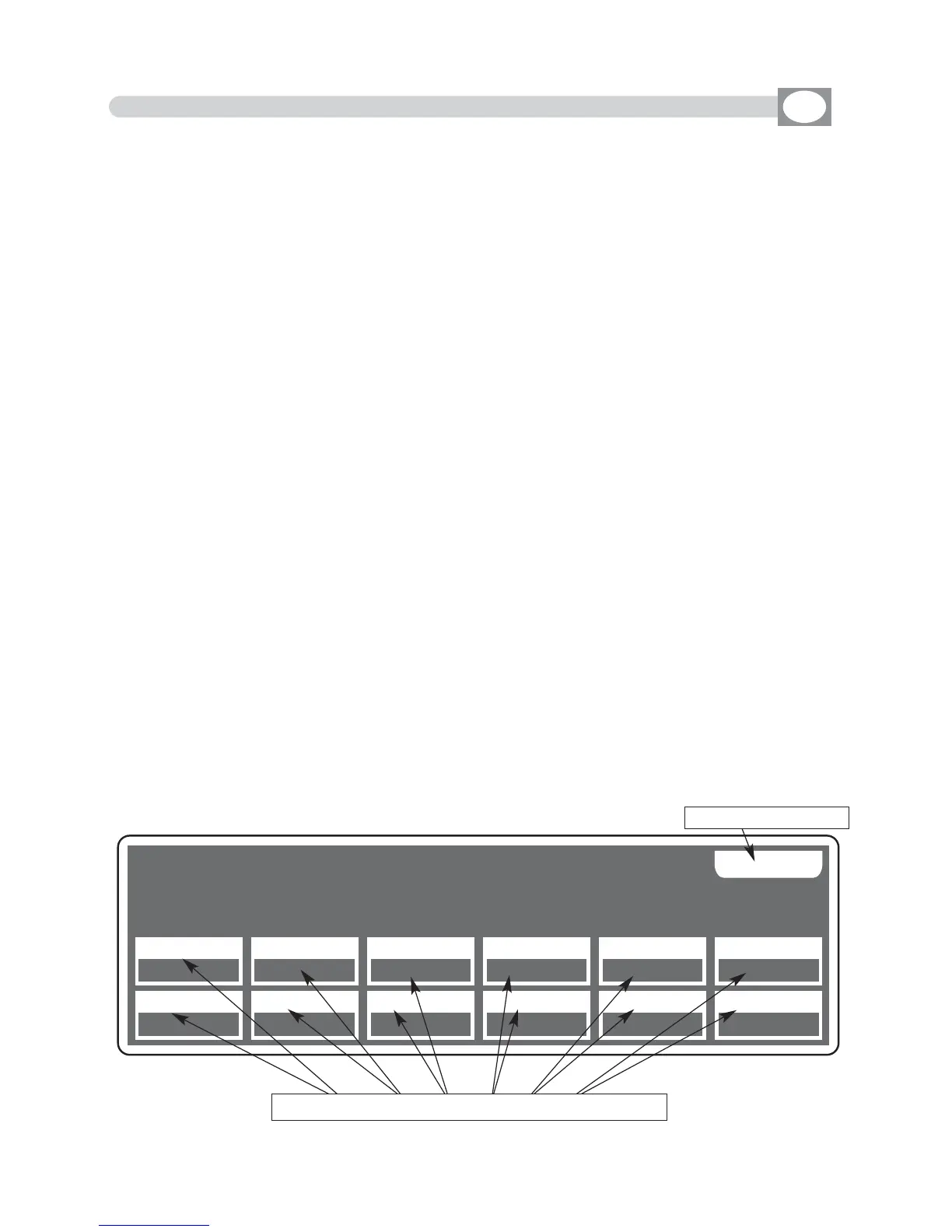
ALLOWS TO ASSIGN DIRECT CONTROL FUNCTIONS AT 12 FADERS.
This function is used to control the performance of programs, chase, effects through
faders or to control a determined DMX channel.
The display changes as shown in
(Fig. 50).
The functions that the operator could assign through the relative keys correspond to:
MAIN SPD :
Performance Speed of the
Show
PROG SPD:
Performance Speed of the
Program
CHAS SPD:
Performance Speed of the
Chase
EFT SPD:
Performance Speed of the
Effect
EFT ZOOM:
Dimension of the
Effect
DMX 001:
Direct control of the channel
FREE:
No function associate
If the function is of
DMX
type, through the faders or the encoder you select the channel.
Except
MMAAIINN SSPPDD
the other functions could join to specific registers through the cursor
or the encoder
To assign the function faders press the
DONE
or
OK
key
To get out of the function press the
EESSCC
key.
NOTE: THIS FUNCTION IS ACTIVE IN MODE:
SCENE/STEPS/PROG/GO! PROG/CHASE/GO! CHASE/EFFECT/GO! EFFECT/SHOW/GO! SHOW
FOR RECALL THE DISPLAY THAT SHOWS THE VALUES, PRESS THE CORRESPON-
DING Show, Effect, Chase, Program KEY (FIXED LED)
Fig. 50
Shows the
33
faders immediately under the display
Key to confirm
GB



 To Next Page