UUNNIITT
CC OO PPYY LLOO AA DD EE DDII TT EE RR AA SS EE PP AA TT CC HH
SS GG MM GG II OO TT TT OO WW .. 44 00 00
RROOBBOOCCOOLL II
MMAARR CCPP
GGIIOOTTTTOO WW.. SSUUPPEERR SSCCAA
SSGGMM
AA UU TT OO !!
0022
0022
0011 0033 0044 0055 0066
0077 0088 0099 1100 1111 1122
CCHH 000011..000066
10.7 MENU: EDIT DMX PATCH
---------------------------------------------------------------------------------------------------------------------
AVAILABLE ONLY AFTER THE ACTIVATION OF THE MENU FUNCTIONS (see par.10.1)
---------------------------------------------------------------------------------------------------------------------
ALLOWS TO LOAD A COMPLETE SETUP FROM LIBRARY AND STORE IT IN MEMORY.
ALLOWS TO PATCH DMX / AUTOMATIC / MANUAL.
ALLOWS TO MODIFY THE NAME OF EACH CHANNEL AND ITS PARAMETERS
(RESET VALUE, BLACKOUT VALUE, HARD/SOFT CROSS) IT ALSO ALLOWS TO ASSI-
GN SPECIAL FUNCTIONS TO THE CHANNEL (PAN/TILT,PAN LOW/TILT LOW,
LAMP CONTROL).
ATTENTION ! MODIFICATION OF THE
EDIT DMX PATCH
PARAMETERS, IF NOT
EFFECTED IN AN APPROPRIATE WAY, PREVENTS THE CONNECTED UNIT TO WORK
CORRECTLY.
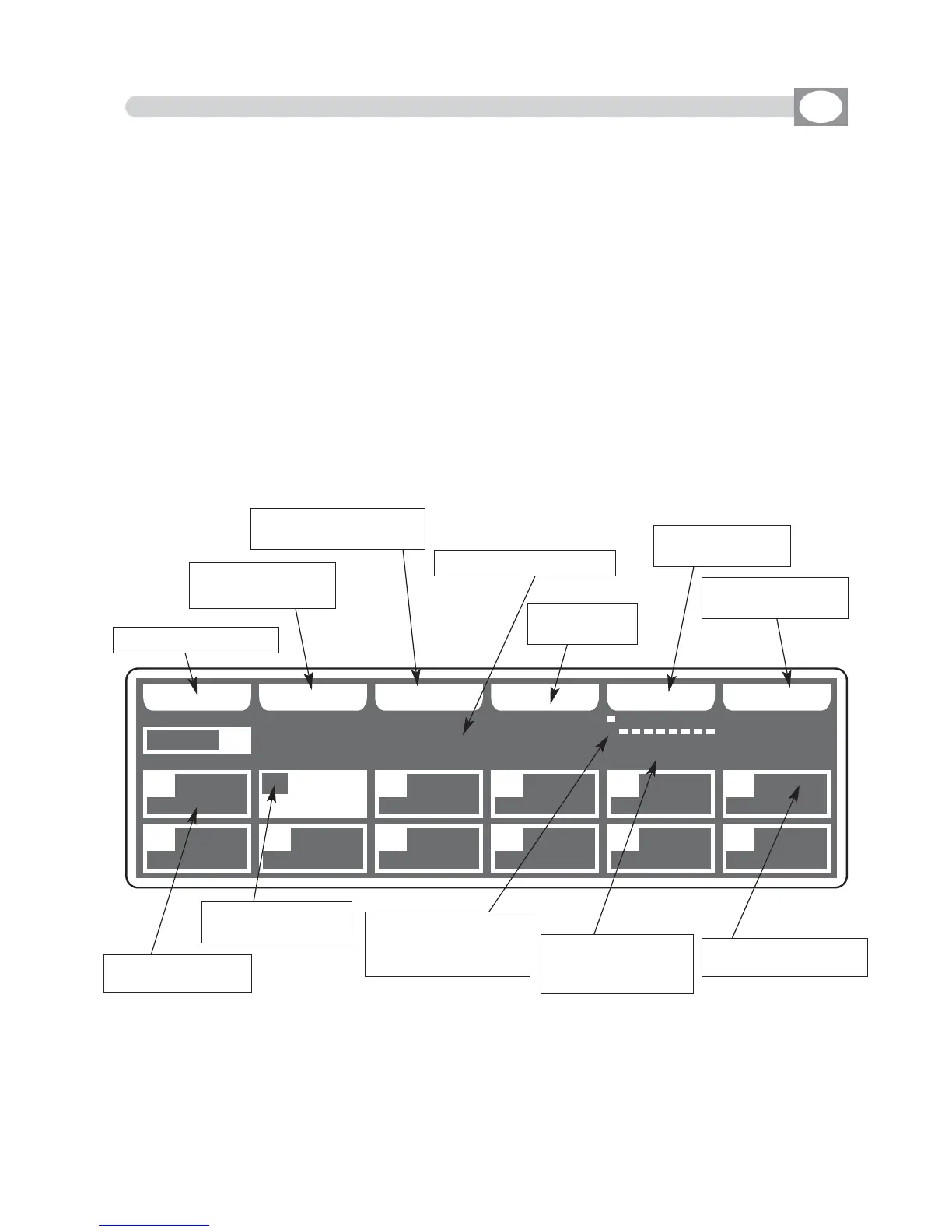
The display changes as shown in (Fig. 51).
Press one of the 1÷12 keys to select the unit.
For successive unit use the
PPAAGGEE
key
Fig. 51
GB
Key to copy the unit
Key to load setup
from library
Key to modify the para-
meters of the unit
Key to erase
the unit
Shows name of the unit
Key to manual
patch
Key to automatic
patch
Shows short name
of the unit
Shows the configura-
tion to set on the [dip-
switch] of the unit.
Shows the start and
end channel of the
unit.
Shows the number
of the unit
Empty box, no unit
loaded



 To Next Page