10.13 FUNCTION KEYS IN EDIT OF DMX CHANNELS MODE
GB
In EDIT DMX CHANNEL mode there are 6
ffuunnccttiioonn kkeeyyss
see (Fig. 57 par
1100..1122
).
BACK
Key
:
Press this key to return to the precedent function see par
1100..1111
NAME
Key
:
Press this key to replace the channel name.
Use the fader under
NAME
write or the encoder. To confirm the modify press the
NAME
or
OK
key.
Putting the faders to 0 value *CUSTOM* appears on the display, now we can write the name of the chan-
nel.
Pressing again
NAME
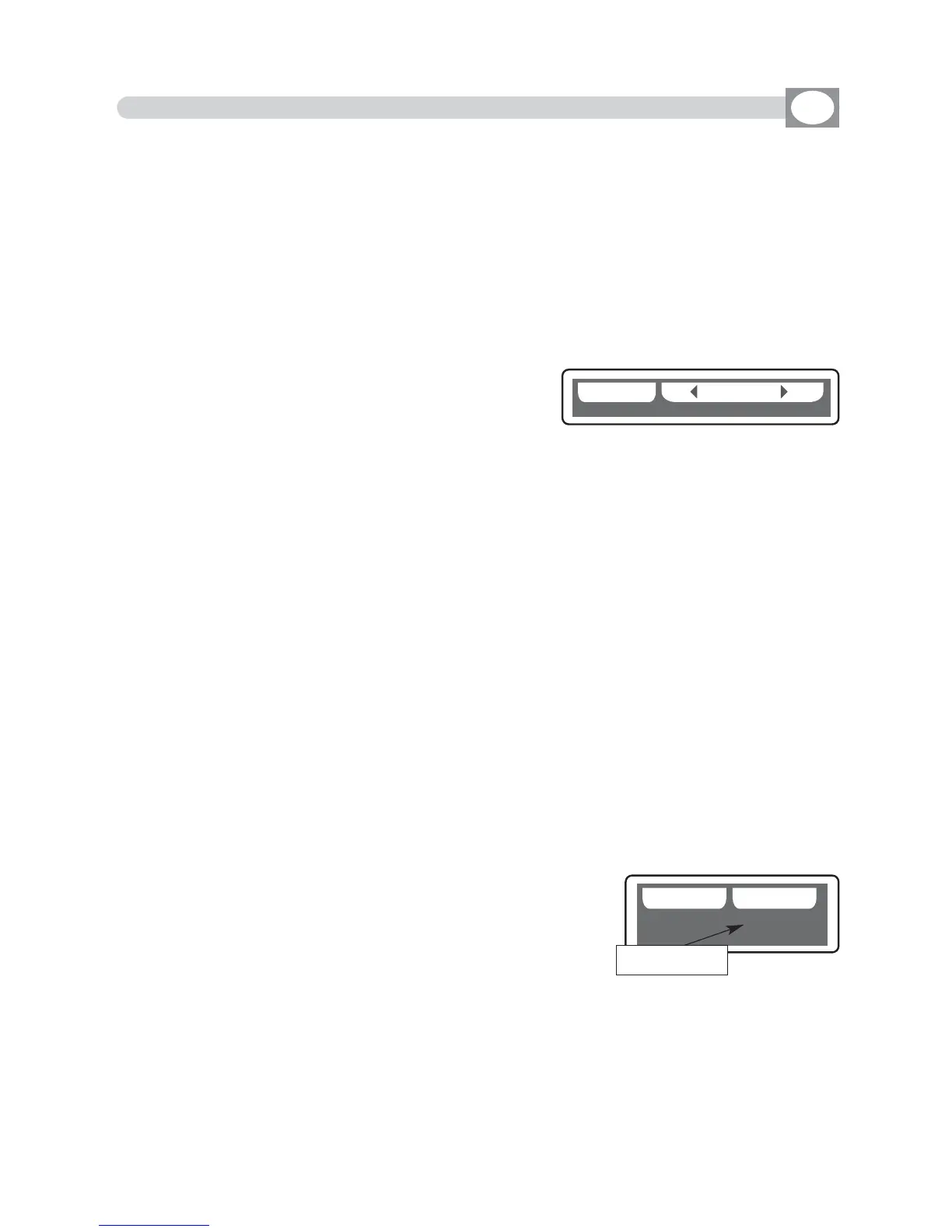
key the display changes as shown in (Fig. 58).
Through the encoder choose the character, Through the OK or
CHAR
Key we insert/modify the next/precedent character.
Press
DONE
key to confirm the modify of the name.
The value change between two scenes can be immediate
(HARD CROSS) or gradual (SOFT CROSS).
SOFT X
Key
:
Press this key to set for the selected channel the type of gradual change (SOFT CROSS).
HARD X
Key
:
Press this key to set for the selected channel the type of immediate change (HARD CROSS)
BLKOUT
Key
:
Press this key to modify “BLACKOUT VALUE” that is the value of the channel when the BLACKOUT func-
tion is active ( see par.10.2).
Through the encoder or the fader under the
BLKOUT
write, you can select === (unchanged) value or 0 /
255 value. The === value is selected putting the fader to 0 and it allows to maintain unchanged the output
value (no blackout for this channel).
RESET
Key
:
Press this key to modify “RESET VALUE” that is the value of the channel when the MENU: RESET function
is active (see par.10.4).
Through the encoder or the fader under the
RESET
write, you can select === (unchanged) value or 0 /
255 value. The === value is selected putting the slider to 0 and it allows to maintain unchanged the out-
put value (no reset for this channel).
Only if the LAMP or LAMP/RES channel is selected you can modify the
LAMP ON /LAMP OFF value. see (Fig. 59).
L-ON
Key
:
Press this key to modify “LAMP ON VALUE” that is the value of the
channel when the MENU: LAMP ON function is active (see par.10.3).
Through the encoder or the fader under the
L-ON
write, you can select
0 / 255 value.
L-OFF
Key
:
Press this key to modify “LAMP OFF VALUE” that is the value of the channel when the MENU: LAMP OFF
function is active (see par.10.3).
Through the encoder or the fader under the
L-OFF
write, you can select 0 / 255 value.
DD OO NNEE
Fig. 58
CC HH AA RR
LL -- OO NN LL -- OO FF FF
Fig. 59
show the lamp
on/off value
LL--OONN 114400
LL--OOFFFF 000000



 To Next Page