N
ext
MATRIX live v. 1.0
LIB 48 CH v 1.1.3
29/02/08 AT16MSPI
Fig. 63
MATRIX
live
10.16 MENU: SECURITY LOCK
GB
ALLOWS TO LOCK/UNLOCK FUNCTIONS OF EDITING AND RESETTING.
Pressing the
LOCK
key
(F6)
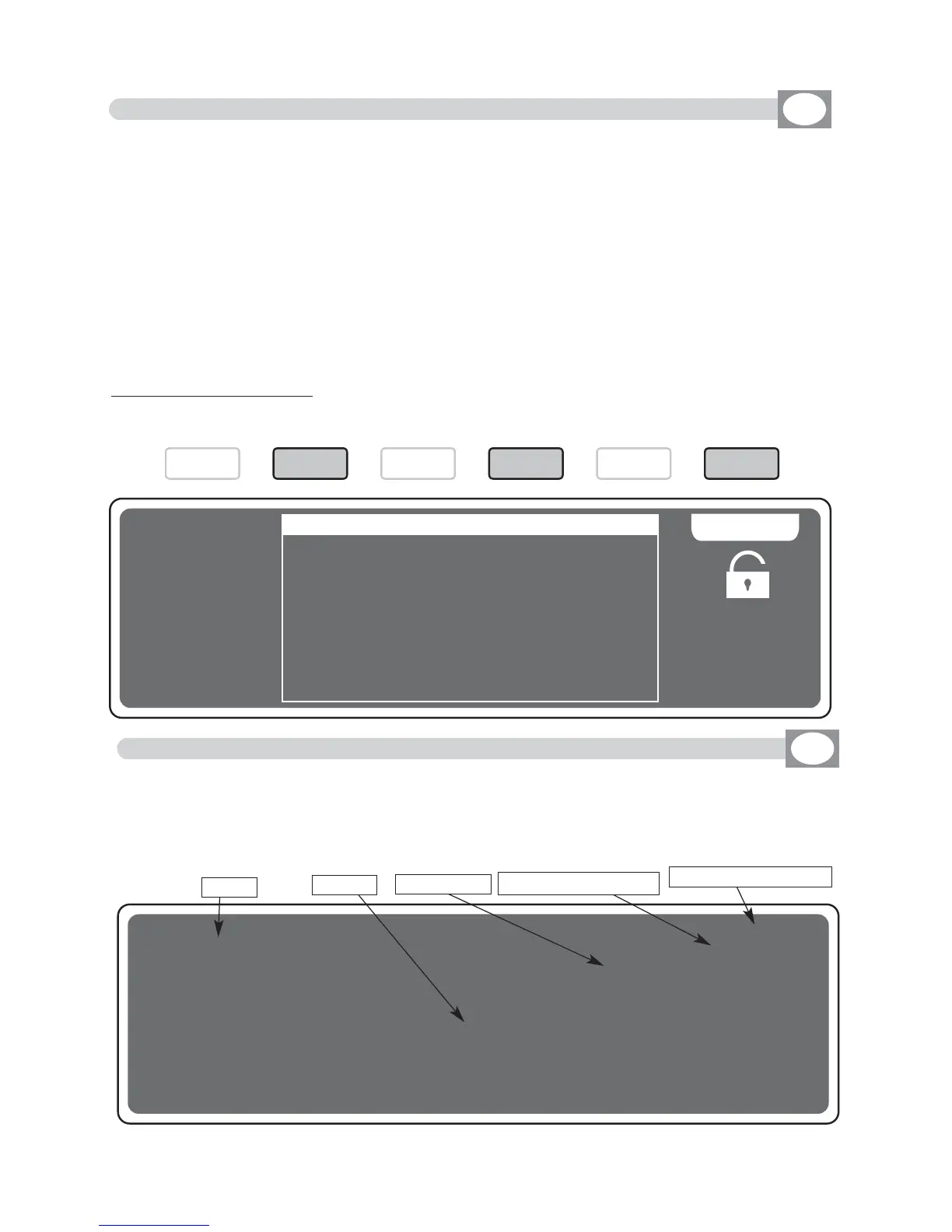
the display will change as shown in (Fig. 62)
Through the 1÷10 keys, insert a numerical combination of 5 number for lock the functions.
At the end of the last number MATRIX will ask “ENTER PASSWORD AGAIN”, you must
introduce the password again. Now MATRIX is locked.
To unlock it repeat again all the above steps list above, but you must remember the password.
If you forget the password, we have a code of unblocking that is:
F6 1 3 9 7 F2
MATRIX TOTAL RESET :
With MATRIX unlocked, do this sequence of keys:
F6 10 8 2 4 F4,
then follow the display instructions .
---------------------------------------------------------------------------------------------------------------------
AVAILABLE ONLY AFTER THE ACTIVATION OF THE SYSTEM SETTINGS
(see par.10.14)
---------------------------------------------------------------------------------------------------------------------
SECURITY LOCK
**** MMAATTRRIIXX IISS UUNNLLOOCCKKEEDD ****
EENNTTEERR PPAASSSSWWOORRDD::
..........
LLOO CC KK
Fig. 62
10.17 MENU: ABOUT MATRIX
GB
---------------------------------------------------------------------------------------------------------------------
AVAILABLE ONLY AFTER THE ACTIVATION OF THE SYSTEM SETTINGS
(see par.10.14)
---------------------------------------------------------------------------------------------------------------------
ALLOWS TO SHOW THE SOFTWARE VERSION.
The display changes as shown in (Fig. 63)
Model
Library Date
Library Version
Software Version
Brand
F1
F2
F3 F4 F5 F6



 To Next Page