May 2023 39
responsibility of policy holders to add new alarms that may be introduced with new products. It
is recommended that all of your policies have all possible alarms, so they can properly report
alarms for all products where alarm options may differ.
Alarms for a given system are displayed on its Systems page. If you would like a list of all
alarms across all the systems your company has installed, refer to the Notifications tab.
For information on how to resolve any alarm, simply select the alarm notification in the Alarm
Notification History window and the help text will be displayed.
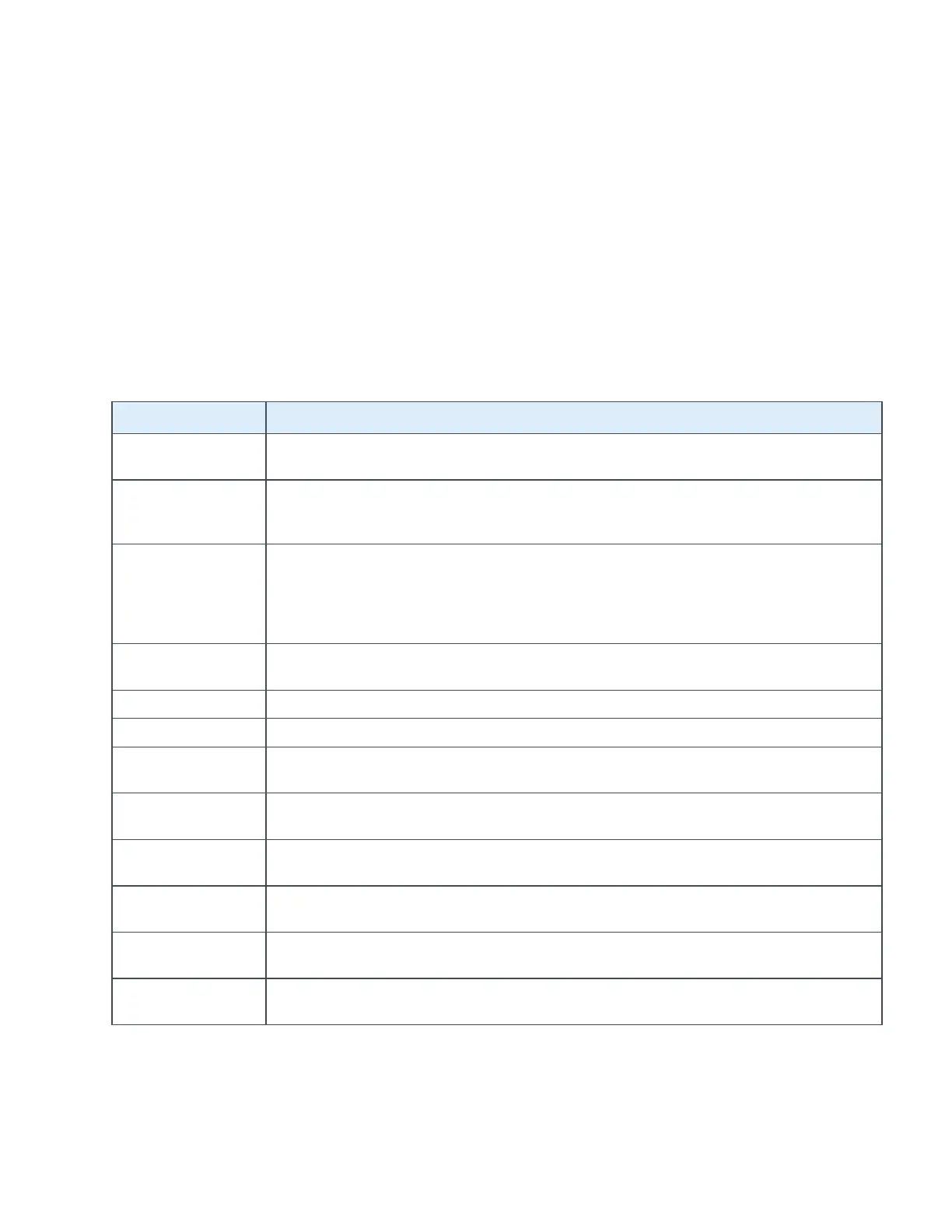
Below is a non-exhaustive list of basic alarm categories.
Troubleshooting (WAVE Portal Alarm Notifications)
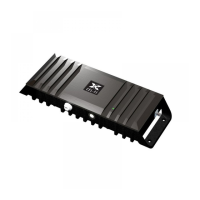
NU Hardware Error
Power cycle the NU and check for software updates. If the problem persists, return NU
for service.
Insufficient Donor
Signal
Relocate the NU where a stronger signal exists or use an external antenna for the NU.
If using a small cell, verify that the small cell can process calls and check the
connections to the NU. Power cycle the NU.
CU Hardware Error
Troubleshoot any NU error first, and check for software updates. Make sure CU cables
do not exceed recommended cable length maximums. Note that standard Ethernet
Extenders or active LAN switches and routers will not work with CU cabling—power
cycle the CU by detaching and reattaching the LAN cable. Test CU by plugging it into
the back of NU with a short test cable.
Move NU, or re-aim NU external antenna. A strong signal source may be from another
Operator's device (cell tower, local small cell, or booster).
The NU should be upright, and the air vents not blocked. Move NU to a cooler area.
Ensure the CU air vents are not blocked or move the CU to a cooler location.
Disabled by
Operator/Vendor
The mobile network operator or vendor has disabled your system. Contact your vendor
for further assistance.
Location Lock
Your system has been moved from its original address. Please return the system to its
original location or register your new address with your wireless provider.
Systems are pre-enabled, and operator registration is obligatory.
Self-Test Failed
Power cycle the unit and check for software updates. If the problem persists, return the
unit for service.
NU Mode is set to a small cell. Verify that the small cell is connected and operational or
set NU Mode to Internal or External Antenna if no Small Cell is used.
Small Cell Detected
Small Cell Detected, but NU is not set to Small Cell. Use the WAVE Portal to select
NU Mode to Small Cell.



 To Next Page