May 2023 38
b. CU LEDs
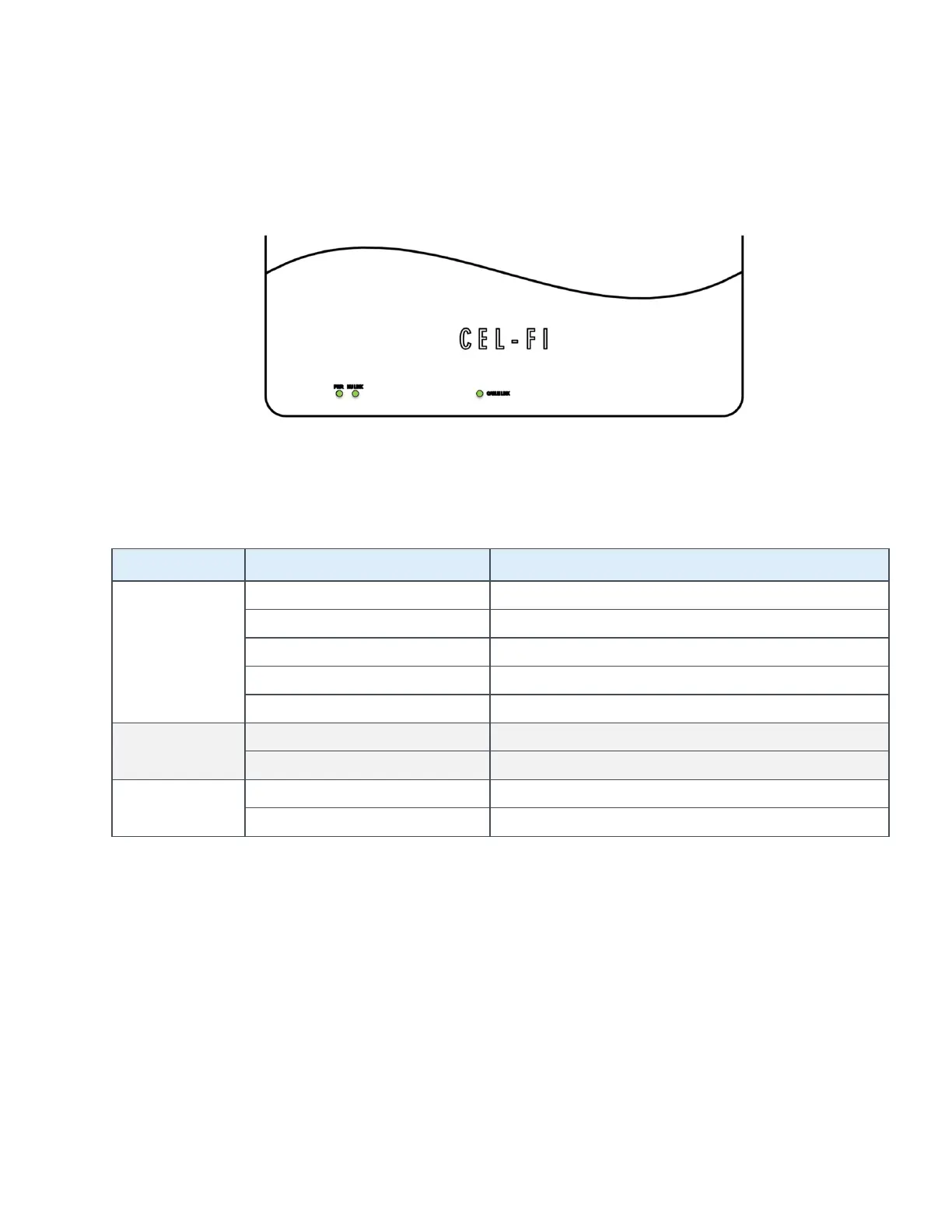
Each QUATRA EVO CU has three (3) LEDs on the front of the unit, used as status indicators,
during setup and normal operation. The LEDs are labeled.
Figure 27: CU LEDs
The meaning for each LED on the CU is shown in the table below.
POWER
Powered and operating normally
NU LINK
CABLE LINK
c. WAVE Portal Notifications
The portal has many valuable features. Once a system is online, check the Systems page for
Active Alarms, or Alarm Notification History in the event of recurring alarms that may not be
currently active.
CEL-FI systems support a variety of standard alarm conditions. Policies are your own account
settings for alarms, alarm severities, and whether you want them displayed on the portal
(console) or emailed or texted to individuals or groups. Each new user (company) is given a
“Default Policy” with the basic alarms already in it. You may edit this policy as you please or
create new policies. For example, you may want different policies for different regions. It is the



 To Next Page