GPS NAVIGATOR
4 FIRST START
After installation and before switching the power on, make sure that
the GPS Antenna is away from anything that may obscure the
satellites.
The instrument will then ask you to press the button to be able to
give the instrument an ID or a "logical" NEXUS number.
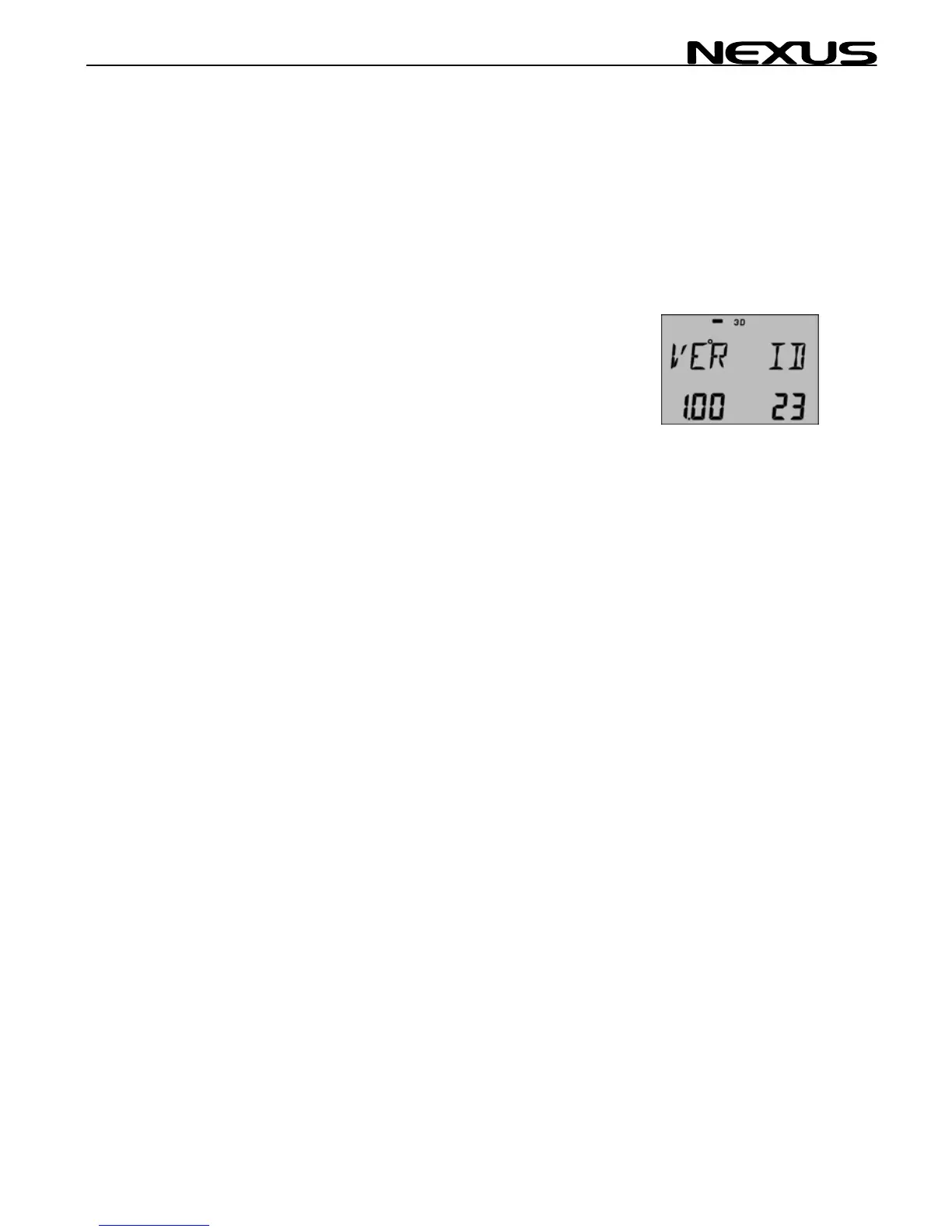
You will then see the software VERSION and its ID number (Your
instruments version number may differ from this example).
If the instruments are accessed in random order, you may reset the
ID numbers for all NEXUS instruments and then start again by
pressing SET in preferred number (remote access) order.
Just press Clear during the time when VER ID is displayed. Then
press the SET in preferred number order (always wait for the OK
text before pressing the SET on the next instrument).
17



 To Next Page