GPS NAVIGATOR
Example 1.
Move all 99 WP's from the Server to this instrument's WP BANK
300. The Servers WP's from 1 to 99 will then be stored in memory
position 301 to 399.
Do as follows,
1. Set to NEXUS REPEATER in the CONFIG
2. Switch POWER OFF then ON to activate this mode change.
3. Set the WP-BANK to 300.
4. Select IMPORT and press the SET
5. Set to MASTER in the CONFIG mode and switch POWER
OFF and ON again.
6. You are now able to use the Servers waypoints 1 99 as WP's
300-399.
Example 2.
Move WP 100 to 200 from NEXUS GPS navigator "A" to NEXUS
GPS navigator instrument "B" (into memory position).
-instrument the same
Do as follows,
1. Set to MASTER in the CONFIG for NEXUS GPS
"A".
2. Set to NEXUS REPEATER in the CONFIG mode
for NEXUS GPS "B".
3 Switch POWER OFF then ON to activate this
mode change.
4. Set the WP-BANK to 300 (in "A" or "B")
5. Select IMPORT in "B" and press the SET.
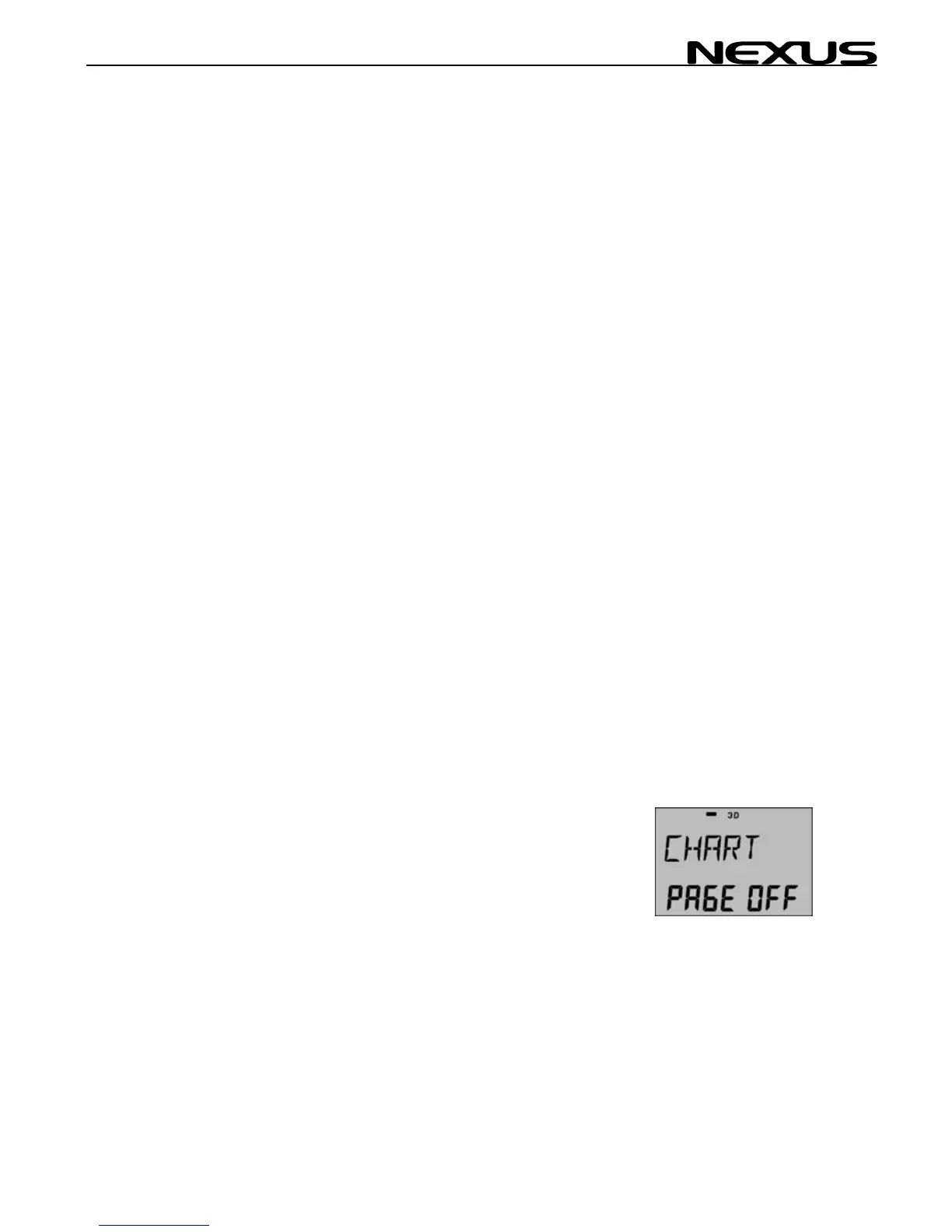
7.6.4 Chart Page
Reserved for future POP UP use, set to OFF.
RETURN from OPTION set-up.
43



 To Next Page