GPS NAVIGATOR
7.6 OPTIONS
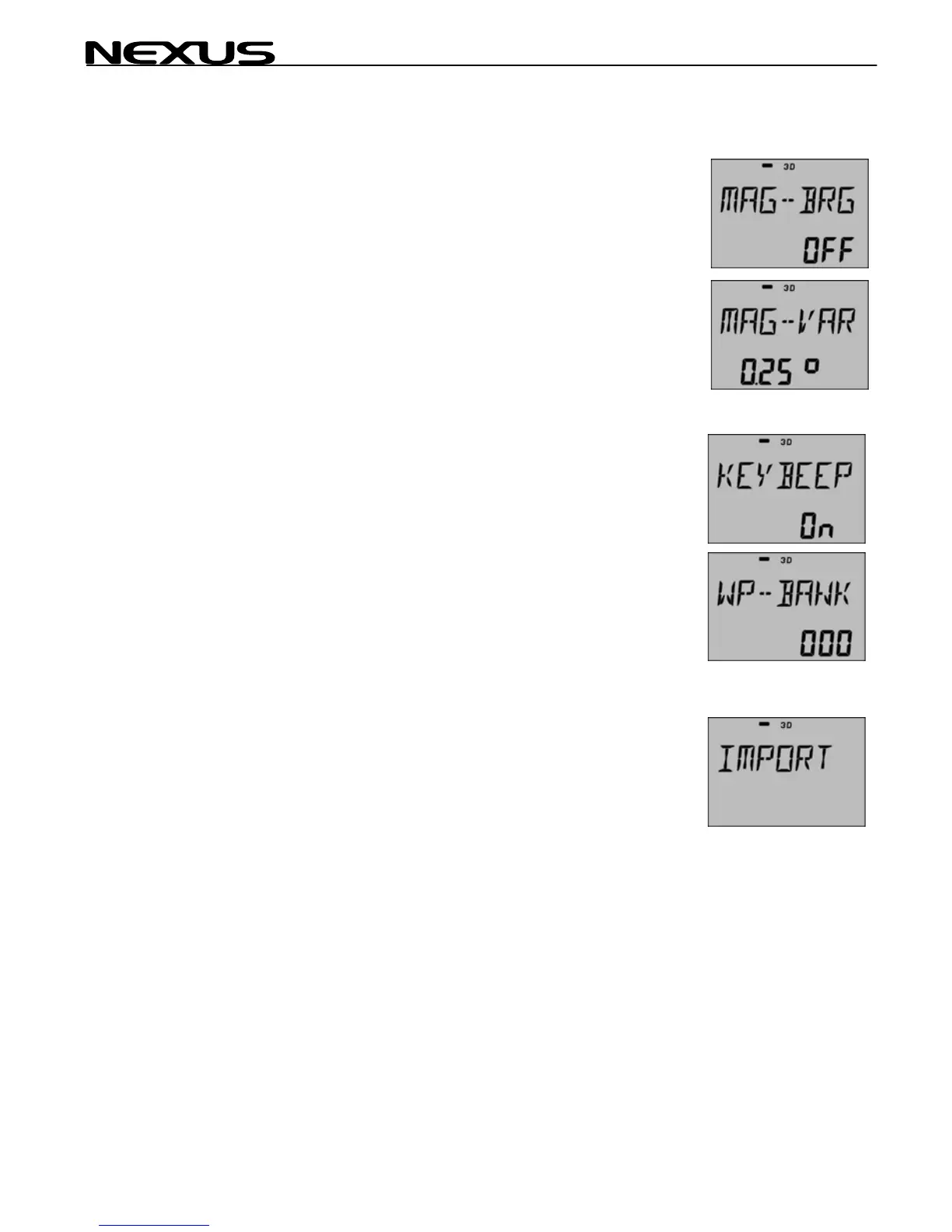
Magnetic bearing
Magnetic bearing is displayed for BTW, HDC, COG, CTS and
SET. The MAGNETIC flag is then displayed.
7.6.1 MAGNETIC VARIATION.
Max 99.9 degrees. (EAST-- +, WEST-- ).
Note! This setting will directly by affect the compass if it is
present.
7.6.2 Push button beep
Push button beep ON/OFF.
7.6.3 WP-BANK
Select for use with Multi instruments,(000, 100, 200, 300….)
Example, if you select WP bank 200 then all waypoints
accessed from a Multi instrument will be in this bank (200
299). This means that when you edit waypoint no: 22 in a
Multi, you are actually changing waypoint no: 222.
This is a special function for transfer (import) of WP's FROM a
NEXUS MASTER GPS Navigator instrument TO a NEXUS
repeater instrument,
Important! IMPORT can only be done from a NEXUS repeater
instrument.
You must also select WP-BANK since IMPORT will transfer in
blocks of 100 WP's. You can IMPORT another NEXUS GPS
instrument.
42



 To Next Page