GPS NAVIGATOR
6.1 POS
Access levels and summary of the POS functions.
"FIRST SHOWN" POSITION and ALTITUDE, ch. 6.1.1.
"Press DOWN" DATE and TIME (local or UTC), ch.6.1 .2.
"Press DOWN" BATTERY VOLTAGE (inside the instrument),
ch. 6.1.3.
"Press DOWN" SATELLITE STATUS and SIGNAL to NOISE,
ch. 6.1.4.
Tip !, Use the PLUS button to get access to the last function.
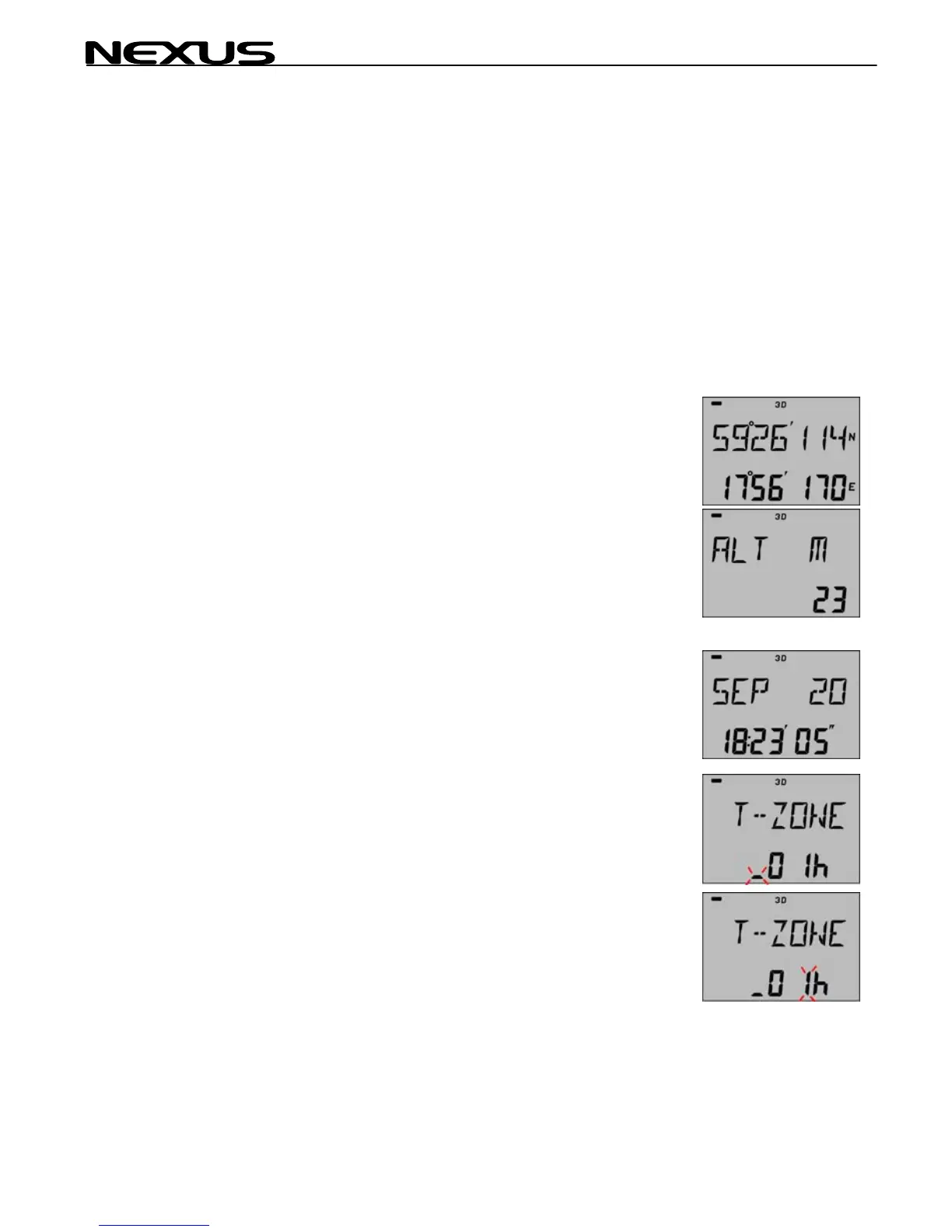
6.1.1 POSITION and ALTITUDE
Latitude (top) and longitude (bottom) in selected geodetical
datum.
Press MINUS to display the ALTITUDE above sea
level.
6.1.2 DATE and TIME
Press SET to set Local time zone. Add or subtract one or more
hours to UTC (GMT) (GPS) time to make local time. Find out your
time zone with help of the time zone map on page 2.
Note! The unit will not accept 1/2 hour time differences.
Plus indication, "_" will flash, use PLUS to change to minus sign, "-
". Use plus indication when situated east of Greenwich and minus
sign, west of Greenwich.
Move cursor with PAGE button to set hour difference.
Increase/decrease flashing value by pressing PLUS or
MINUS.
Lock the required value by pressing SET
24



 To Next Page