GPS NAVIGATOR
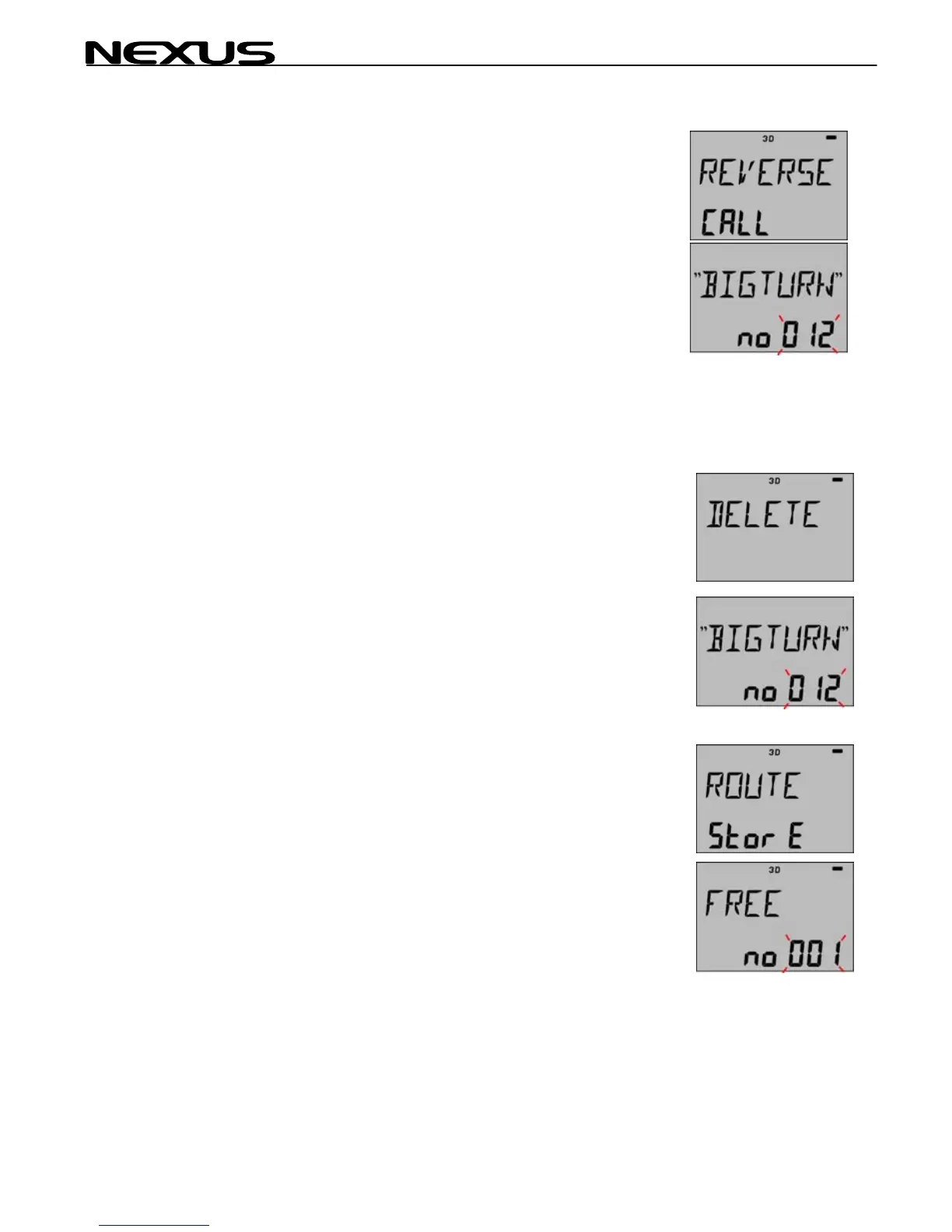
6.4.3 REVERSE CALL
At least one ROUTE must have been stored to be able to use this
function.
The selected ROUTE will be copied to the SAIL PLAN in reverse
order. It is ADDED to the SAIL PLAN as in the ROUTE CALL.
Press SET, "012 flashing"
Select your ROUTE and press SET (it will now be your REVERSE
ROUTE).
See also ROUTE CALL regarding ADDING Route’s.
6.4.4 DELETE
Delete a selected ROUTE in memory.
Press SET
Select the ROUTE which shall be deleted and press SET
Warning! There is no way back if DELETE is executed.
6.4.5 ROUTE STORE
Store the SAIL PLAN as a ROUTE (in chapter 6.4~1)
Press SET, "001 flashing"
36



 To Next Page