GPS NAVIGATOR
4.2 GPS STATUS and OPERATION
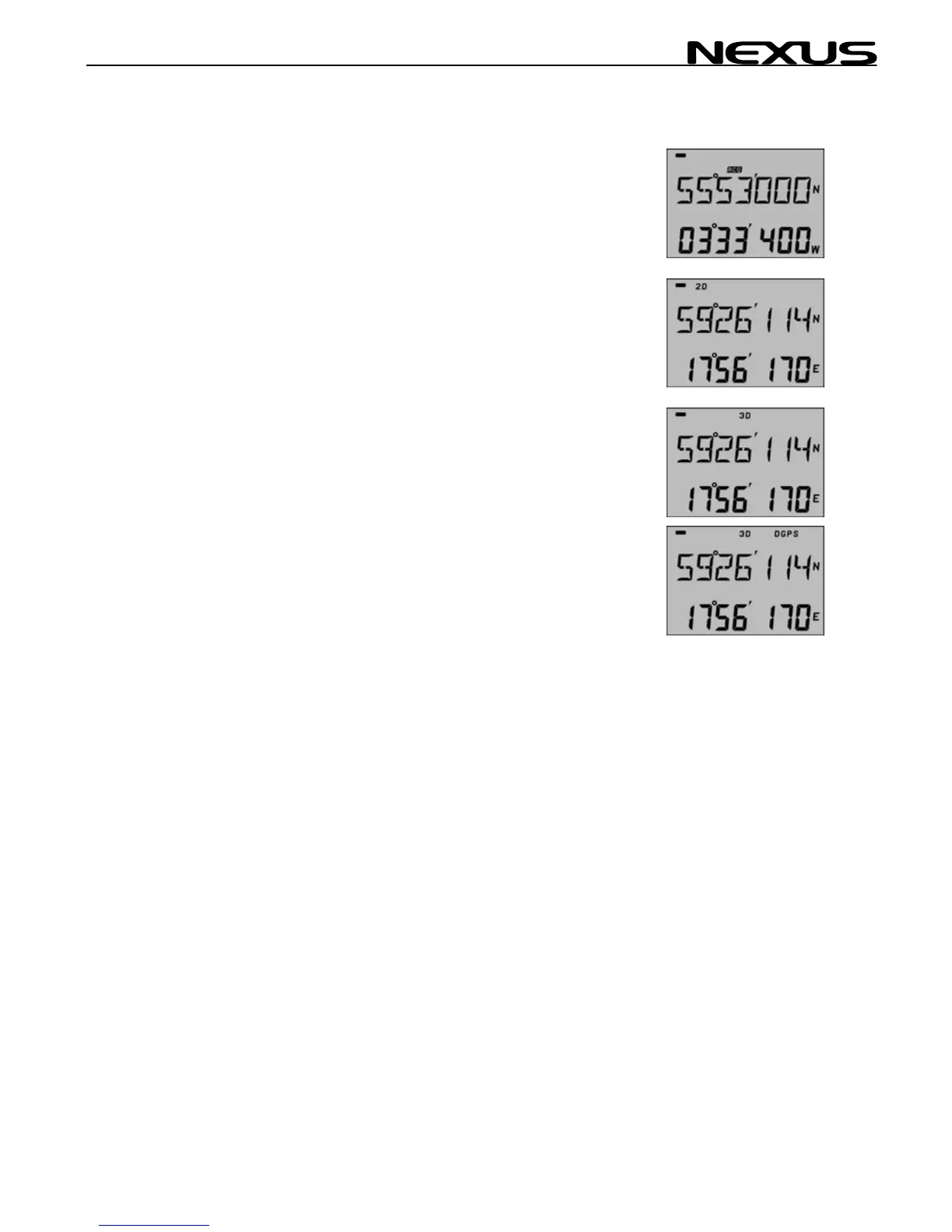
Non of the 2D or 3D flag will be lit during satellite search before
navigation can start. When the GPS is tracking satellites, the status
symbols 2D or 3D will be displayed at the top of the LCD, as online
information If a DGPS receiver is connected and working correctly,
the symbol text DGPS will also be displayed.
When 3 satellites have been found and tracked, the 2D symbol is
displayed; 3D when more that 3 satellites are tracked.
No Symbol Acquisition of data from satellites.
2D 2 dimensional position (with locked altitude) for
marine navigation.
3D 3 dimensional position for all land navigation.
DGPS differential GPS is active.
The initial GPS receiver start is called a COLD START and will be
performed if the GPS has been moved a large distance, or if used
for the first time. It will take about 3 minutes and is indicated by
neither of the 2D or 3D flag is on.
Warm start takes from 35 seconds up to 2 minutes depending on
the age of the emphemeris almanac and your position (within 4
hours).
19



 To Next Page