To engage Man Over Board, press the two outer keys.
5.9 ESCAPE (or ABORT) from edit mode.
2 sec
Press the Cursor key (PAGE) for minimum 2 seconds.
5.10 "BACK STEP"
Press the PAGE and MINUS simultaneously to "back step" to
previous function or for moving the cursor to the left.
5.11 GENERAL WAYPOINT SEARCH
The SEARCH METHOD is the same for all searches. You will use it
when searching for "NAMED" waypoints to edit, when activating a
WP to navigate towards, or calling up a "NAMED" route, The same
method is also used when selecting a "NAMED" geodetic datum.
1. Search for a waypoint number by scrolling PLUS or MINUS
(increase or decrease the waypoint numbers). As an example,
function EDIT WP is chosen.
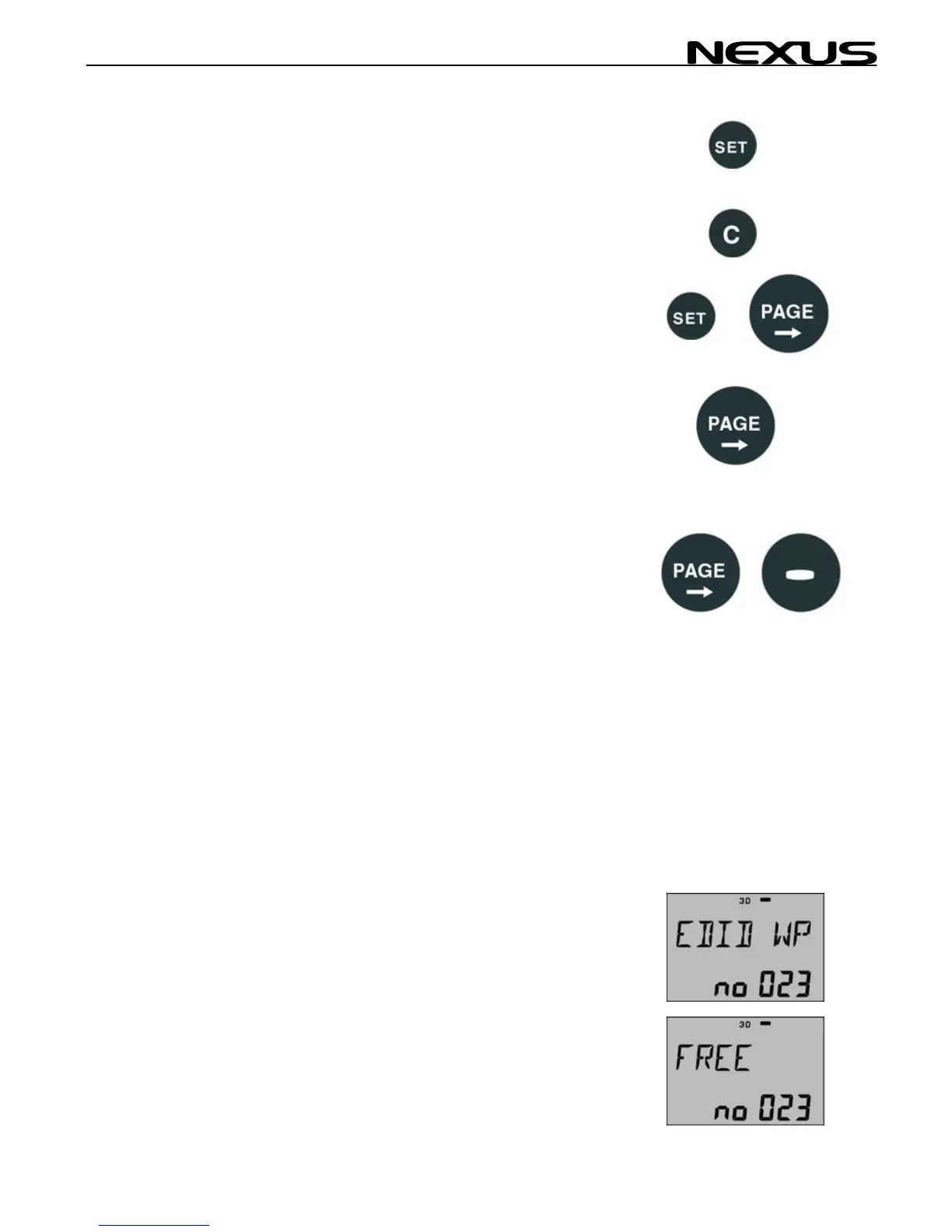
To find e.g. WP "BUOY", select EDIT WP and press SET (No:023
shows the next free waypoint)
The display shows FREE no:023. Digits flashing, press MINUS to
scroll backwards to find the waypoints that
you have stored earlier under WP function.
21



 To Next Page