GPS NAVIGATOR
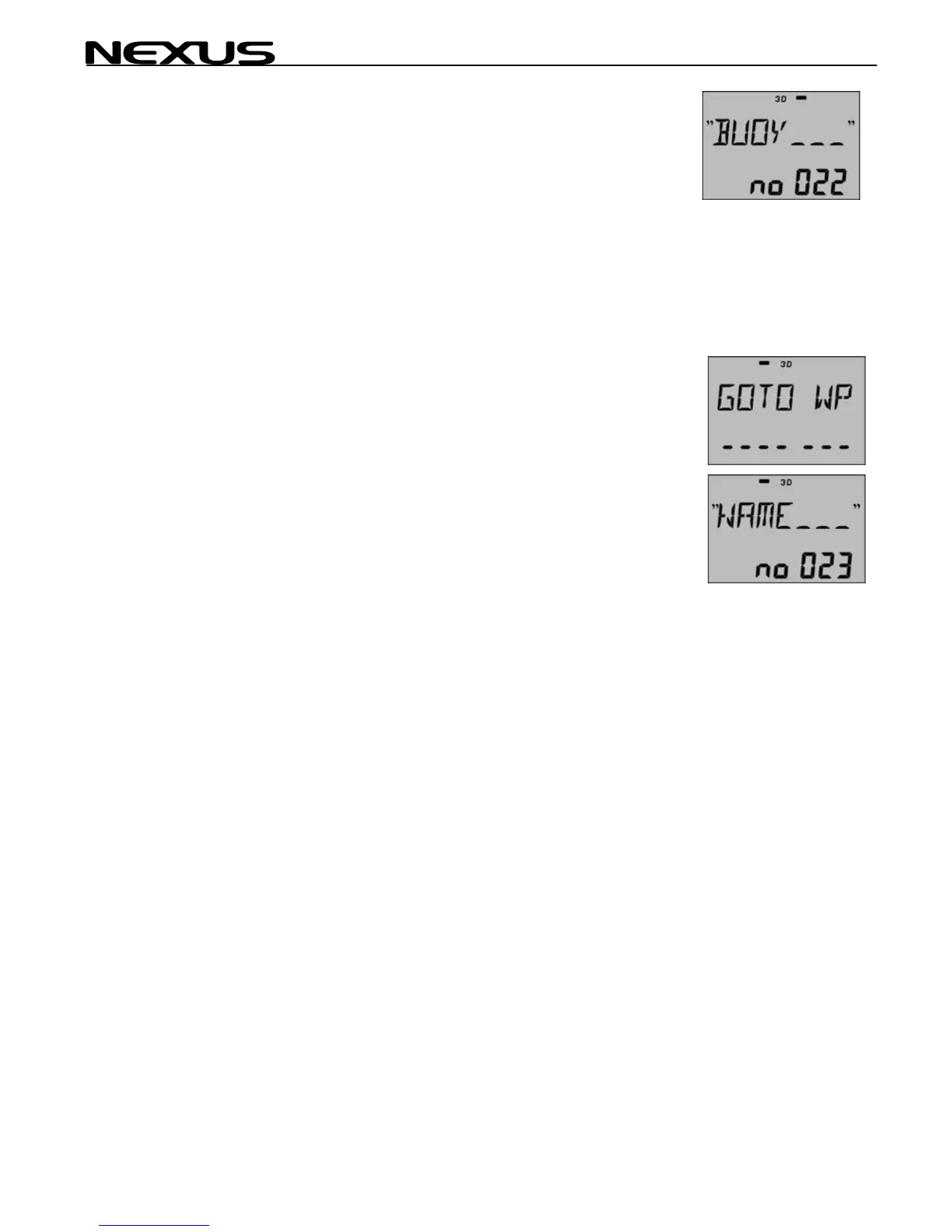
The display shows ex. "BUOY" no:022. This is the last stored
waypoint.
Scroll MINUS for other waypoints to EDIT or PLUS to create a new
waypoint from a FREE number. Press SET and proceed with the
editing. See chapter 6.2.2. regarding editing of WP's.
2. Search in "ALPHABETICAL" order by scrolling PLUS or
'DOWN".
This example is demonstrating alphabetical scrolling in the GOTO
WP function.
Select GOTO WP and press
SET
The display shows ex. "NAME" no:023 as last edited waypoint
(digits flashing).
Press the PAGE (cursor) button once and the "NAME" starts to
flash. Use PLUS or MINUS button to scroll through all waypoints in
"ALPHABETICAL" order.
3. Single character search, starting with the left hand
character.
Press the PAGE (cursor) button once more and the first "character"
in the "NAME" will flash.
By pressing the PLUS character in alphabetic is found in the
memory
button you will display the next order and the FIRST waypoint that
with that character is shown.
By pressing the MINUS button, you will display the previous
character in alphabetical order and the LAST waypoint that is found
in the memory with that character is shown.
22



 To Next Page