The menu tree shows all the menus. Three different
menu types can be chosen.
Normal, covers the normal user's needs.
Extended, shows all menus except the service
menus.
Service, shows all menus, returns to the previ-
ous menu level 30 minutes after the last button
was pressed.
Changing of menu type is done from menu 8.1.1
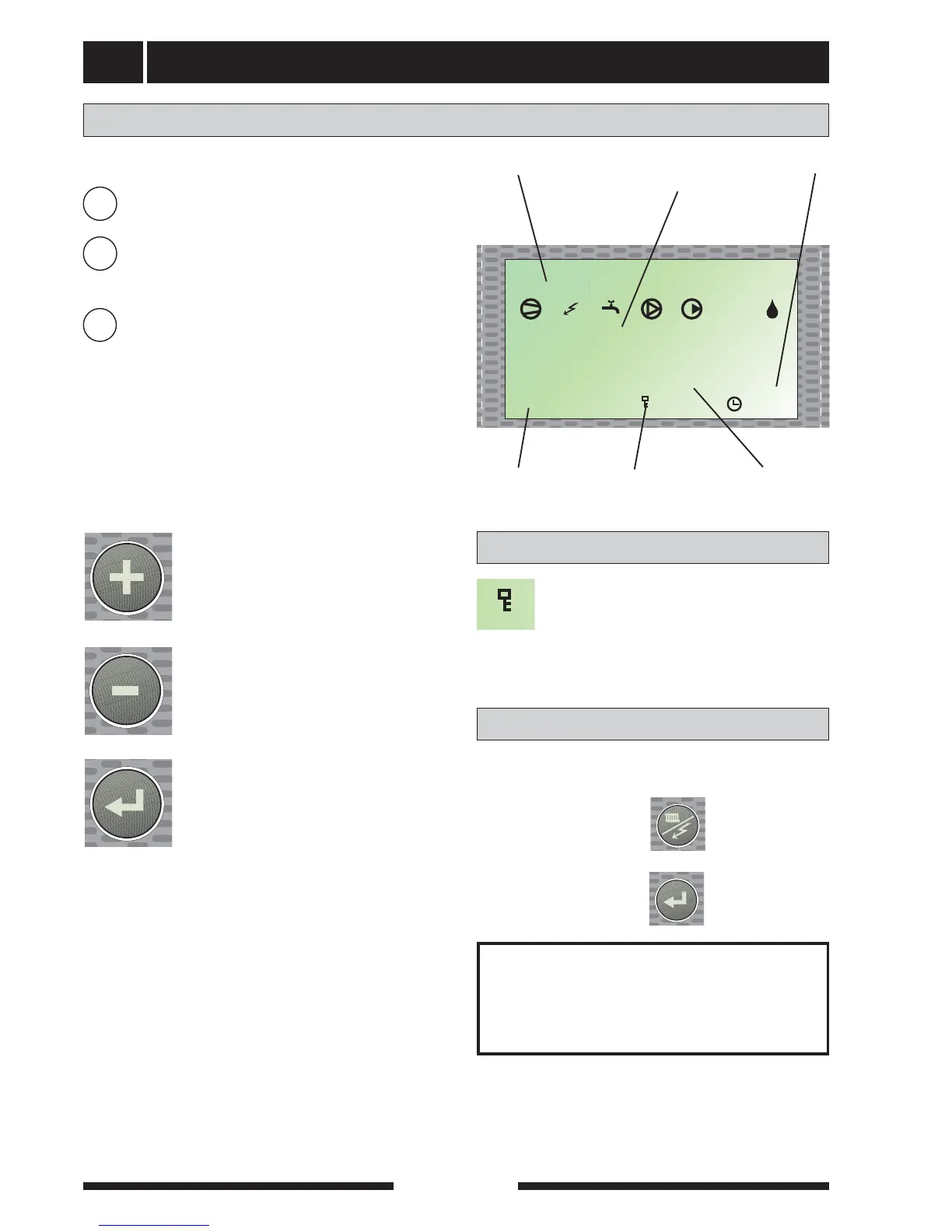
Information is presented on the display about the status
of the heat pump and the electric boiler. Menu 1.0 is nor-
mally shown on the display. The plus and minus buttons
and the enter button are used to scroll through the menu
system as well as to change the set value in some
menus.
The plus button is used to move for-
ward to the next menu on the current
menu level and to increase the value of
the parameter in menus where this is
possible.
The minus button is used to move back
to the previous menu on the current
menu level and to decrease value of
the parameter in menus where this is
possible.
The enter button is used to select sub-
menus of the current menu, to permit
parameters to be changed and confirm
any changes to parameters. When the
menu number ends with a zero this
indicates there is a sub-menu.
General
Menu number Menu nameKey lock
Clock
Symbols
Value of the
current parameter
To quickly return to the main menu from sub-menus
press the following:
1. Operating mode button
2. Enter button
Quick movement
NOTE!
Ensure the operating mode is not
changed during quick movement
A key lock can be activated in the main
menus by simultaneously pressing the plus
and the minus buttons. The key symbol will
then be shown on the display. The same
procedure is used to deactivate the key lock.
Key lock
N
U
S



 To Next Page