Taking Photographs—Advanced Photography
87
Advanced Photography
User Setting Options
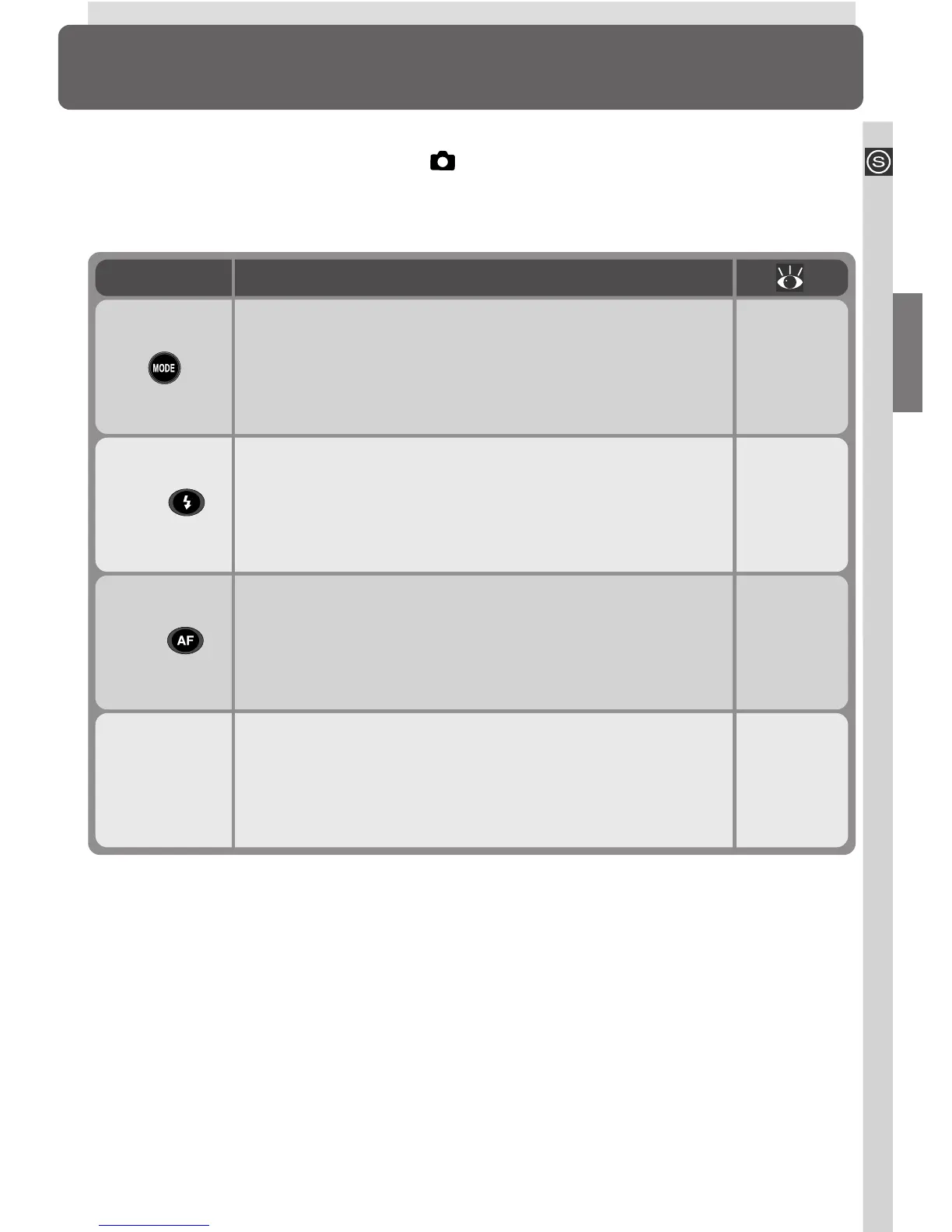
This section covers operations that can be performed only when User Set 1, 2,
or 3 is selected from the menu for (shooting) mode. In addition to the set-
tings described in the previous section, in User Sets 1, 2, and 3 the user has
access to the following controls:
SHOOTING
menu
Shooting Menu Options 100–131
Control
Controlling Shutter Speed and Aperture 89–95
ISO (
) Reacting Faster to Light 96–97
MF (
) Focusing at a Preset Distance 98–99
Described in

















 To Next Page