45
Tutorial—Taking Photographs
Step 1—Ready the Camera
Before using your camera, complete the following steps:
1
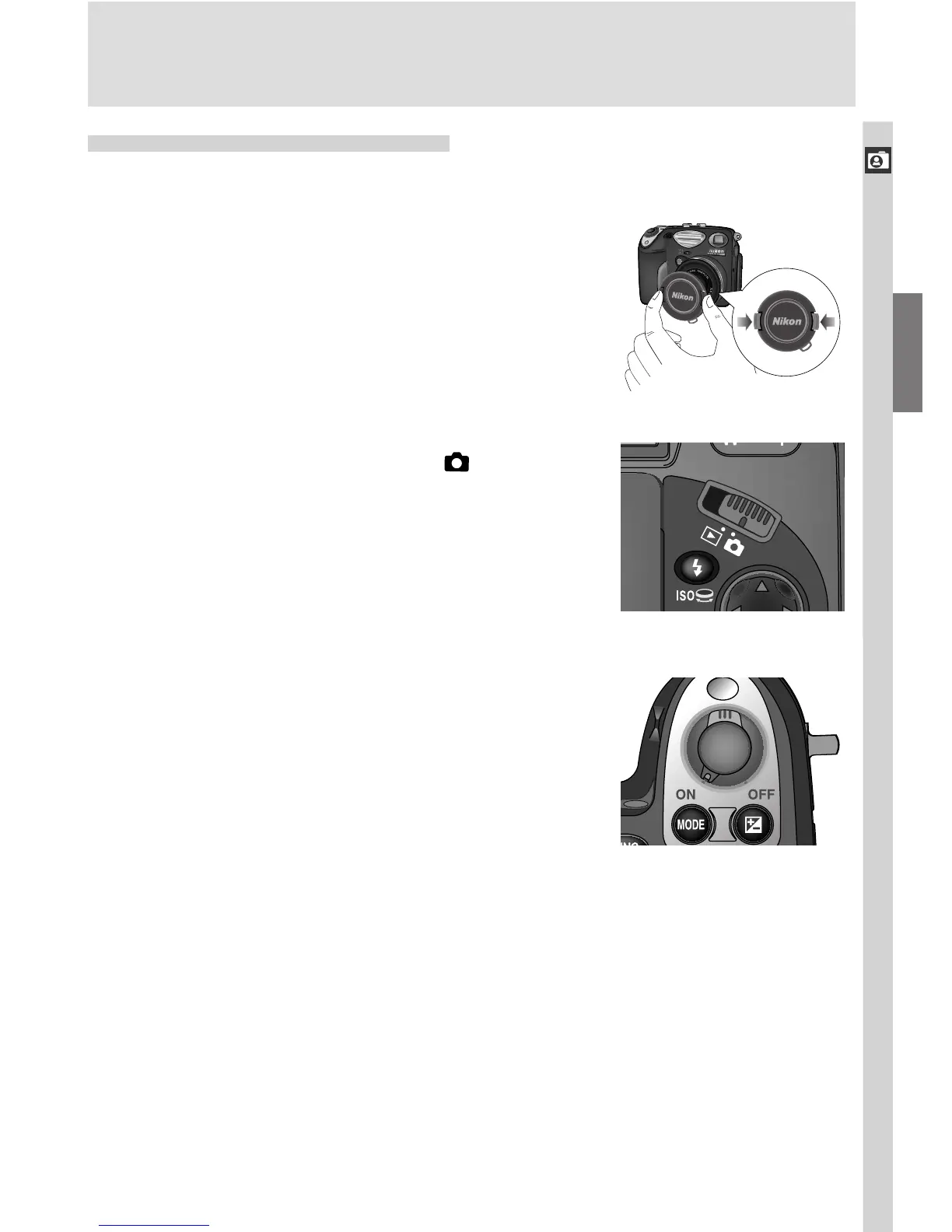
.1 Remove the lens cap
If you turn the camera on with the lens cap
in place, an error message will appear in the
monitor. To clear the message from the
screen, turn the camera off and remove the
lens cap.
1
.2 Slide the mode selector to
1
.3 Turn the camera on
A beep will sound when the camera is turned
on. After a short pause, current settings will
be displayed in the control panel and moni-
tor, and the monitor will show the view
through the lens.

















 To Next Page