58
Tutorial—Review and Deletion
View
other
photos
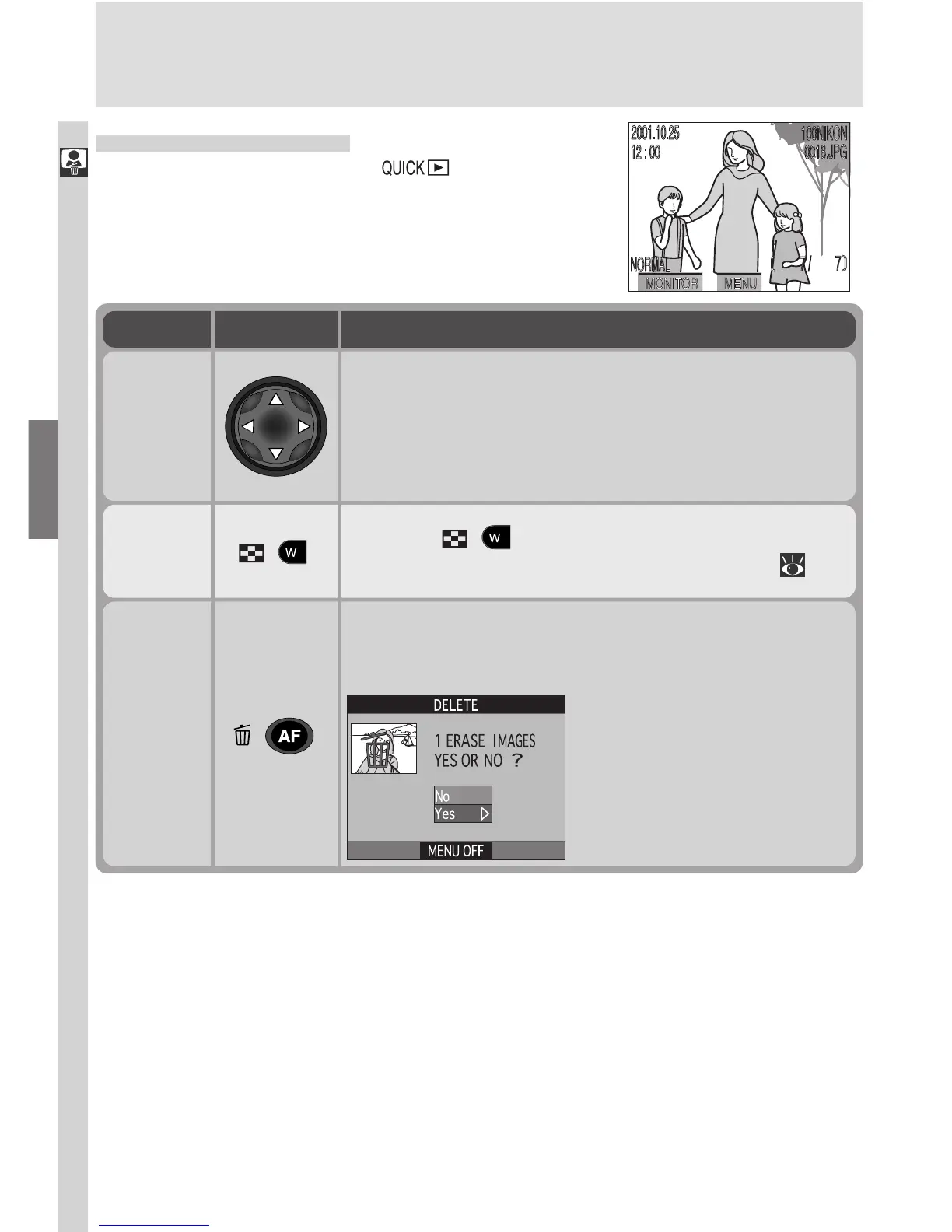
Press the multi selector up or left to view images re-
corded before the current photo, down or right to
view images recorded after the current photo. Keep
multi selector pressed to scroll rapidly to the desired
frame number.
Delete
current
photo
( )
A confirmation dialog will be displayed. Press multi
selector up or down to highlight option, press to
right to select.
•Select No to exit without
deleting photo
•Select Yes to delete photo
View
multiple
images
( )
Press the
( ) button to display up to nine im-
ages at a time as small thumbnail previews ( 60).
To
Full-Screen Review
From quick review, press the button to en-
ter full-screen review. The picture displayed in
quick-review mode will be displayed full screen.
The following operations can be performed:
Use Description

















 To Next Page