169
Playing Images Back—The Playback Menu
Selecting a Folder for Playback: The Folders Menu
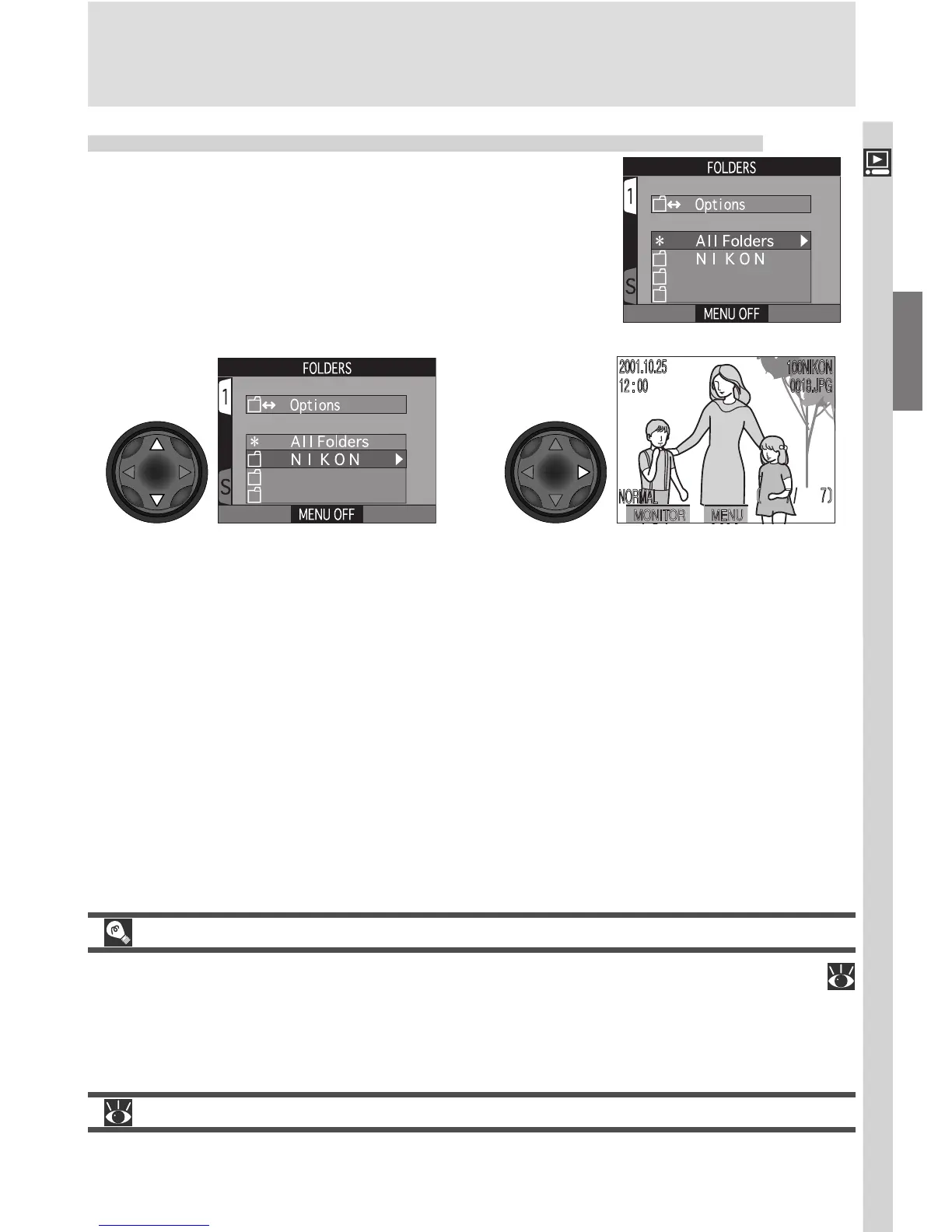
The Folders item in the playback menu can be
used to select images in all folders for playback, or
play back images in a selected folder.
Highlight desired folder. To view
images in all folders, select All
Folders
Display most recent image
in selected folder
12
Ultra HS
Each series of one hundred photographs taken at a setting of Ultra HS (
109) is stored in a separate folder with a name consisting of “N_” followed by
a three-digit number assigned by the camera. The Folders menu can be used
to select the folder containing the images in each series for playback.
For more information on:
137 Folder options

















 To Next Page