166
Playing Images Back—The Playback Menu
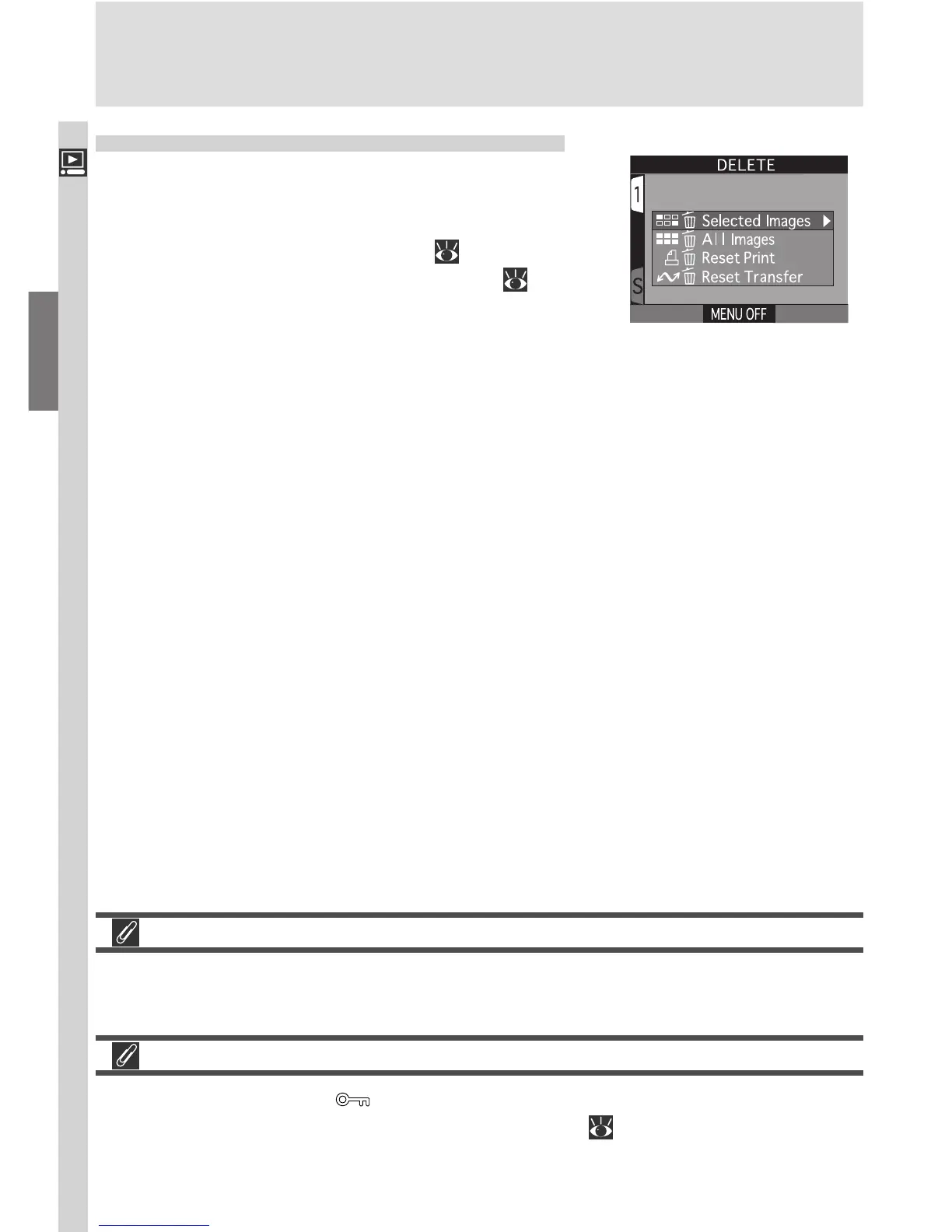
Deleting Images: The Delete Menu
Using the options in the Delete menu, you can:
• delete selected photos and movies
• delete all images
• cancel the current print order ( 174)
• reset transfer marking for all images ( 177)
Before Deletion
Once deleted, images can not be recovered. Be sure that any images you would
like to keep have been transferred to your computer.
Hidden and Protected Images
Images marked with a icon are protected and can not be selected for
deletion. Images hidden with the Hide Image ( 173) option are not dis-
played in the Delete > Selected Images menu and can not be deleted.

















 To Next Page