156
Camera Setup
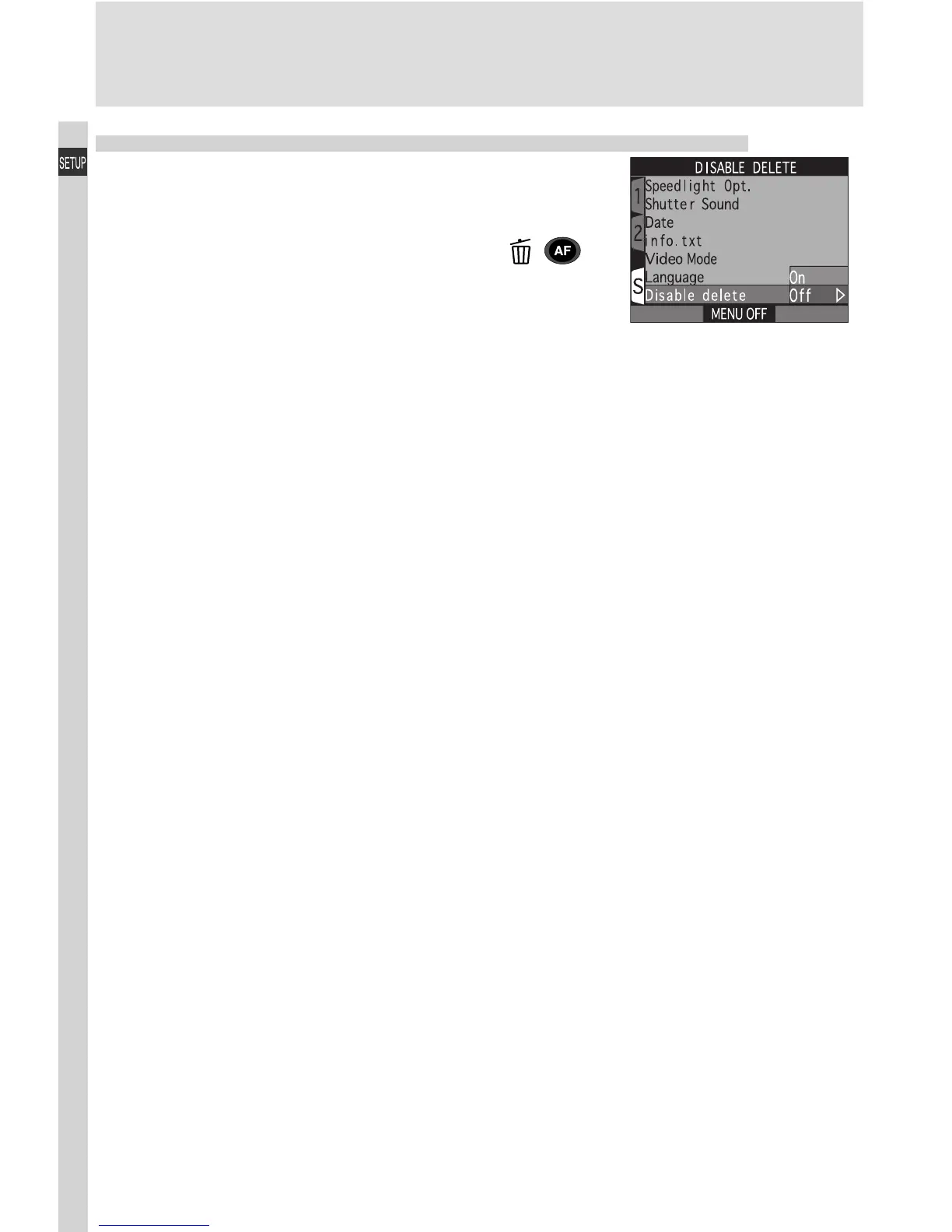
Protecting Images from Deletion: Disable Delete
The Disable Delete option is used to protect im-
ages from accidental deletion. Select On to dis-
able all operations or menu options that delete or
erase images, including deletion with the ( )
button, the Delete option in the playback menu,
and the CF Card Format option in the setup
menus. When Off is selected, images can be de-
leted and memory cards formatted normally.

















 To Next Page