69
Taking Photographs—Beyond Point-and-Shoot
Framing Photographs: Optical and Digital Zoom
Your Nikon digital camera offers two kinds of zoom: optical zoom, in which
the camera’s telescoping lens can be used to magnify the subject up to 3 ×,
and digital zoom, in which digital processing is used to further magnify the
image up to 4 ×.
Optical Zoom
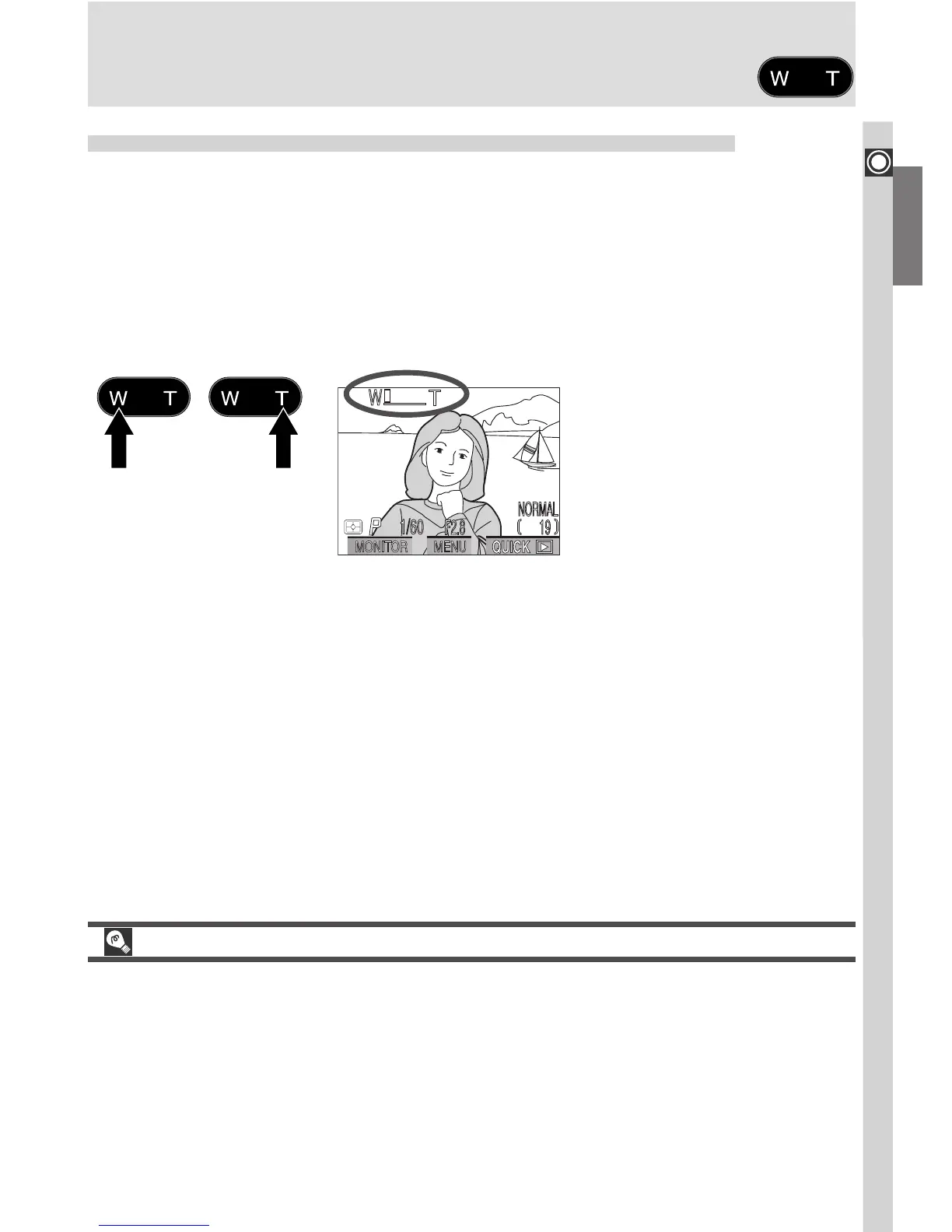
Photos can be framed in the viewfinder or monitor using the zoom button.
Zoom out Zoom in
Indicator in monitor displays
amount of zoom while either
button is pressed
Optical vs. Digital Zoom
In digital zoom, data from the camera’s image sensor are processed digitally,
enlarging the center portion of the image to fill the frame. Unlike optical zoom,
digital zoom does not increase the amount of detail visible in the photograph.
Instead, details visible at maximum zoom are enlarged, producing a slightly
“grainy” image. Digital zoom also differs from optical zoom in that its effects
are visible only in the monitor, not the viewfinder, meaning that the monitor
must be on before digital zoom can be used.

















 To Next Page