Taking Photographs—Advanced Photography
123
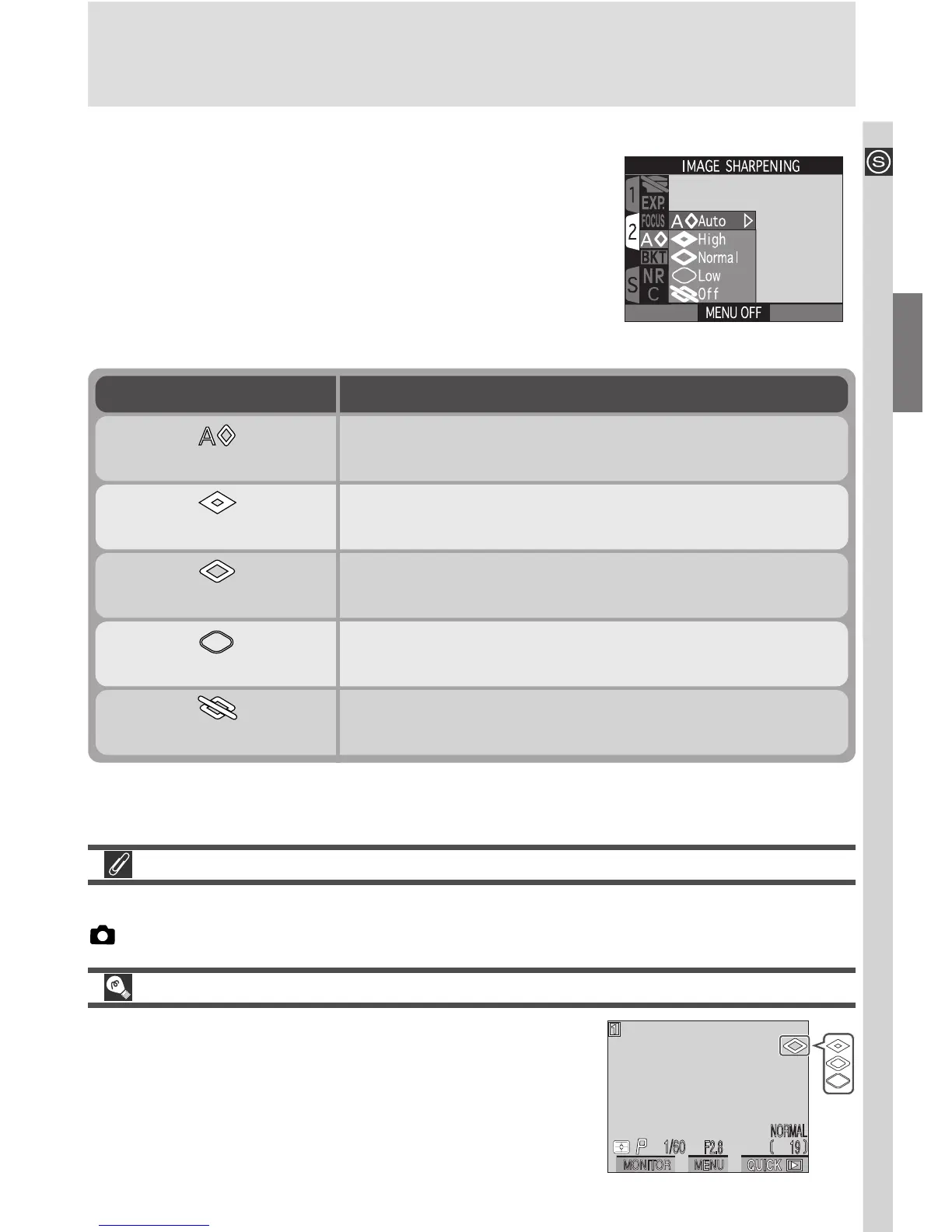
Making Edges More Distinct: The Image Sharpening Menu
When you take a photograph, the camera auto-
matically outlines edges, making the image appear
sharper. In User Sets 1, 2, and 3, the image sharp-
ening menu gives you control over the amount of
sharpening performed (in User Set A, the camera
automatically adjusts sharpening according to the
subject). The following options are available:
The effects of sharpening are not visible in the monitor when the camera is in
(shooting) mode.
Viewing the Current Image Sharpening Setting
At settings other than Auto and Off, the current
image-sharpening setting is shown by an icon in
the monitor.
Option Description
Auto
Camera sharpens edges for optimal results; adjust-
ment performed differs from image to image.
High
Image processed to increase sharpness, making
edges more distinct.
Normal
Camera performs same standard level of sharpen-
ing on all images.
Low
Amount of sharpening reduced below normal level.
Off
No sharpening performed.

















 To Next Page