59
Tutorial—Review and Deletion
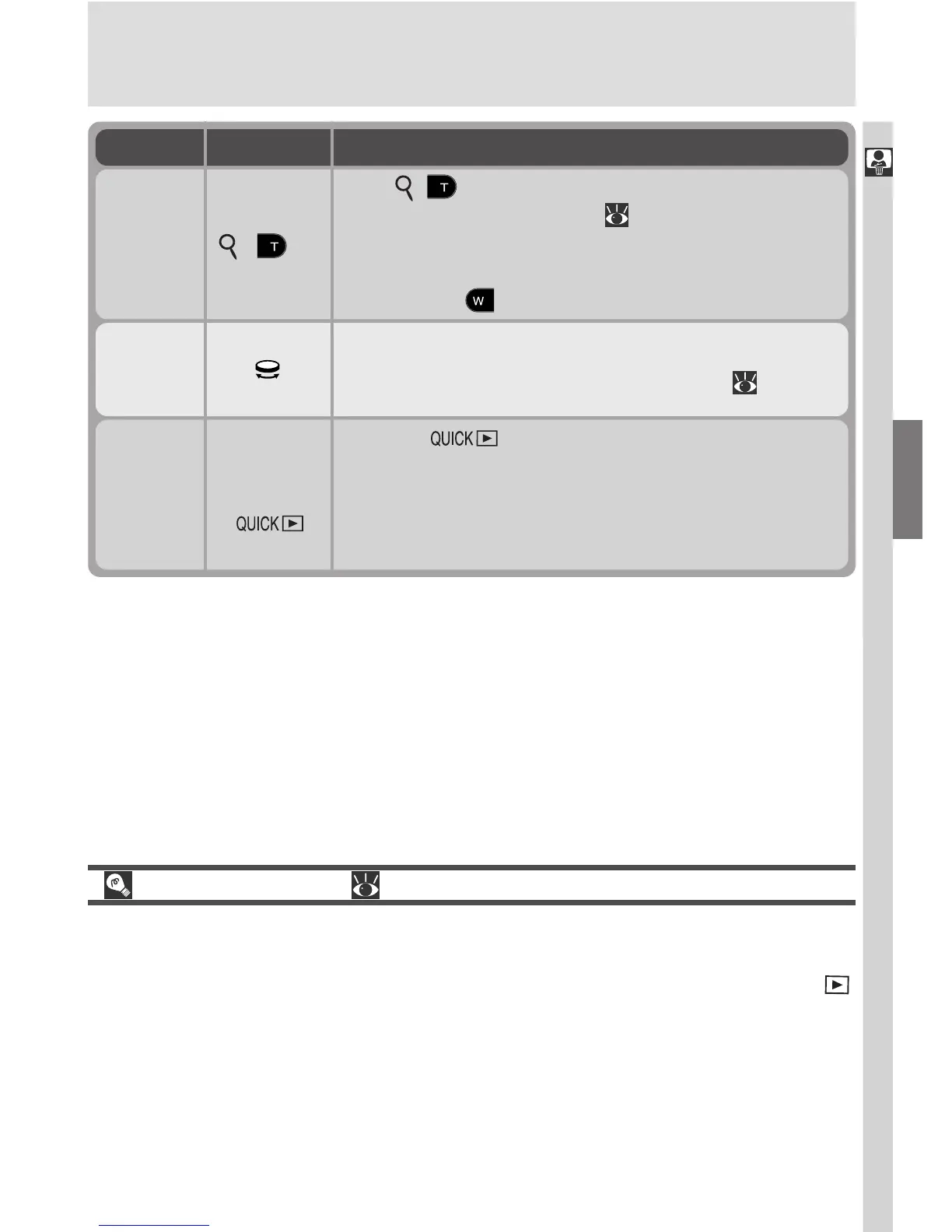
View
photo
info
Rotate the command dial to view additional infor-
mation about the current photograph ( 162).
Zoom
photo in
(
)
Press
( ) on the zoom button for an enlarged
view of the current photo ( 161). While photo is
zoomed in, use the multi selector to view areas of
the image not visible in the monitor. To cancel
zoom, press .
Return to
shooting
mode
Shutter
release/
Press the button to end review and return to
shooting mode. To return to shooting mode and
focus, press the shutter-release button halfway.
Press the shutter-release button all the way down to
return to shooting mode and take a photograph.
Use Description
Playback Mode ( 157)
The review function described in this section allows you to view photos with-
out leaving shooting mode. Your Nikon digital camera is also equipped with a
full playback mode, which can be accessed by setting the mode selector to .
In addition to the full-screen and thumbnail review functions described in this
section, playback mode can be used to view movies. It also offers a menu of
options for deleting multiple images, choosing the folder for playback, pro-
tecting images from deletion, hiding images during playback, viewing slide
shows, selecting images for transfer to a computer, and preparing digital “print
orders” for printing pictures directly from the memory card.
To

















 To Next Page