81
Taking Photographs—Beyond Point-and-Shoot
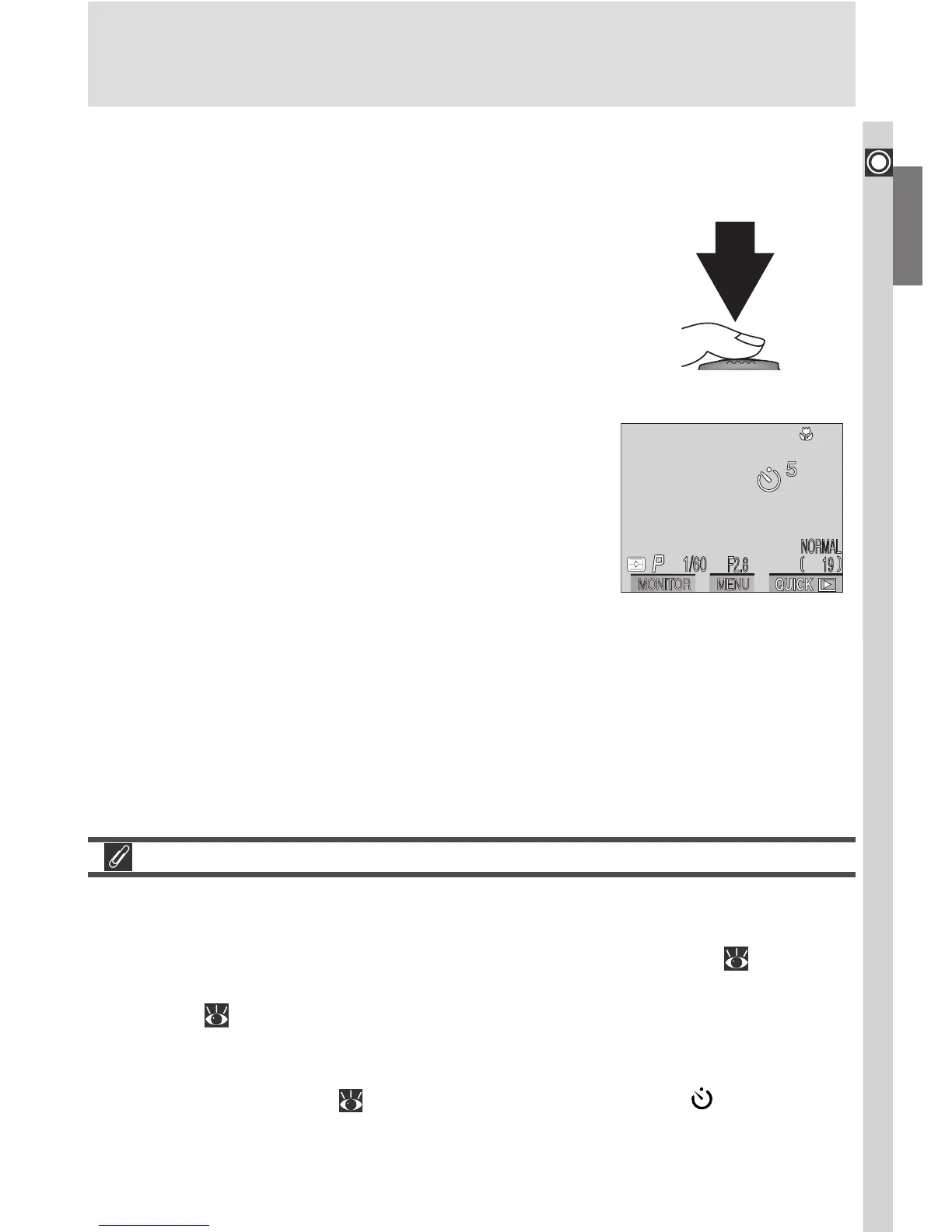
Count-down timer in
monitor shows number
of seconds remaining
until picture is taken
Full press
3
Compose the photograph
Adjust camera settings and frame the picture.
4
Start the timer
Press the shutter-release button all the way
down to activate the timer. Press once for a ten-
second delay, twice for a three-second delay. To
stop the timer, press the shutter-release button
a third time.
The self-timer lamp next to the shutter-release
button will start to blink when the shutter-re-
lease button is pressed, and continue to blink
until one second before the photo is taken. The
self-timer lamp will stay lit during the final sec-
ond to warn that the shutter is about to be re-
leased.
Focusing in Self-Timer Mode
If your subject is not in the center of the frame when the shutter is released in
self-timer mode, the camera will focus on the background and the photograph
may not be in focus. To prevent this, choose User Set 1, 2, or 3 ( 88), select
Manual from the FOCUS OPTIONS > AF Area Mode sub-menu in the SHOOT-
ING menu ( 120), and select the focus area containing your subject manu-
ally using the multi selector. If you are taking a self-portrait and are unsure of
precisely where your subject will appear in the frame, select User Set 1, 2, or
3 and use manual focus ( 98). Be sure the self-timer icon ( ) is showing in
the control panel and monitor before choosing the focus distance, as chang-
ing the focus mode after setting the focus distance will cancel manual focus.

















 To Next Page