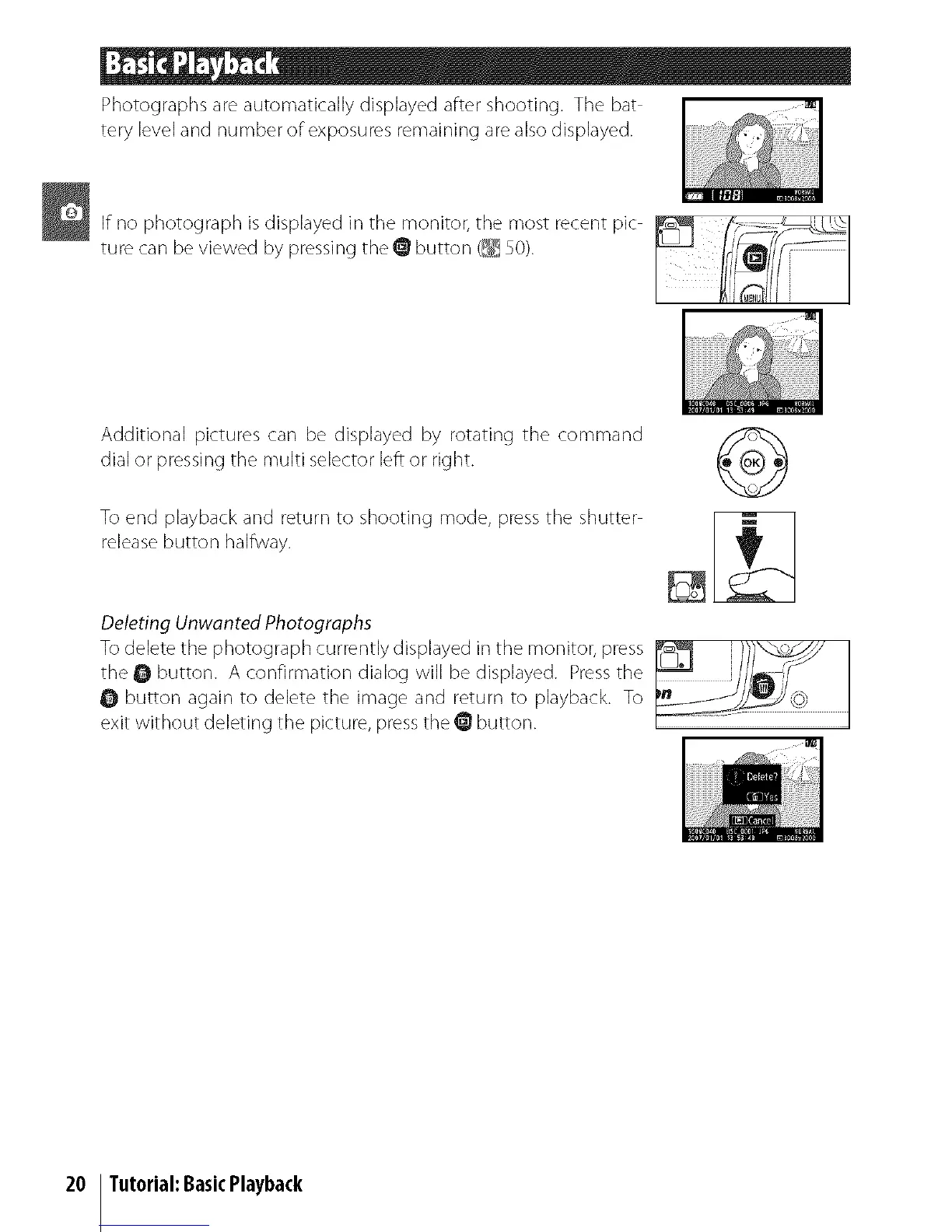
Photographsareautomaticallydisplayedaftershooting.Thebat
terylevelandnumberofexposuresremainingarealsodisplayed.
If no photograph is displayed in tile monitor, tile most recent pic
ture can be viewed by pressing the @ button (_ 50).
Additional pictures can be displayed by rotating the command
dial or pressing the multi selector left or right.
To end playback and return to shooting mode, press the shutter
release button halflJvay.
Deleting Unwanted Photographs
To delete the photograph currently displayed in the monitor, press _ }_
the • button. A confirmation dialog will be displayed. Press the [_" _
0 button again to delete the in]age and return to playback. To
exit witi_out deleting ti_e picture, press the @ button.
20 Tutorial:BasicPlayback



 To Next Page