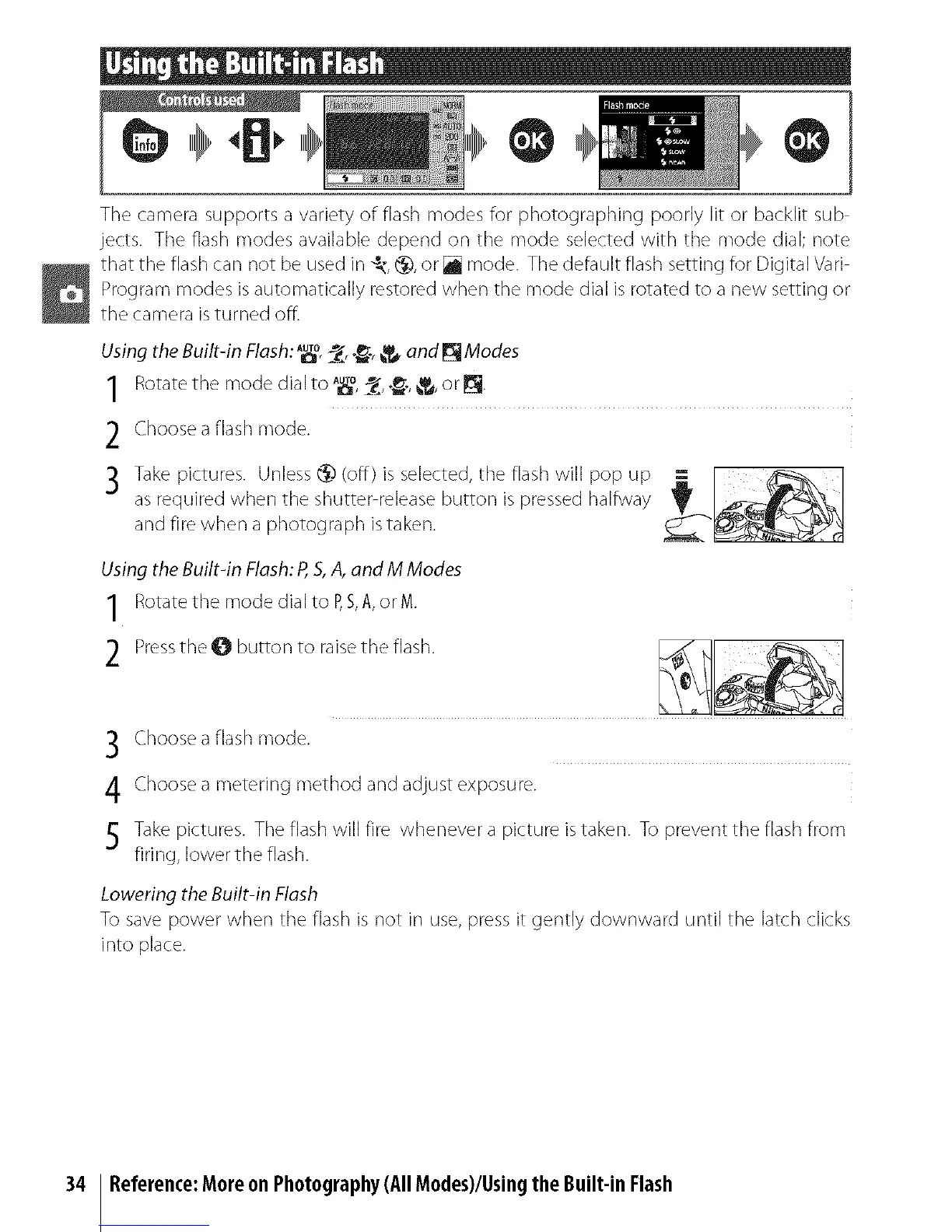
The camera supports a variety of flash modes for photographing poorly lit or backlit sub
jects. The flash modes available depend on the mode selected with the mode dial; note
that the flash can not be used in _, _, or [] mode. The default flash setting for Digital Vari
Program modes isautomatically restored when the mode dial is rotated to a new setting or
the camera isturned off.
Using the Built-in Flesh: A_o_, ._, _ end _ Modes
1 Rotate the mode dial to *uT°_,_:__,"_',_'_Ta,== or_.
2 Choose a flash mode.
,3 Take pictures. Unless @ (off) is selected, the flash will pop up
as required when the shutter release button is pressed halfway
and fire when a photograph istaken.
Using the Built-in Flesh: R S,,4,end M Modes
1 Rotate the mode dial to P,S,A, or M.
2 Pressthe O button to raise the flash.
3 Choose aflash mode.
4 Choosea metering method and adjust exposure.
Takepictures. The flashwill fire whenever a picture istaken. To prevent the flash from
firing, lower the flash.
Lowering the Built-in Flash
To save power when the flash is not in use, press it gently downward until the latch clicks
into place.
34 Reference:Moreon Photography(All Modes)/UsingtheBuilt-in Flash



 To Next Page