File No. Sequence
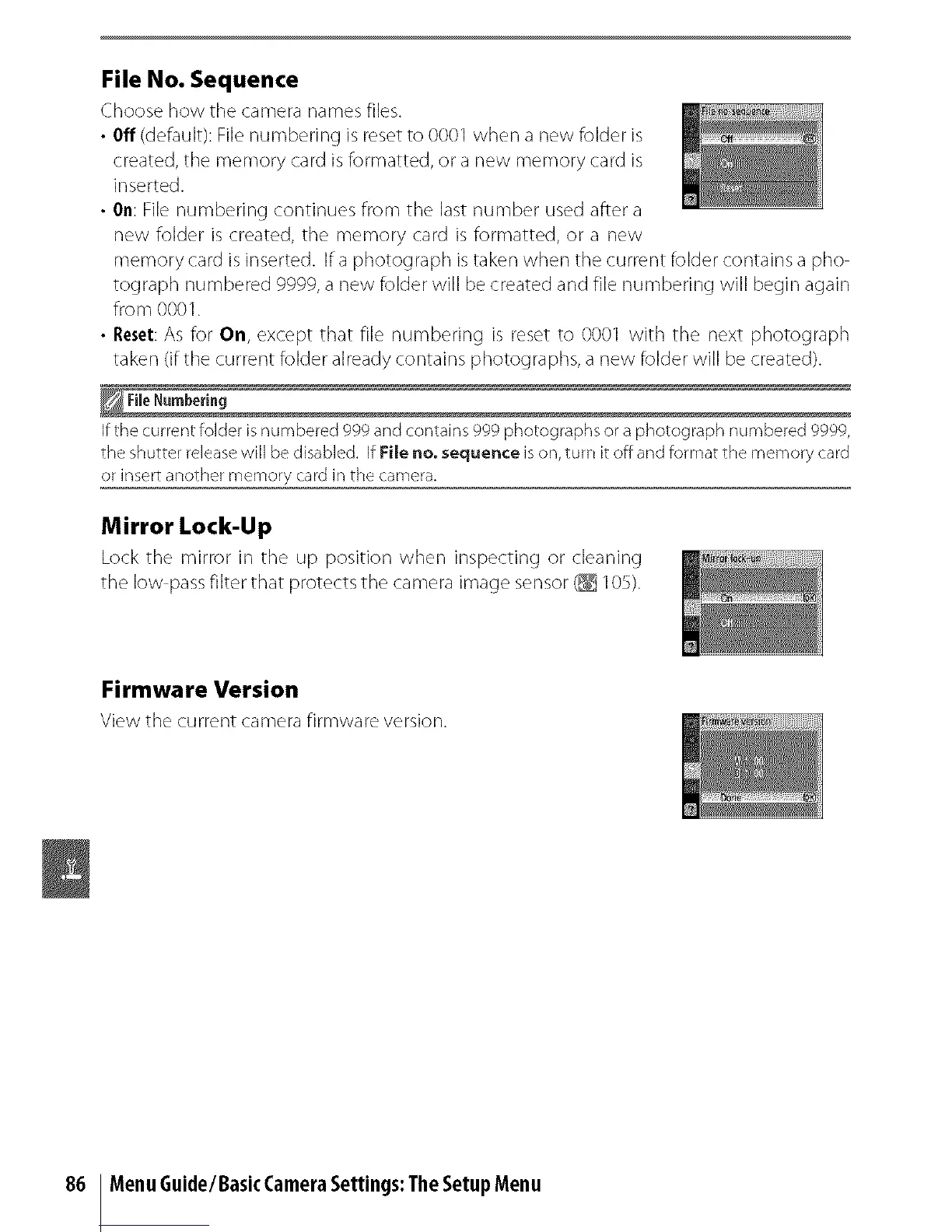
Choose how the camera names files.
• Off (default): File numbering is reset to 0001 when a new folder is
created, the memory card is formatted, or a new memory card is
inserted.
• On: File numbering continues from the last number used after a
new folder is created, the memory card is formatted, or a new
memory card is inserted. If a photograph istaken when the current folder contains a pho
tograph numbered 9999, a new folder will be created and file numbering will begin again
fro m 000 I.
• Reset:As for On, except that file numbering is reset to 0001 with the next photograph
taken (if the current folder already contains photographs, a new folder will be created).
_File Numbering
if the current folder is numbered ggg and contains ggg photographs or a photograph numbered gggg
the shutter release will be disabled, if File no, sequence is on, turn it off and format the memory card
or insert another memory card in the camera.
Mirror Lock-Up
Lock the rnirror in the up position when inspectinc t or cleaning
the low pass filter that protects the camera image sensor (_ I OS).
Firmware Version
View the current camera firmware version.
86 MenuGuide/BasicCameraSettings:TheSetupMenu



 To Next Page