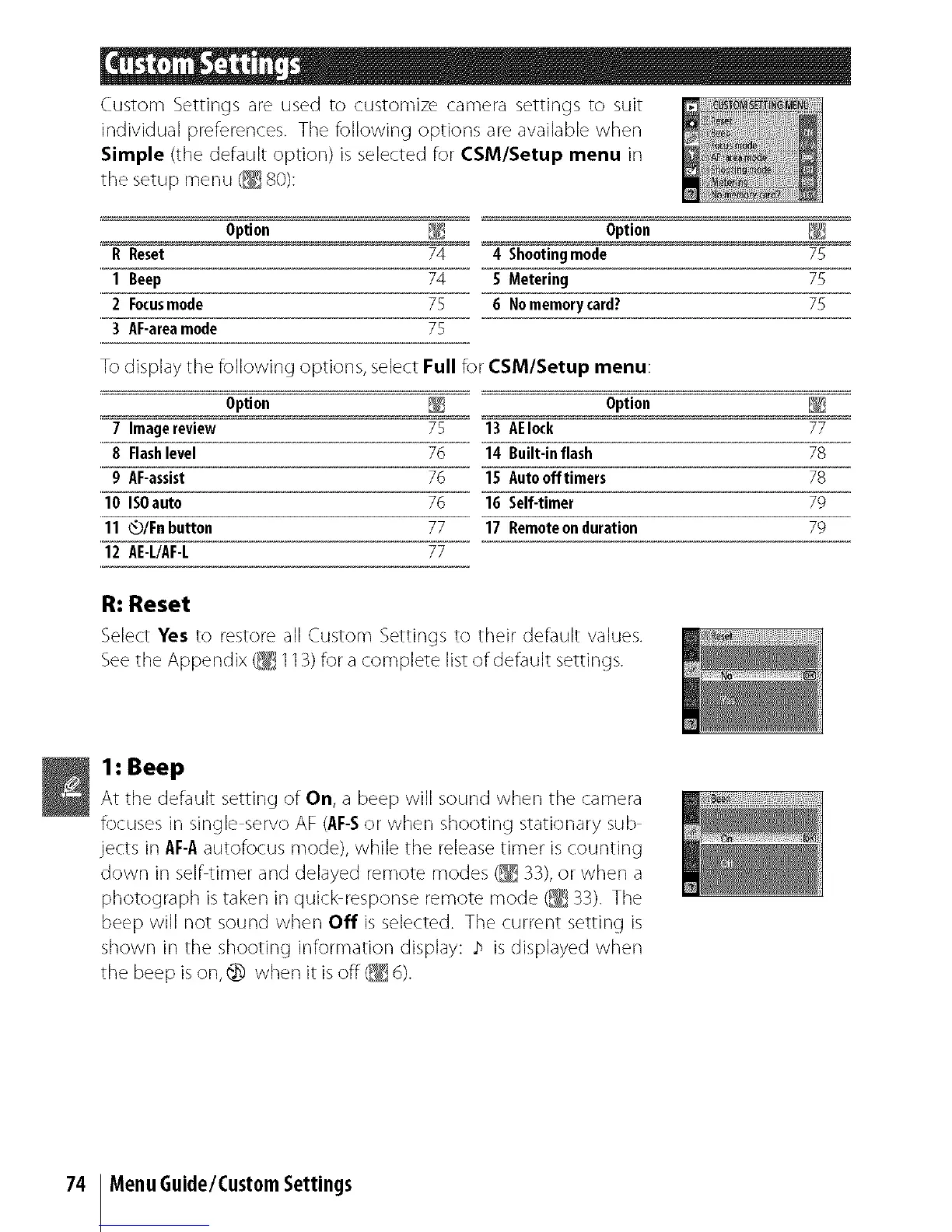
Custom Settings are used to customize camera settings to suit
individual preferences. The following options are available when
Simple (the default option) is selected for CSM/Setup menu in
the setup menu (_ 80):
Option _ Option _
R Reset 74 4 Shootingmode 75
1 Beep 74 5 Metering 75
2 Focusmode 75 6 Nomemorycard? 75
3 AF-areamode 75
To display the following options, select Full for CSM/Setup menu:
Option _ Option
7 Imagereview 75 13 AEIock
8 Flashlevel 76 14 Built-inflash
g AF-assist 76 15 Autoofftimers
10 ISOauto 76 16 Self-timer
11 Q/Fn button 77 17 Remoteonduration
12 AE-L/AF-L 77
R: Reset
Select Yes to restore all Custom Settings to their default values.
See the Appendix (_ 113) for a complete list of default settings.
77
78
78
79
79
1: Beep
At tile default setting of On, a beep will sound when tile camera
focuses in single servo AF (AF-Sor when shooting stationary sub
jects in AF-Aautofocus mode), while the releasetimer iscounting
down in selfitimer and delayed remote modes (_ 33),or when a
photograph is taken in quick responseremote mode (_ 33). The
beep will not sound when Off is selected. The current setting is
shown in the shooting information display: ;_ is displayed when
the beep is on, @ when it is off (_ d).
74 MenuGuide/CustomSettings



 To Next Page