enPlayback
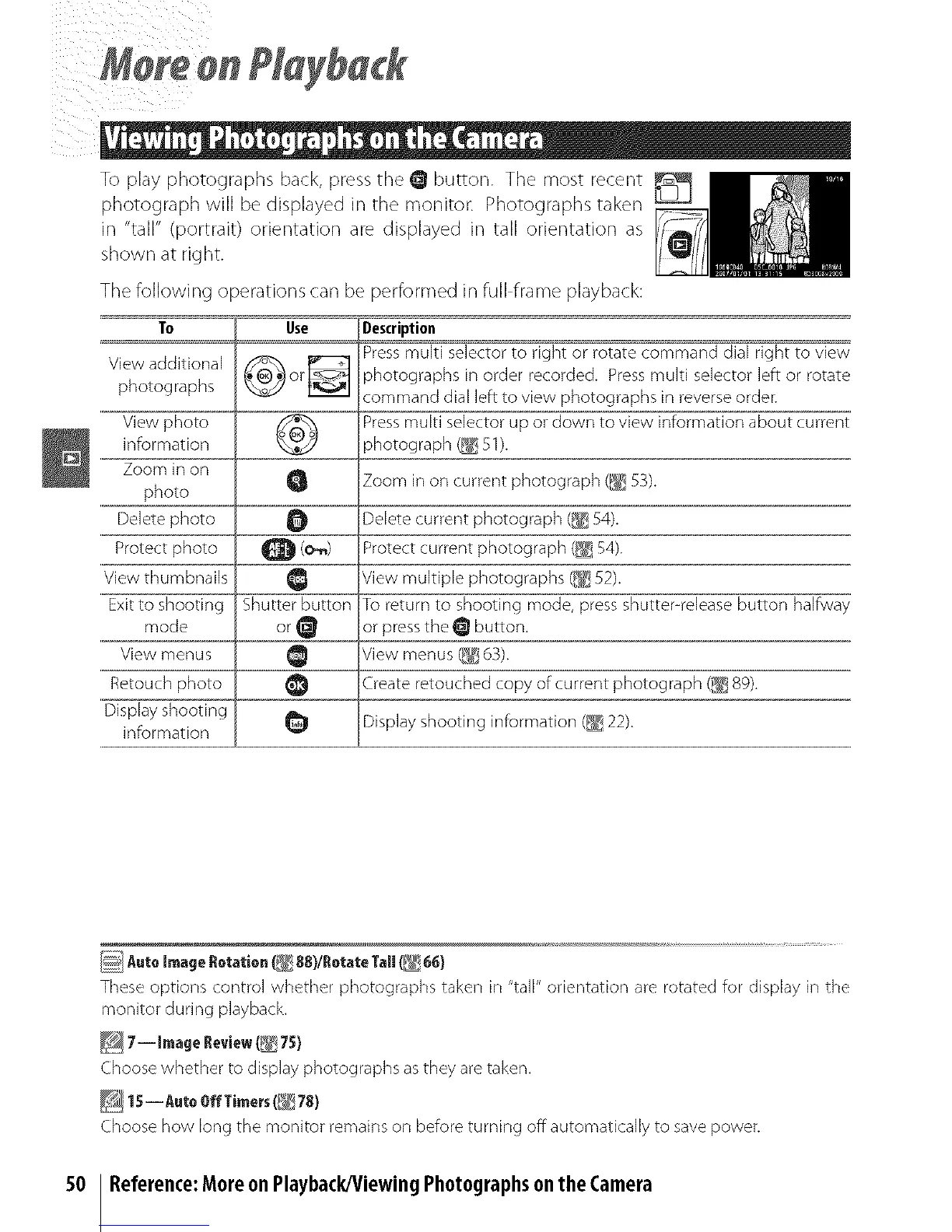
To play photographs back, press the O button. The most recent
photograph will be displayed in the monitor: Photographs taken
in "tall" (portrait) orientation are displayed in tall orientation as
shown at right.
The following operations can be performed in full frame playback:
To Use Description
View additional _ _ Press multi selector to right or rotate command dial right to view
photographs _ or_ photographs in order recorded. Press multi selector left or rotate
command dial left to view photographs in reverse order.
View photo _ Press multi selector up or down to view information about current
information _ photograph _ 51).
Zoom in on
photo Q Zoom in on current photograph (_] 53).
Delete photo O Delete current photograph (_ 54).
Protect photo Q (o_) Protect current photograph (_ 54).
View thumbnails Q View multiple photographs (_ 52).
Exit to shooting Shutter button To return to shooting mode, press shutter-release button halfway
mode or_ or press the _ button.
View menus _ View menus (_ 63).
Retouch photo _1 Create retouched copy of current photograph (_ 89).
Display shooting
information _ Display shooting information (_ 22).
5O
AutoImage flotation _ 88)/l!otate Tall(b_ 66)
These options control whether photographs taken in "tall" orientation are rotated for display in the
monitor during playback.
_ 7-- Image Review (_ 75)
Choose whether to display photographs as they are taken.
15-- AutoOff Timers(_ 78)
Choose how long the monitor remair/s or/before turning off automatically to save power.
Reference:Moreon Playback/ViewingPhotographsonthe Camera



 To Next Page