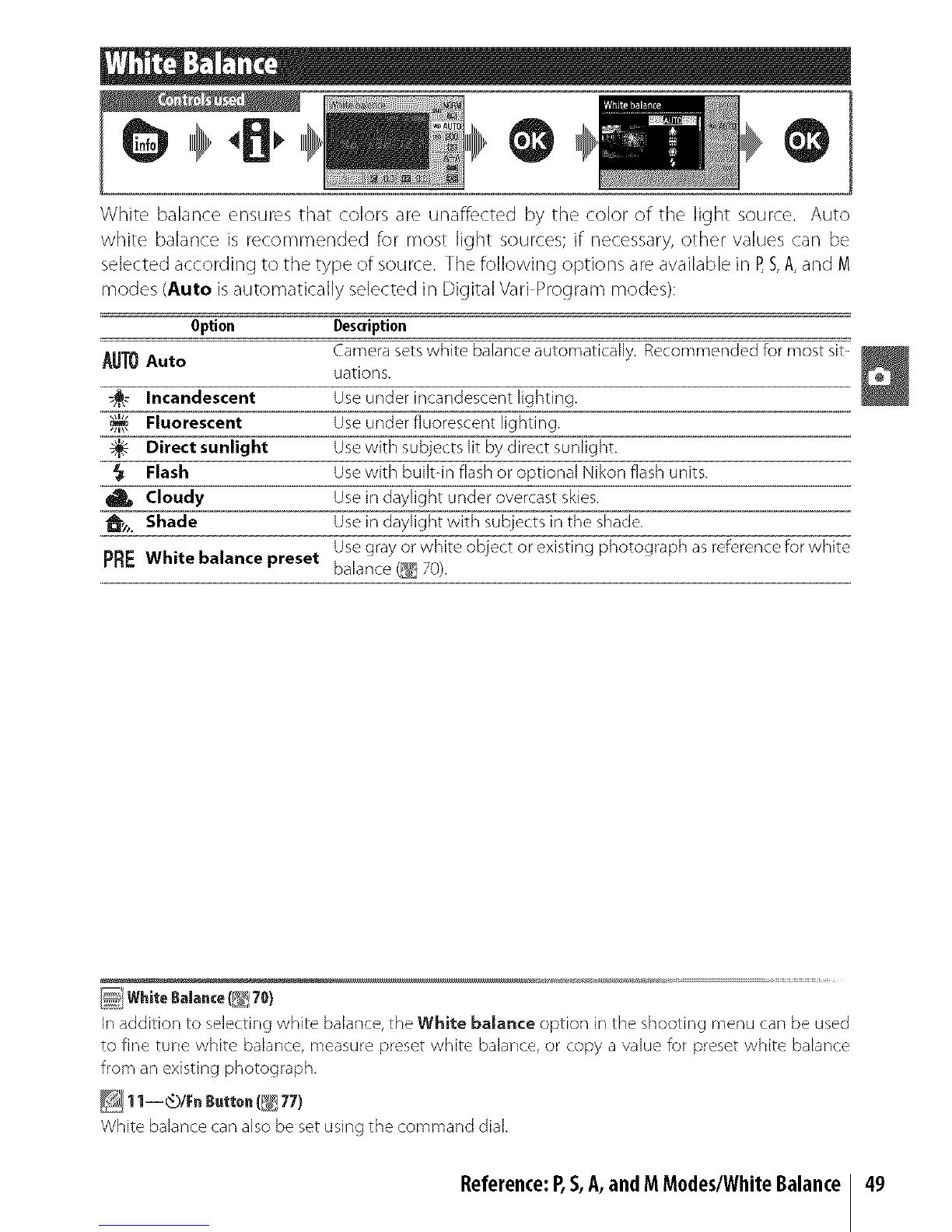
White balance ensures that colors are unaffected by the color of the light source. Auto
white balance is recommended for most light sources;if necessary,other values can be
selected according to the type of source. The following options areavailable in P,S,A,and M
modes (Auto is automatically selected in Digital Vari Program modes):
Option Description
Camera sets white balance automatically. IRecomrnended for most sit-
AUTOAuto
uations.
_ Incandescent Use under incandescent lighting.
Fluorescent Use under fluorescent lighting.
8-'- Direct sunlight Use with subjects lit by direct sunlight.
Flash Use with built-in flash or optional Nikon flash units.
Cloudy Use in daylight under overcast skies.
A Shade Use in daylight with subjects in the shade.
Use gray or white object or existing photograph as reference for white
pRF: white balance preset balance (_ 70).
In addition to selecting white balance, the White baJance option in the shooting menu car/be used
to fine tune white balance, measure preset white balar/ce, or copy a value for preset white balance
from an existing photograph.
White balance can also be set using the command diak
Reference:P,S,A,andMM0des/WhiteBalance 49



 To Next Page