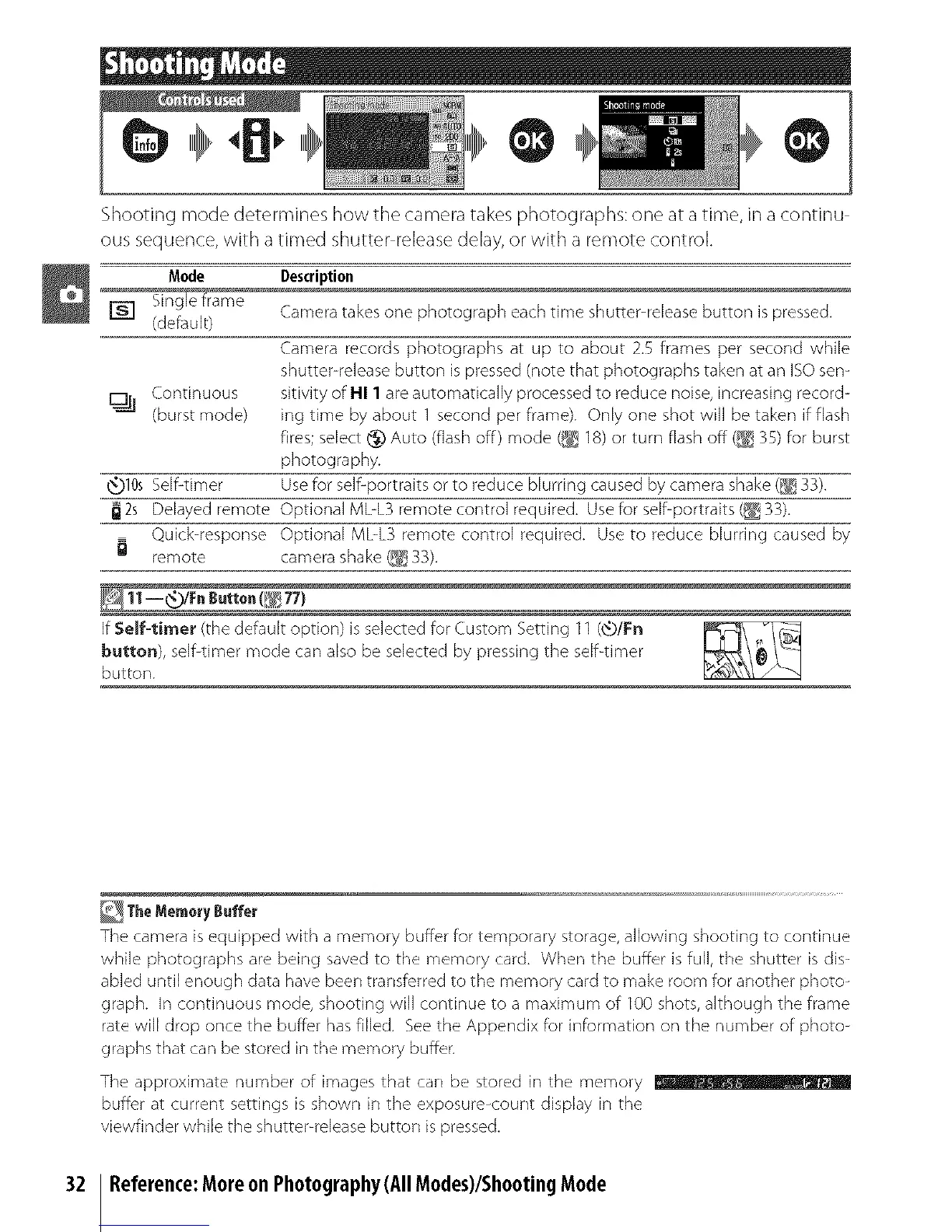
Shooting mode determines how tile camera takes photographs: one at a time, in a continu
ous sequence, with a timed shutter release delay, or with a remote control.
Mode Description
Single frame
[] (default) Camera takes one photograph each time shutter-release button is pressed.
Camera records photographs at up to about 2.5 frames per second while
shutter-release button is pressed (note that photographs taken at an ISO sen-
sitivity of HI 1 are automatically processed to reduce noise, increasing record-
ing time by about 1 second per frame). Only one shot will be taken if flash
fires; select t_ Auto (flash off) mode (_e_18) or turn flash off (_ 35) for burst
photography.
_t_)10sSelf-timer Use for self-portraits or to reduce blurring caused by camera shake (_ 33).
2s Delayed remote Optional MbL3 remote control required. Use for self-portraits (_ 33).
Quick-response Optional MbL3 remote control required. Use to reduce blurring caused by
remote
11-_!Fn _.tto.(_ 77)
If Self-timer (the default option) is selected for Custom Setting 11 (_)/Fn
button), self-timer mode can also be selected by pressing the self-timer
button.
Continuous
(burst mode)
32
The Memory Buffer
The camera is equipped with a memory buffer for temporary storage, allowing shooting to continue
while photographs are being saved to the memory card. When the buffer is full, the shutter is dis-
abled until enough data have been transferred to the memory card to make room for another photo-
graph. In continuous mode, shooting will continue to a maximum of 100 shots, although the frame
rate will drop once the buffer has filled. See the Appendix for it/formation on the number of photo-
graphs that can be stored in the memory buffer.
The approximate number of images that car/ be stored in the memory
buffer at current settings is shown in the exposure-count display in the
viewfinder while the shutter-release button is pressed.
Reference:Moreon Photography(All Modes)/ShootingMode



 To Next Page