In shutter priority auto, you choose the shutter speed from values between 30s and V4,000s
while the camera automatically selects the aperture that will produce the optimal exposure.
Use slow shutter speeds to suggest motion by blurring moving subjects, high shutter
speeds to "freeze" motion.
To take photographs in shutter priority auto:
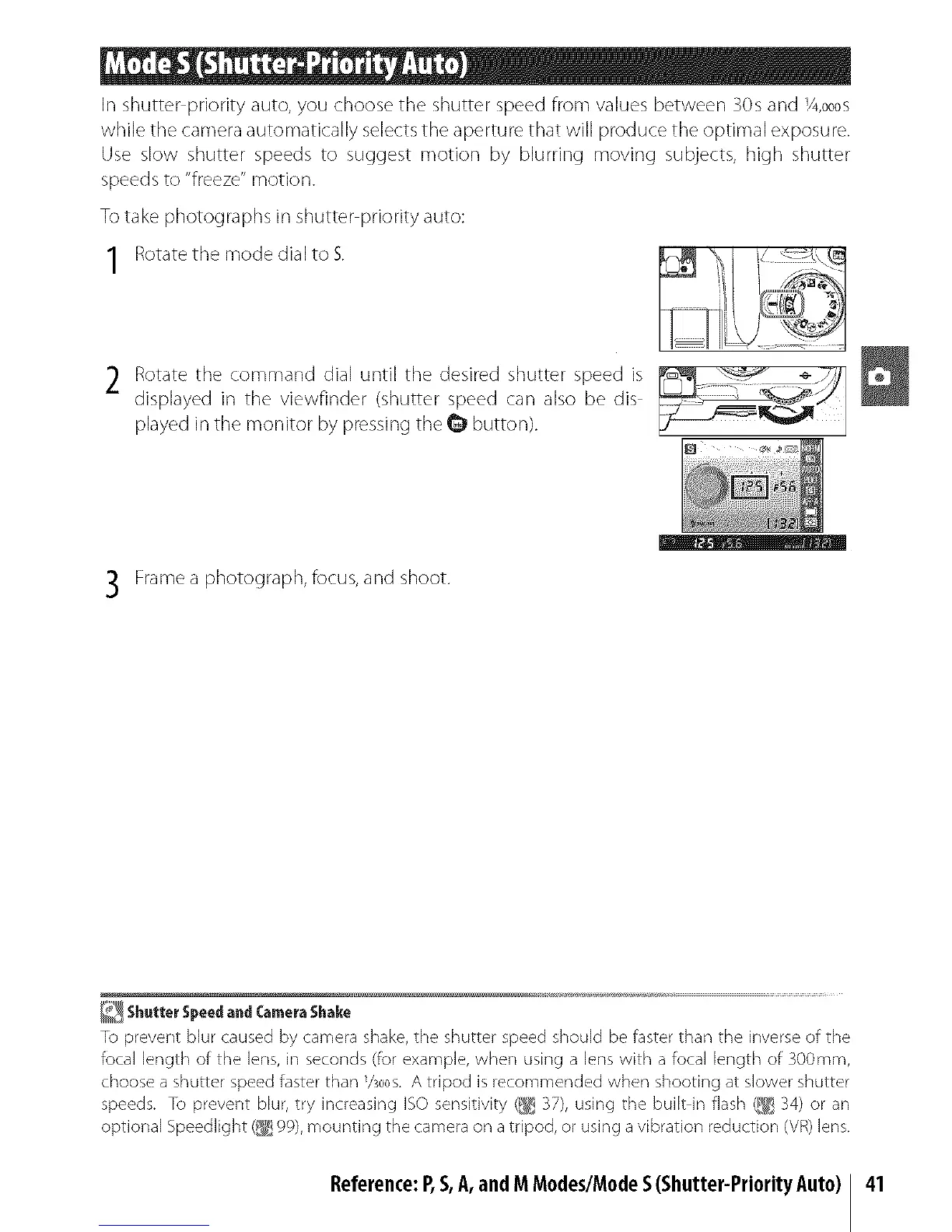
Rotate the mode dial to $.
2 Rotate the command dial until the desired shutter speed is
displayed in the viewfinder (shutter speed can also be dis
played in the monitor by pressing the @ button).
B
Frame a photograph, focus, and shoot.
i
ShutterSpeedandCameraShake
To prevent blur caused by camera shake, the shutter speed should be faster than the inverse of the
focal length of the lens, in seconds (for example, when using a lens with a focal length of 300ram,
choose a shutter speedfaster than %00s.A tripod is recommended when shooting at slower shutter
speeds. To prevent blur, try increasing ISOsensitivity (_ 37), using the built in flash (_ 34) or an
optior/al Speedlight (_ 99),mounting the camera on a tripod, or using a vibratior/reduction (VR)lens.
Reference:P,S,A,andM Modes/ModeS(Shutter-PriorityAuto)
41



 To Next Page